Add Windows Support #46
Conversation


|
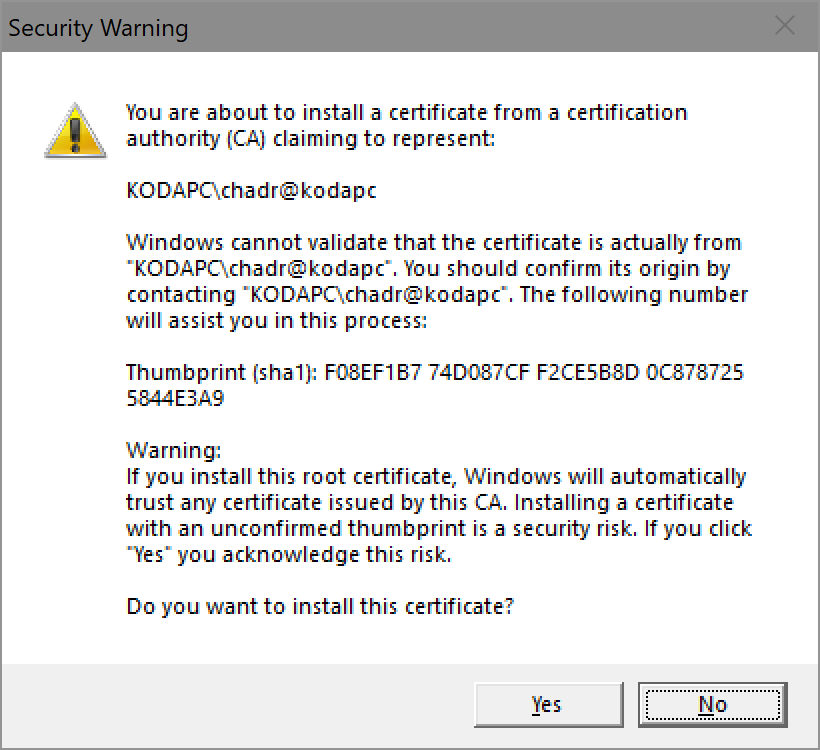
By the way, this pops up dialogs. On install:
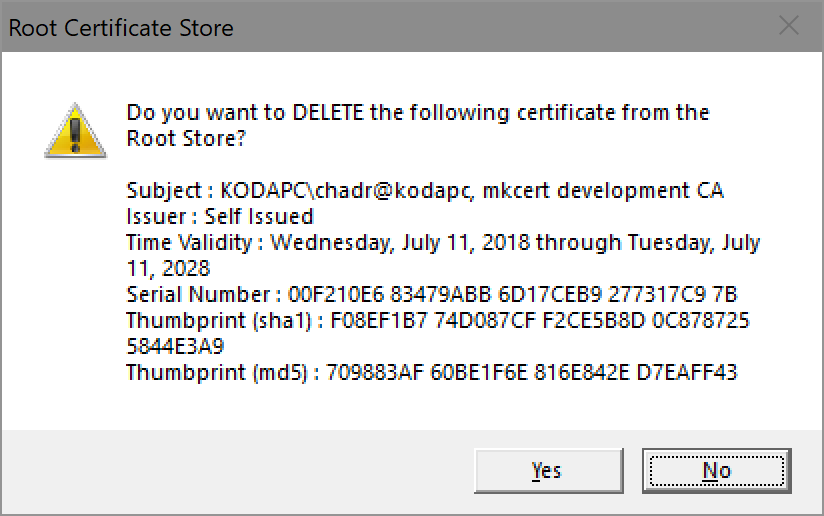
On uninstall:
|

truststore_windows.go
Outdated
| fatalIfErr(err, "open root store") | ||
| defer store.close() | ||
| // Do the deletion | ||
| deletedAny, err := store.deleteCertsFromOrg("mkcert development CA") |

There was a problem hiding this comment.
Should this just be pulled from the certificate?
https://github.com/FiloSottile/mkcert/blob/master/cert.go#L53
There was a problem hiding this comment.
Sure, I was just trying to avoid file access + parsing and that value is not in a property and when doing something like adding just a new OS to an existing codebase, I try to keep the alterations confined and leave refactorings (such as sharing this string) elsewhere. However, if necessary I can either extract this into a const or on uninstall I can read from file, parse the cert, and take the org from there. Pick which and I'll do it.

There was a problem hiding this comment.
This is what caUniqueName is for, and the CA is always loaded from disk. Removing all mkcert certificates is not ok because there might be multiple CAROOTs used at the same time.
There was a problem hiding this comment.
@FiloSottile - Can you help me understand the ideal approach here? Are you saying on install I should parse the cert from the file and put the result of caUniqueName somewhere like NSS? Or can I use serialNumber when enumerating the certs to find which one to delete?
There was a problem hiding this comment.
My bad, you don't need caUniqueName, you can use the serial number:
parsedCert.SerialNumber.Cmp(m.caCert.SerialNumber) == 0

| return deletedAny, fmt.Errorf("Failed enumerating certs: %v", err) | ||
| } | ||
| // Parse cert | ||
| certBytes := (*[1 << 20]byte)(unsafe.Pointer(cert.EncodedCert))[:cert.Length] |
There was a problem hiding this comment.
Use C.GoBytes https://golang.org/cmd/cgo/#hdr-Go_references_to_C
There was a problem hiding this comment.
The unfortunate part of this is that it requires import "C" which then requires gcc on the PATH for Windows builds. The logic I used came from https://github.com/golang/go/blob/22e17d0ac7db5321a0f6e073bd0afb949f44dd70/src/crypto/x509/root_windows.go#L70. However, if you still want me to use cgo in this case, I will.

There was a problem hiding this comment.
I can confirm this is working for me.
There was a problem hiding this comment.
Ah, right, didn't think about avoiding cgo. A bit scary, but this will do.

|
Really excited for this update. This seems like an awesome tool and unfortunately I work in a windows environment. |

|
Thanks guys! Could you update README for using in Windows? |

|
Would love this update as most of our devs work on windows systems 😄 |
|
@nickkaczmarek, @yanlinaung30, @arsamsarabi, et al...you can simply |

|
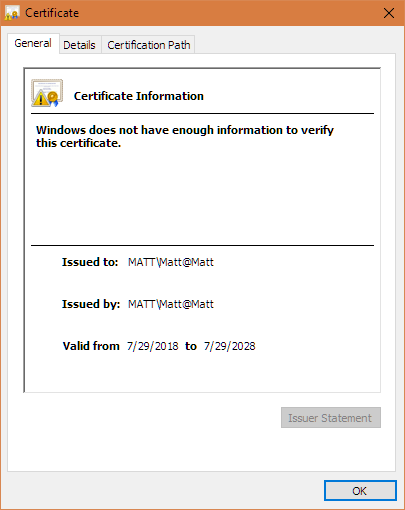
Tried this but the cert appears invalid This page is not secure (broken HTTPS). |
|
@Geczy - What browser? I am a bit swamped atm, but will revisit this tomorrow. |
|
Chrome Version 68.0.3440.75 (Official Build) (64-bit) |
|
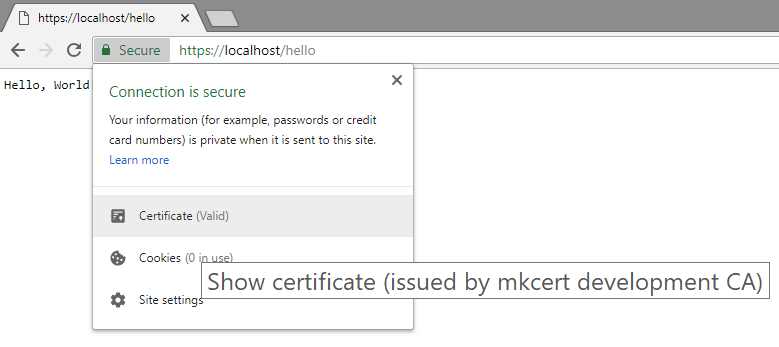
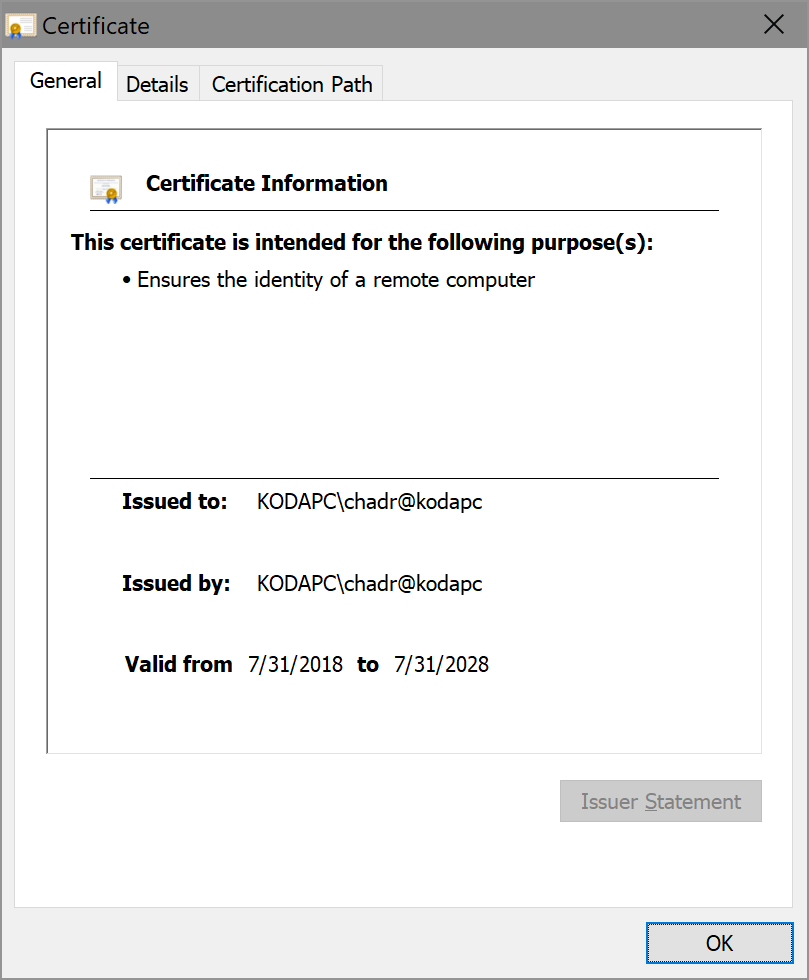
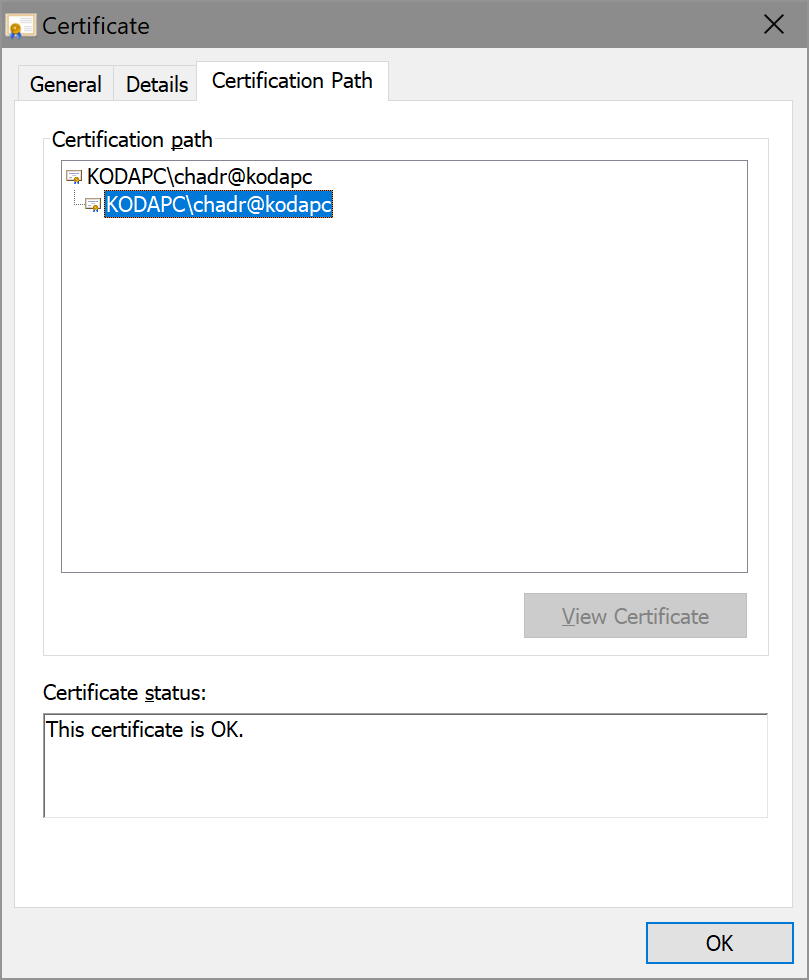
@Geczy - This worked just fine for me. Expand for details
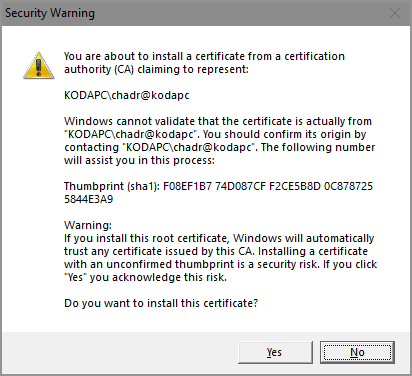
First, I installed the cert: Which gave me a dialog which I accepted: And outputted: Then, I ran mkcert to generate a localhost cert: Success: Then I wrote the following Go file: package main
import (
"log"
"net/http"
)
func main() {
http.HandleFunc("/hello", func(w http.ResponseWriter, req *http.Request) {
w.Header().Set("Content-Type", "text/plain")
w.Write([]byte("Hello, World!"))
})
if err := http.ListenAndServeTLS(":443", "localhost.pem", "localhost-key.pem", nil); err != nil {
log.Fatal(err)
}
}Then built it, ran it, and visited https://localhost/hello and it succeeded: The cert: The chain: |
|
Tried this again I don't get that popup that you do, any idea why? |
|
You typed |
|
Thanks, works flawlessly |

8 participants


This is to address issue #42. This uses the win32 crypt API which is what Go uses elsewhere when interfacing with the OS cert store. Also, though there is a "certutil.exe" in Windows, it's not the NSS one and therefore while I reference the FF paths, I left
hasCertutilas false for this OS incert.go.I took care to make the smallest, self-contained changes I could here for minimal Windows support. However as I mention in #45, this code could benefit from a lot of refactoring and "library-ification". I don't like panicking on error, returning bools, hardcoding CA org name, etc.