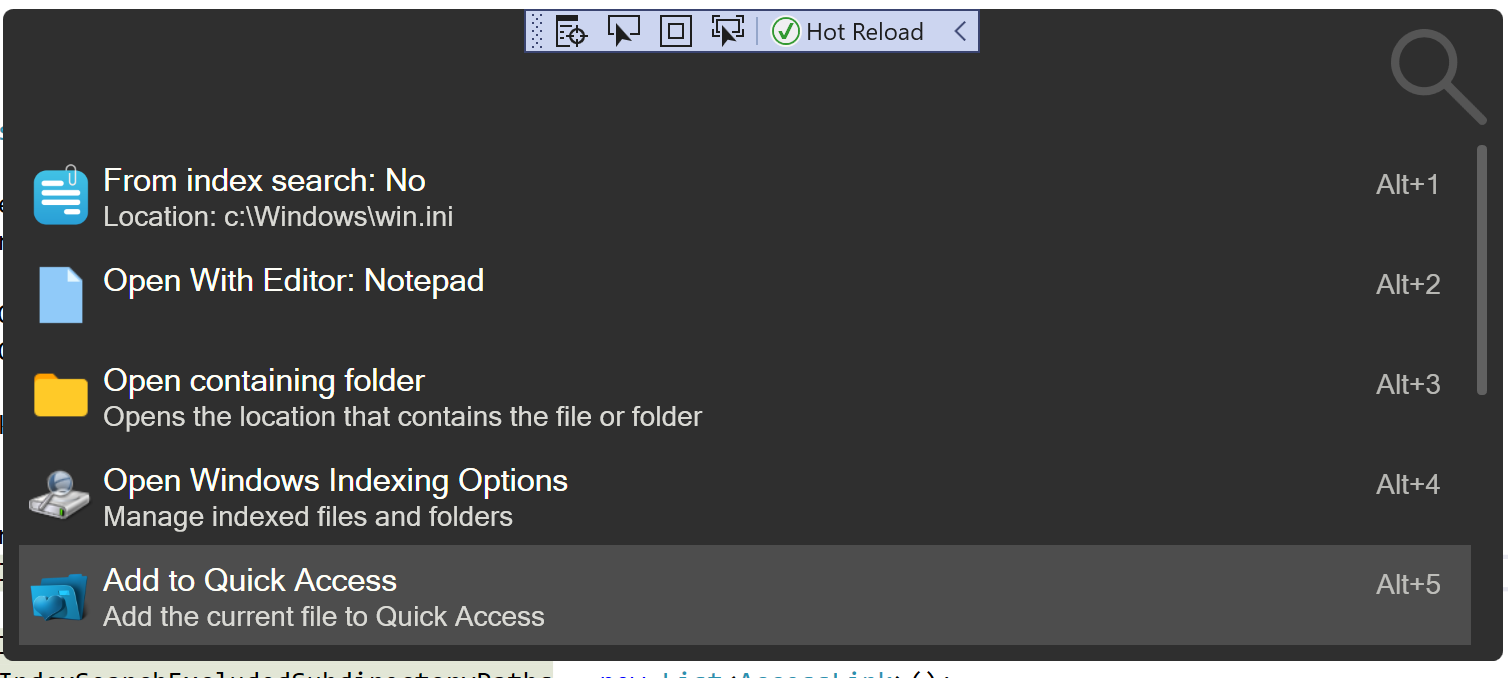
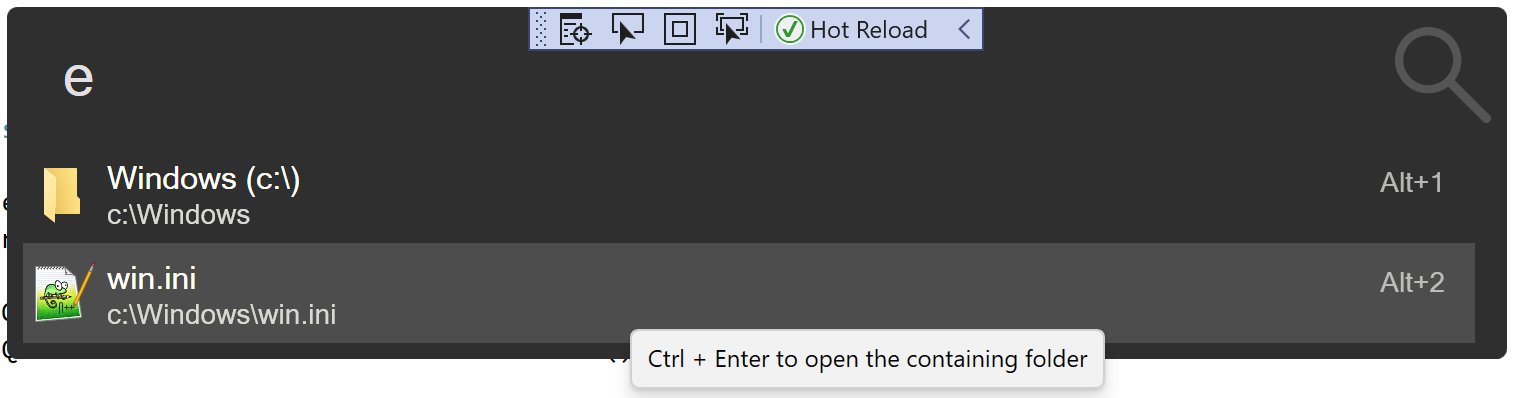
Add save file with Explorer for quick access#315
Conversation


| SubTitle = $"Add the current {fileOrFolder} to Quick Access", | ||
| Action = (context) => | ||
| { | ||
| try |
|
|
||
| // as at v1.7.0 this is to maintain backwards compatibility, need to be removed afterwards. | ||
| if (Settings.QuickFolderAccessLinks.Any()) | ||
| Settings.QuickAccessLinks = Settings.QuickFolderAccessLinks; |
There was a problem hiding this comment.
Please also remove QuickFolderAccessLinks so that it won't be saved via json.
There was a problem hiding this comment.
Good pick up 👍
It needs to be loaded once, so I dont know how I can make it so it gets loaded but ignored when saving. Changed it so it's saved as empty list.
| var queriedAccessLinks = | ||
| accessLinks.Where(x => x.Nickname.StartsWith(search, StringComparison.OrdinalIgnoreCase)); | ||
|
|
||
| return queriedAccessLinks |
There was a problem hiding this comment.
Maybe using an OrderBy ResultType and ThenBy Title will be more clear? since ResultType is an enum and it should be comparable.
| .ToList(); | ||
| } | ||
|
|
||
| internal List<Result> AccessLinkListAll(Query query, List<AccessLink> accessLinks) |
There was a problem hiding this comment.
Please use select with switch or if instead where twice and concat. I can do it for you if you want.
 taooceros
left a comment
taooceros
left a comment
taooceros
left a comment
There was a problem hiding this comment.
Please change a bit so that the code don't become redundant.


|
@jjw24 please see the last commit. BTW, is it also possible to add remove quick access to context menu? |

will do
sorry what do you mean? |
|
done @taooceros |
Don't worry. It's fine. |
|
Awesome, thank you for reviewing :) |
2 participants


Save:
Access & launch
Closing #262