Conversation

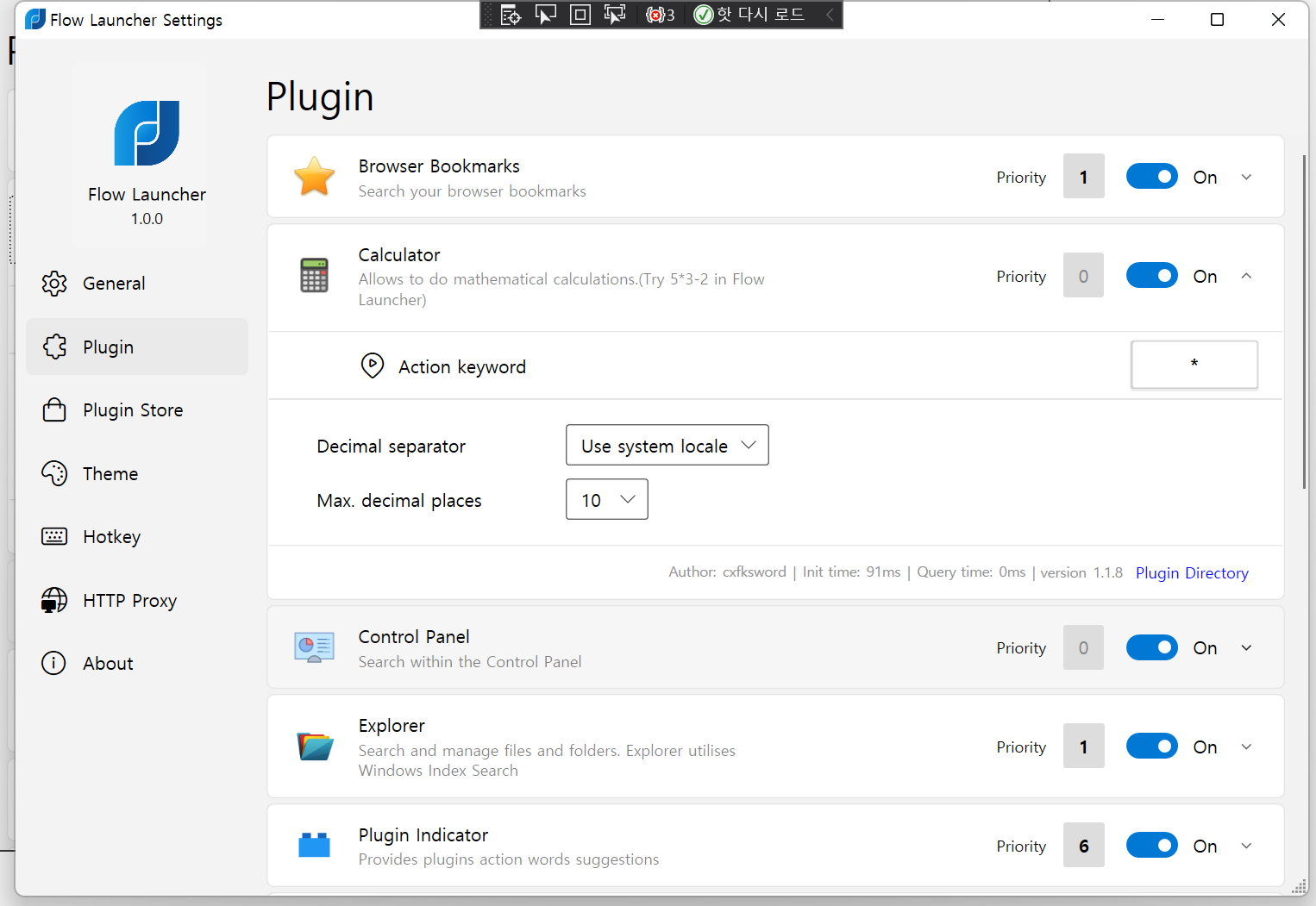
- Adjust Plugin page

Add public getter for SettingControl in PluginViewModel

|
Todo
Check if it's possible
It would be nice if each plug-in had an example query description. (it's not plugin description) |
- Priority Button color change by Priority number (0 gray, 0<= Bold Black)
- Priority button update when property changed.
- Fix layout for init/query time/version/plugin store
- change action keyword to button
- add listbox bottom margin
- add margin when select list item for easy to distinguish.
- Adjust listbox Margin for fit other setting page list.
- Adjust Calc/webseearch plugin setting Margin
- Adjust Calc/webseearch plugin setting Margin
- Adjust Calc/webseearch plugin setting Margin
Use sender to find actual pluginviewmodel instead of use selected
|
|
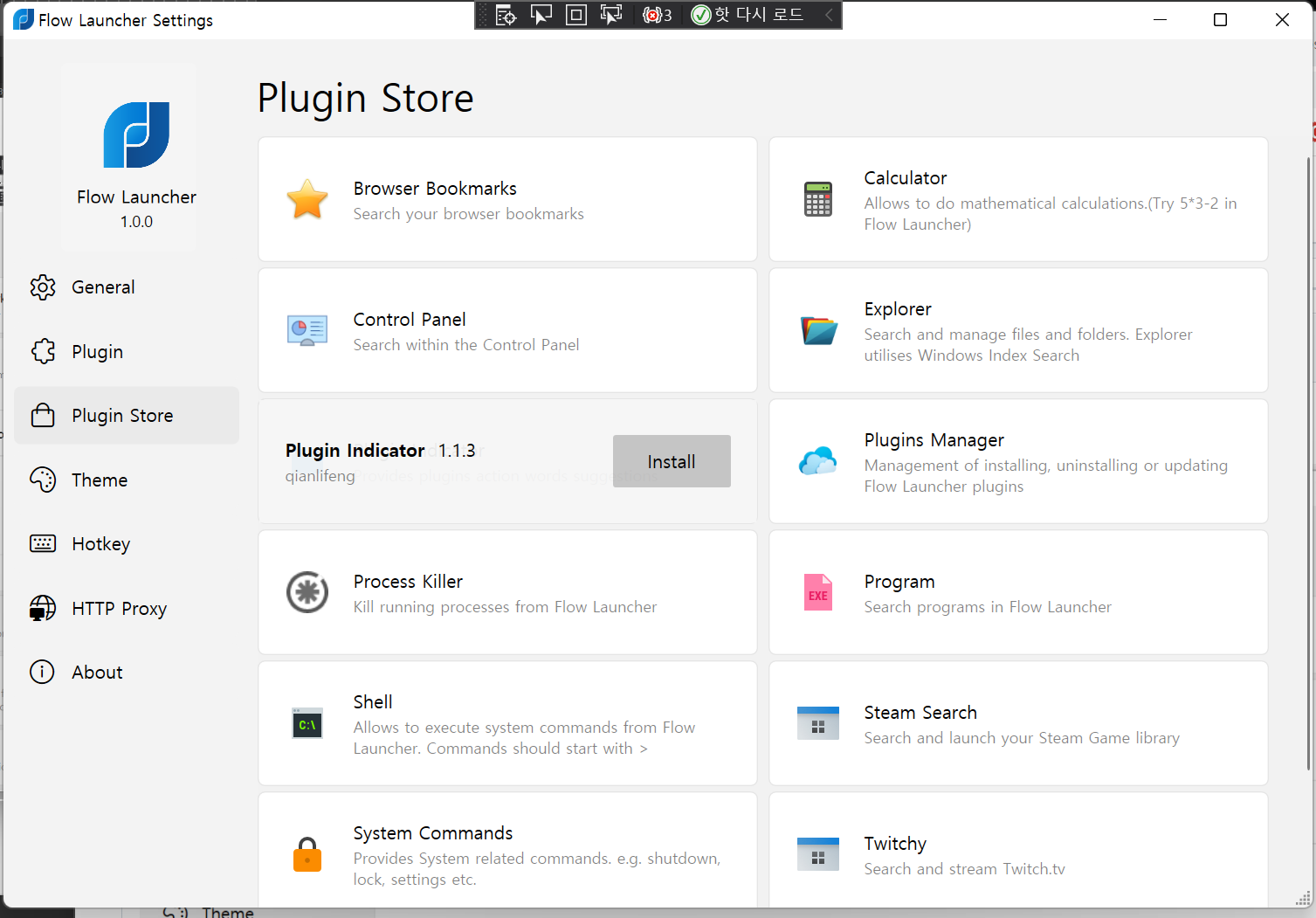

Flow.Launcher/Languages/en.xaml
Outdated
| <system:String x:Key="autoHideScrollBar">Auto Hide Scroll Bar</system:String> | ||
| <system:String x:Key="autoHideScrollBarToolTip">Automatically hides the Settings window scroll bar and show when hover the mouse over it</system:String> | ||
| <system:String x:Key="autoHideScrollBar">Auto Hide Scroll Bar in Setting</system:String> |

There was a problem hiding this comment.
we dont need this right? since auto hide scroll bar is removed
There was a problem hiding this comment.
i am still seeing alot of places where the auto hide scroll bar code exists, are we removing this option completely? if so i can clean it up.

There was a problem hiding this comment.
we dont need this right? since auto hide scroll bar is removed
This function was created because of a problem that people don't know the menu below, so it's a function that you don't need unless the design has been reorganized. If there is a similar problem, it is right to just grow a scroll bar without option. and this option has a problem of confusing the scroll bar in the result window.
i am still seeing alot of places where the auto hide scroll bar code exists, are we removing this option completely? if so i can clean it up.
yeah, You can get rid of it.
@taooceros seems to have forgotten this question. I think we can just do "Refresh Done" on the notification window. |

|
@onesounds you mentioned this in the description, can you give a bit more context, is it still a problem:
|
@taooceros seems to have forgotten too. |
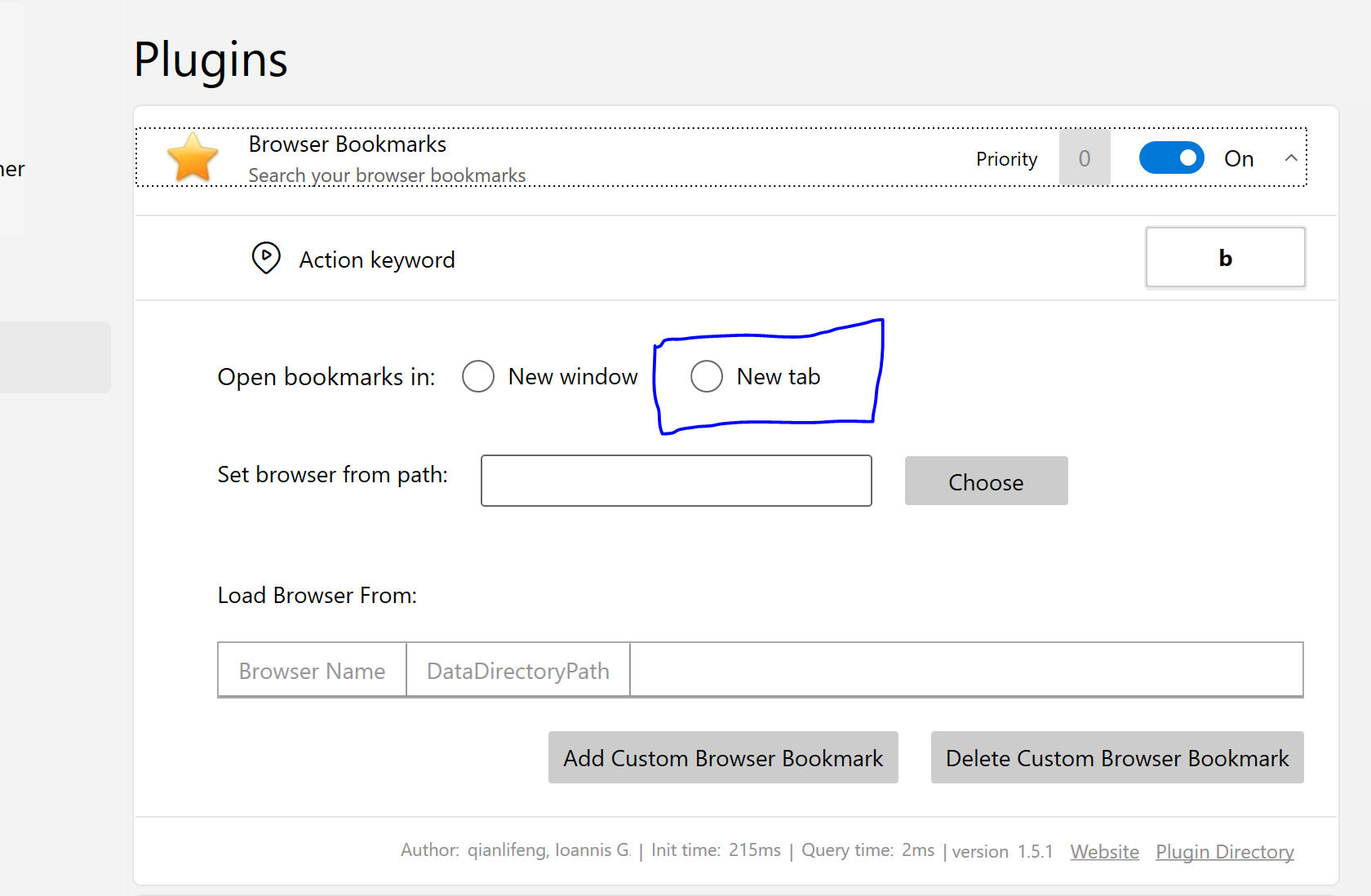
I made a mistake in binding. @taooceros fix it at the beginning, |
|
@taooceros let me know if you have time to look into those above two, if not i can do them, as long as we dont double up. |
oh ok, so not a problem anymore, cool i will remove it from the description. |
|
Remain Tasks in This PR
|

|
Hm I think I remember I check the refresh button will trigger the image refresh? I forget to reply? 🤣🤣 |

…rstand Reason it doesn't work before)
|
@taooceros really strange with the open in window/tab binding, i dont see any differences between Url and WebSearch plugin views except WebSearch is hooked up to use datacontext but Url refuses to bind for some reason... |

Url plugin's selection binding seems to work if i just remove the GroupName attribute, so I may just do that to fix it. |
fixes the new tab/window selection binding not working with the new ui
 jjw24
removed
the
review in progress
jjw24
removed
the
review in progress
5 participants


Uh oh!
There was an error while loading. Please reload this page.