
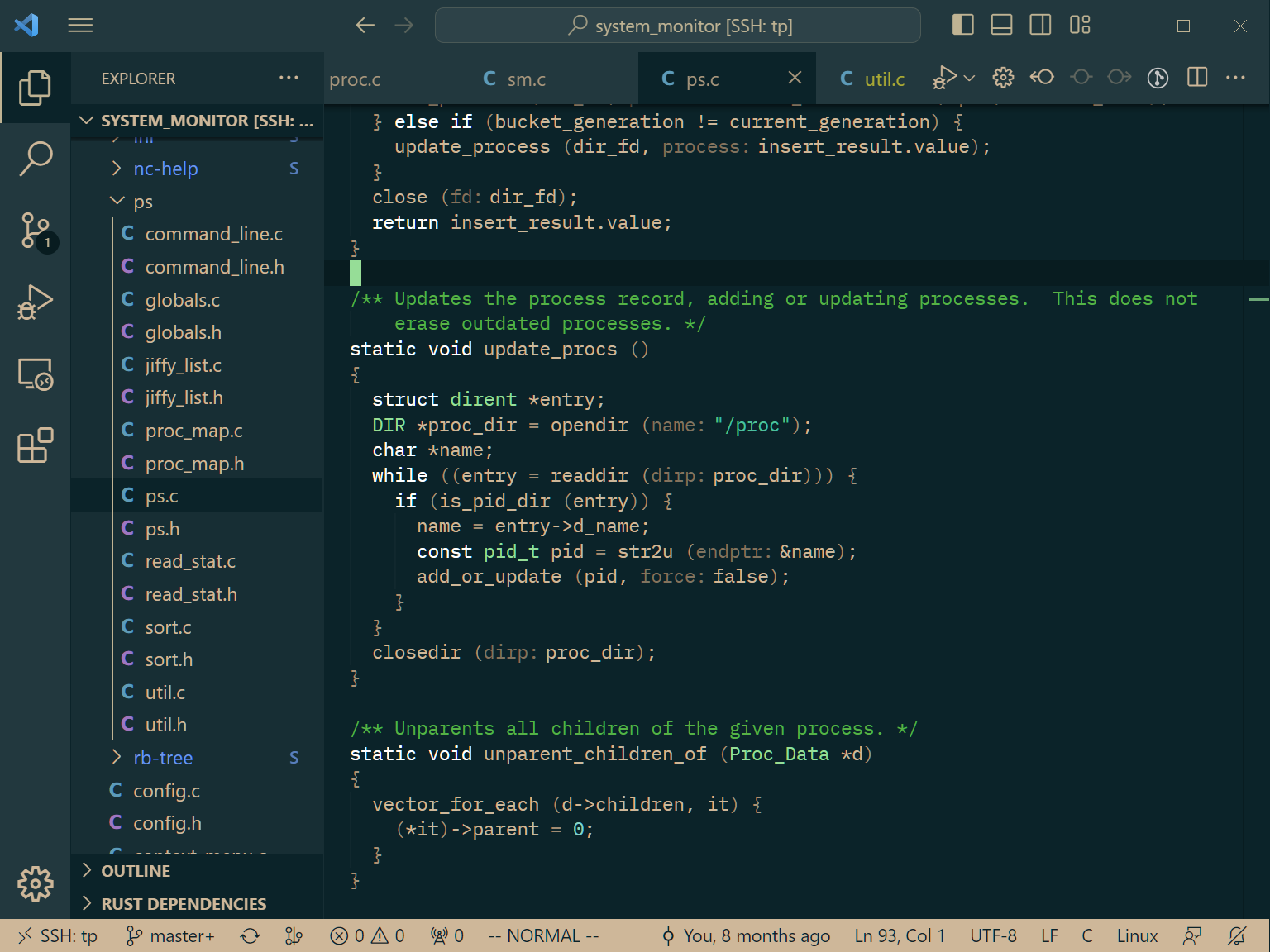
VS Code theme based on the emacs theme of Jonathan Blow (jblow). I didn't just want to name the theme after him so I named it after the closest named X11 color.
Generated using Theme Studio where you can also fork and change it.
This is only required if you made any changes, requires the The Visual Studio Code Extension Manager.
-
Download the theme to
theme.json. -
Optionally run
patch.pyto apply some changes:-
Remove italic text styles (except for markdown)
-
Add colors for inlay hints and bracket highlight
-
Add some extra colors and change some of the generated colors
-
-
Generate the package using
vsce package
To install it go to the Extensions panel in VS Code, click on the 3 dots in the top right, and chose Install from VSIX....