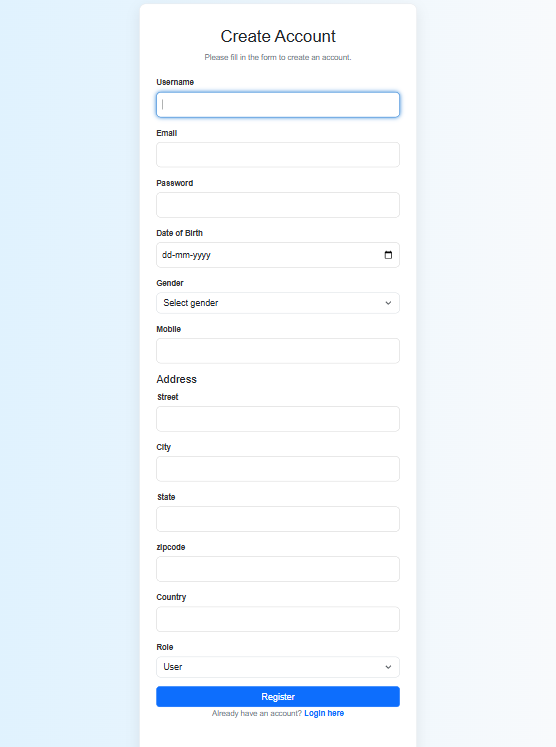
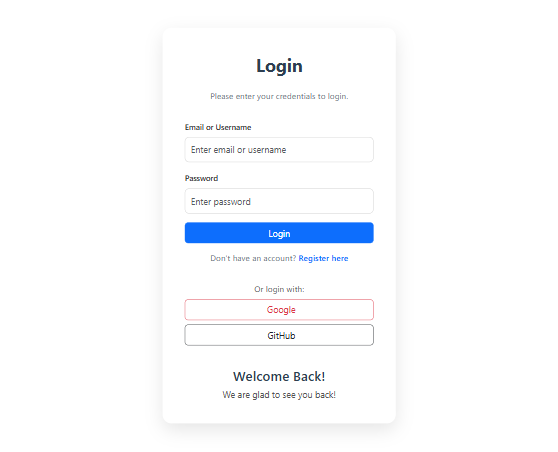
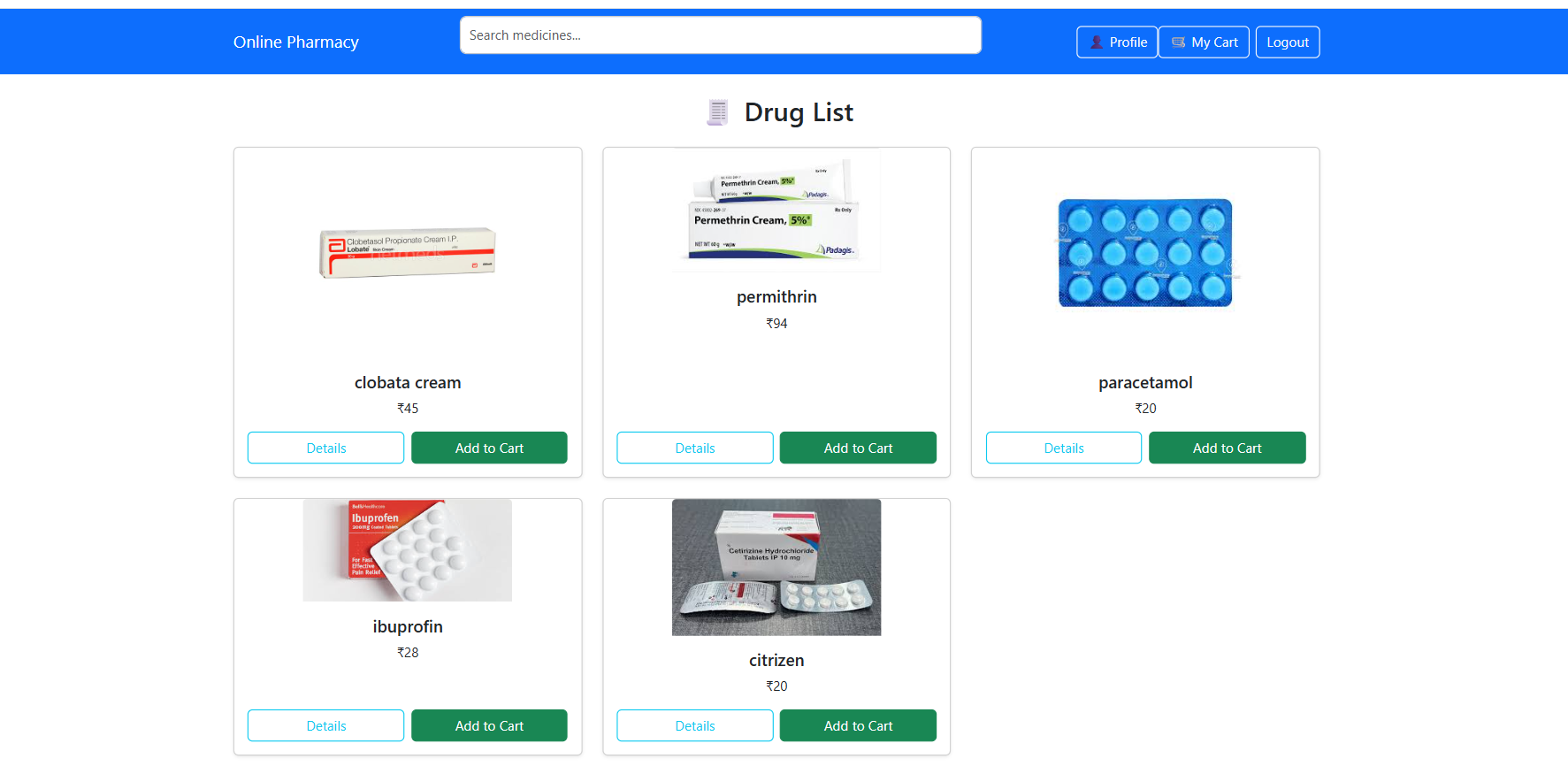
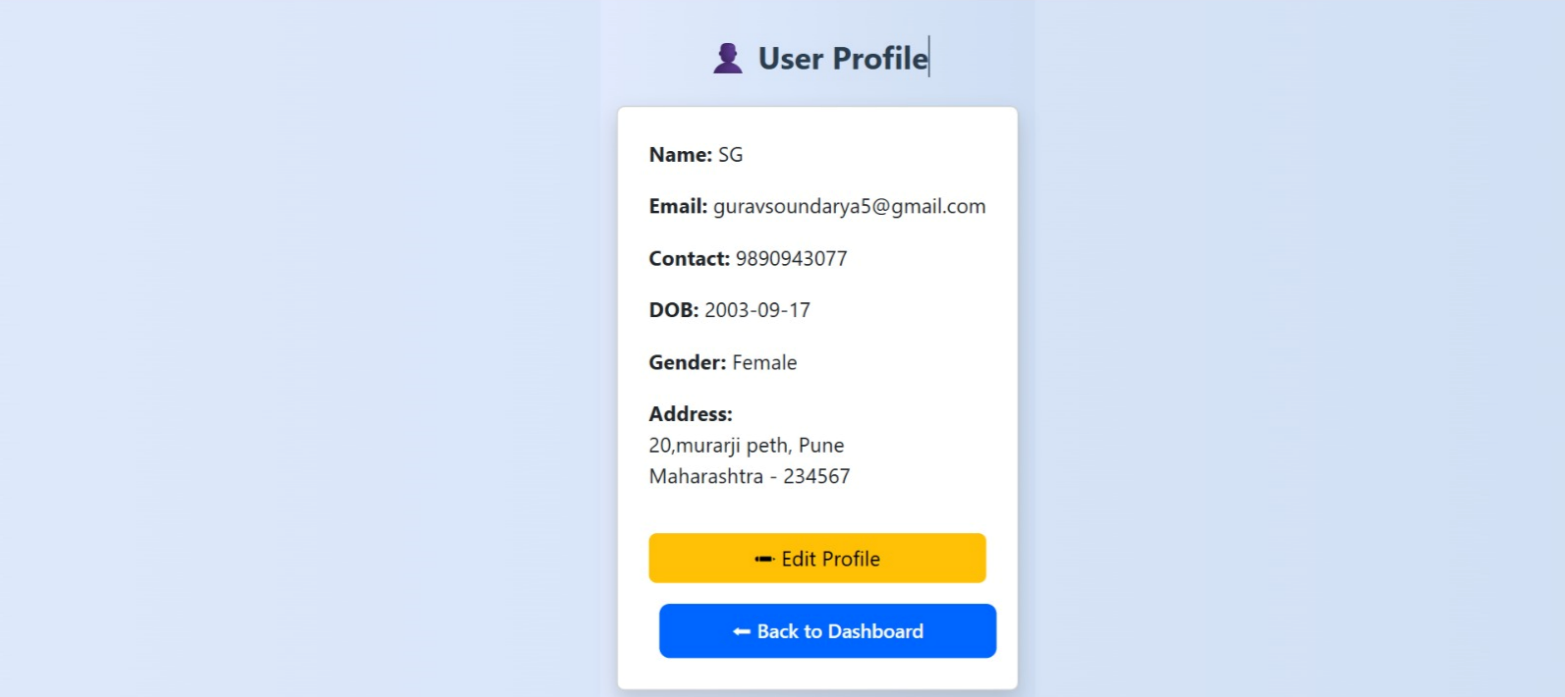
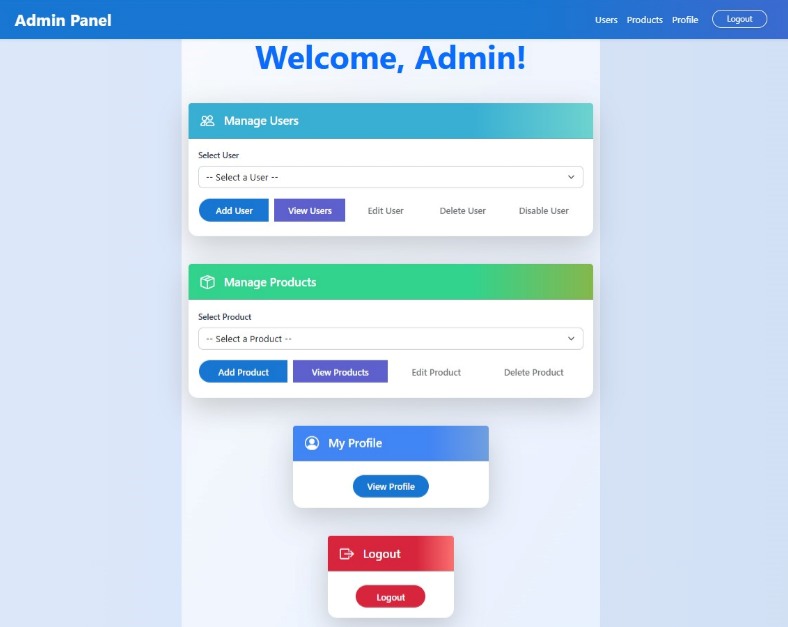
This project is aimed at building an Online Pharmacy System, where users can register, browse drugs, manage orders, and perform operations through a secure and interactive web portal.








Make sure the following are installed:
- Java JDK 17+
- Node.js (v14+)
- npm or yarn
- MySQL Server
- Maven
- IDE (VS Code or Eclipse)
- React.js (already cloned project)
git clone https://github.com/manilaxmisisvas/Online_Pharma_team4.git
cd onlinepharma_backendCREATE DATABASE online_pharmacy;spring.datasource.url=jdbc:mysql://localhost:3306/online_pharmacy
spring.datasource.username=your_username
spring.datasource.password=your_passwordmvn clean install
mvn spring-boot:runBackend will run at:
http://localhost:8080
cd ../Online_Pharma_team4/frontendnpm installnpm startFrontend will run at:
http://localhost:5173
You can test backend APIs using Postman.
1. Open [Postman](https://www.postman.com/downloads/)
2. Import the collection and environment files
3. Select the environment in Postman
4. Test endpoints (e.g., `/api/auth/login`, `/api/drugs`, `/api/order`)
Use Bearer Token auth after login for protected routes.
1. Open `http://localhost:5173`
2. Register/Login
3. Explore:  Drug browsing & ordering, Cart handling, Admin functions
- User login/logout
- Admin approvals
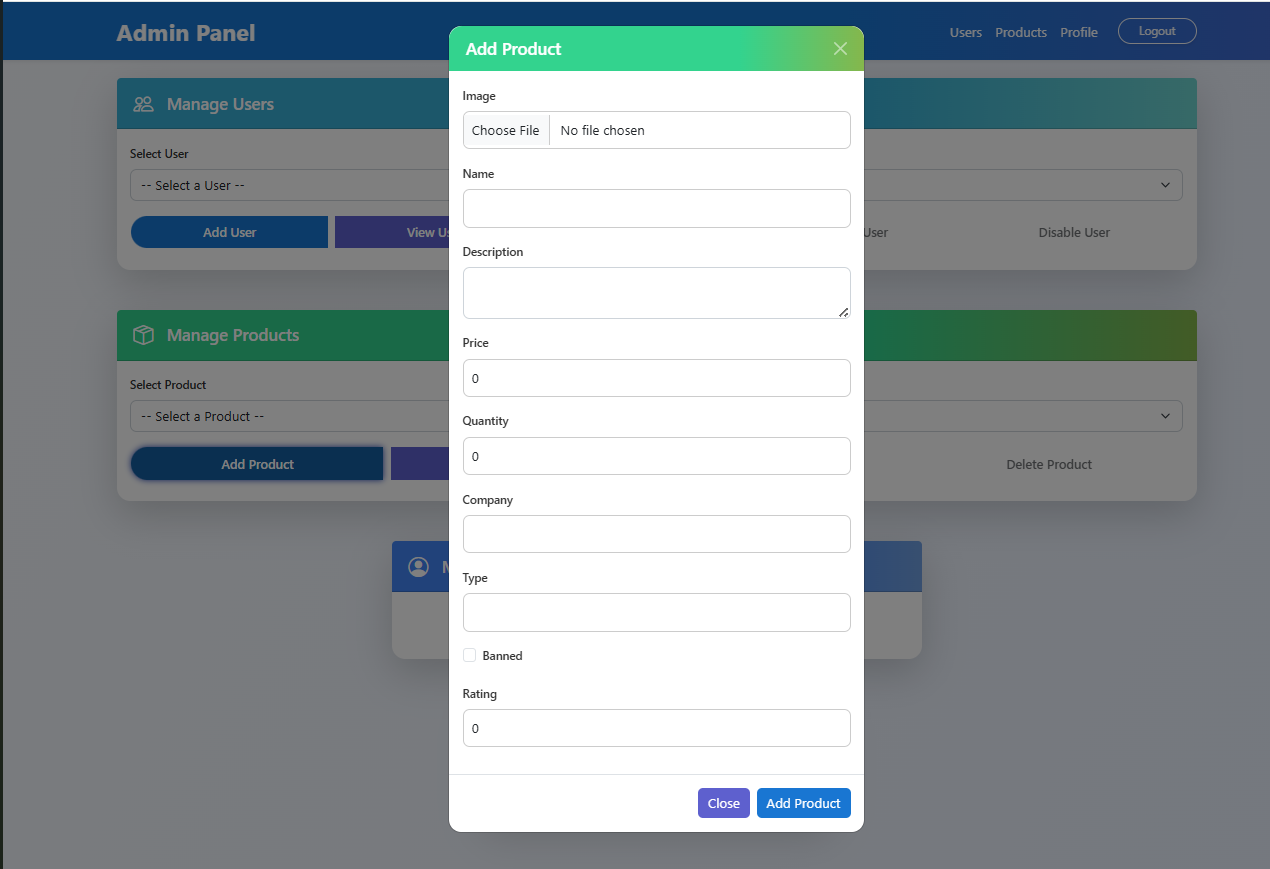
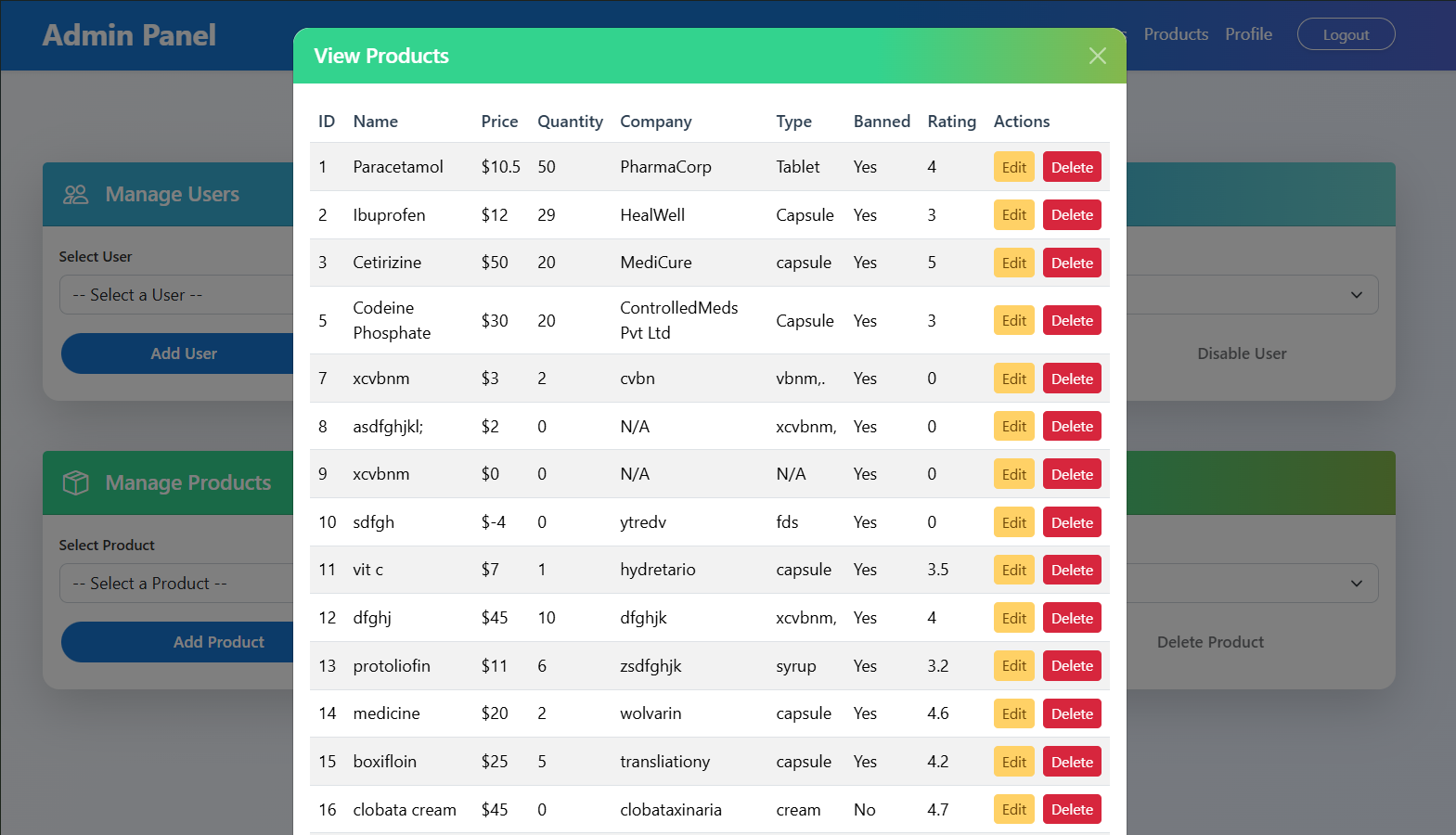
- Add, update, delete drugs
- Search by ID or name
-
Admin:
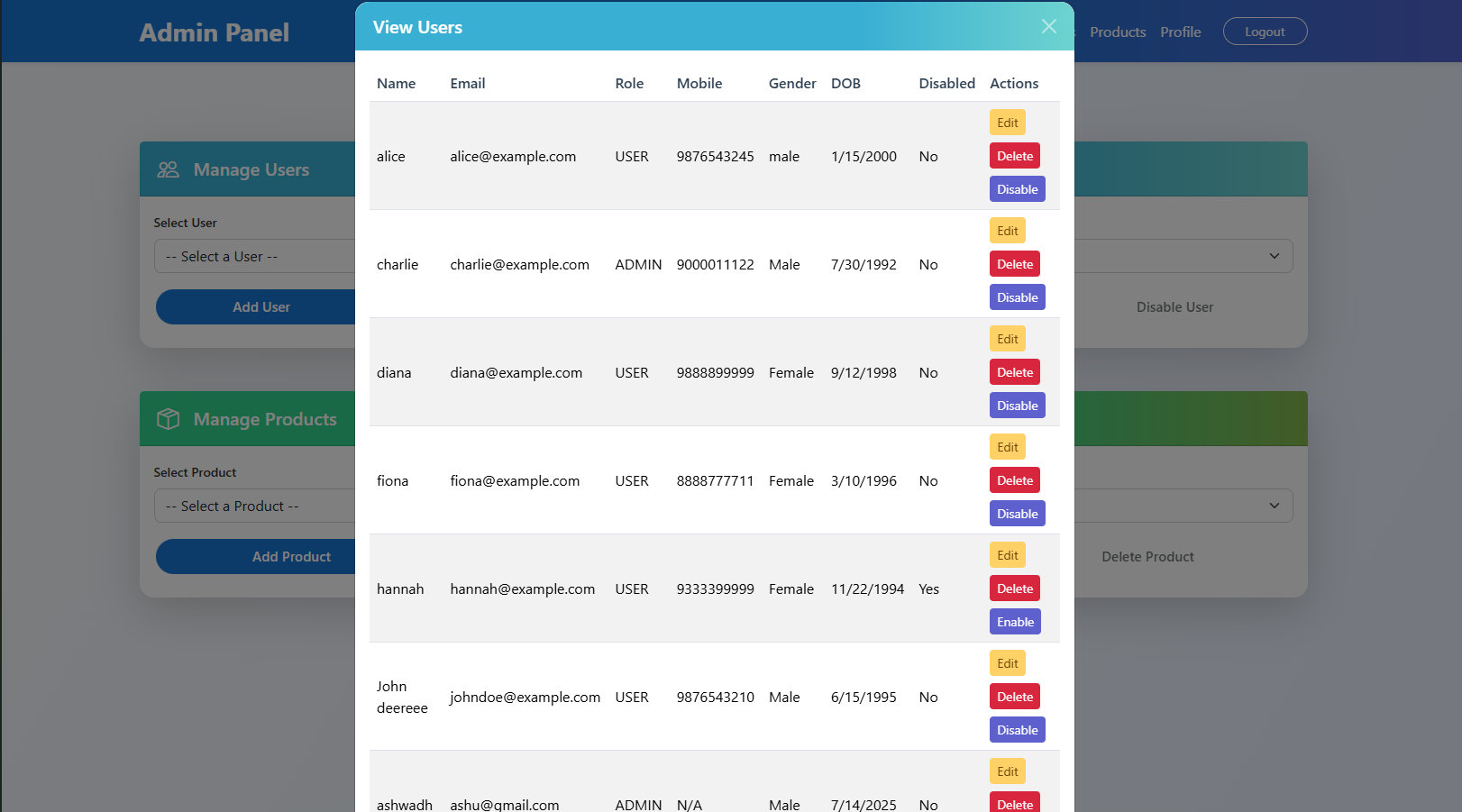
- View, update, disable, delete members
-
Members:
- Edit profile (email, phone, etc.)
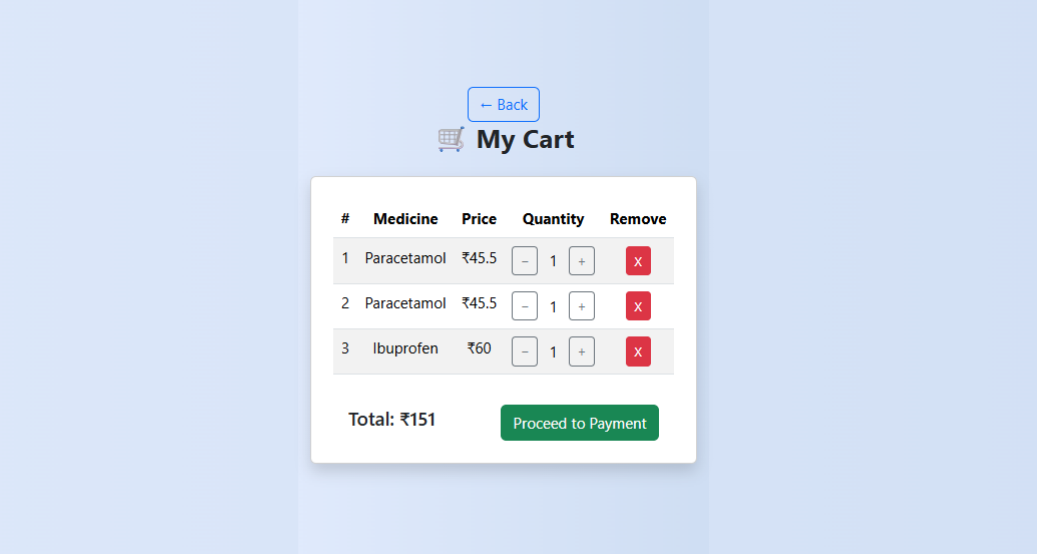
- Add multiple drugs to cart
- Auto-calculate total
- Prevent order of out-of-stock items
- Update stock on order
- Auto-clear cart on completion
- Login & Registration
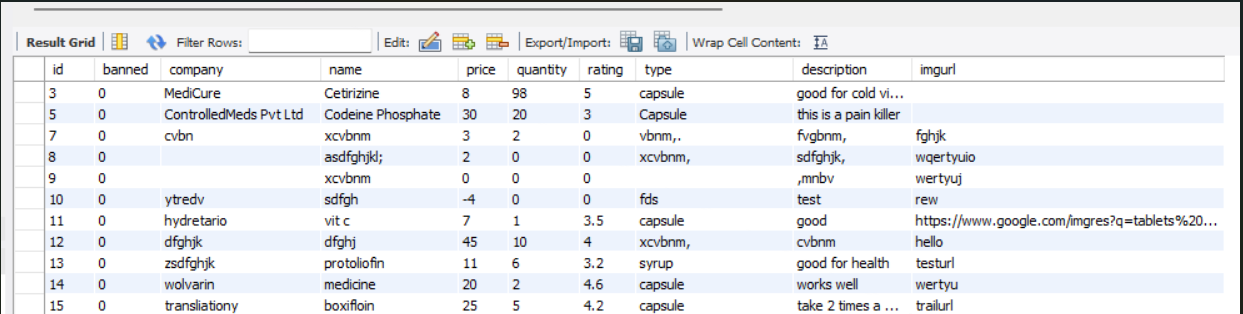
- Drug Management
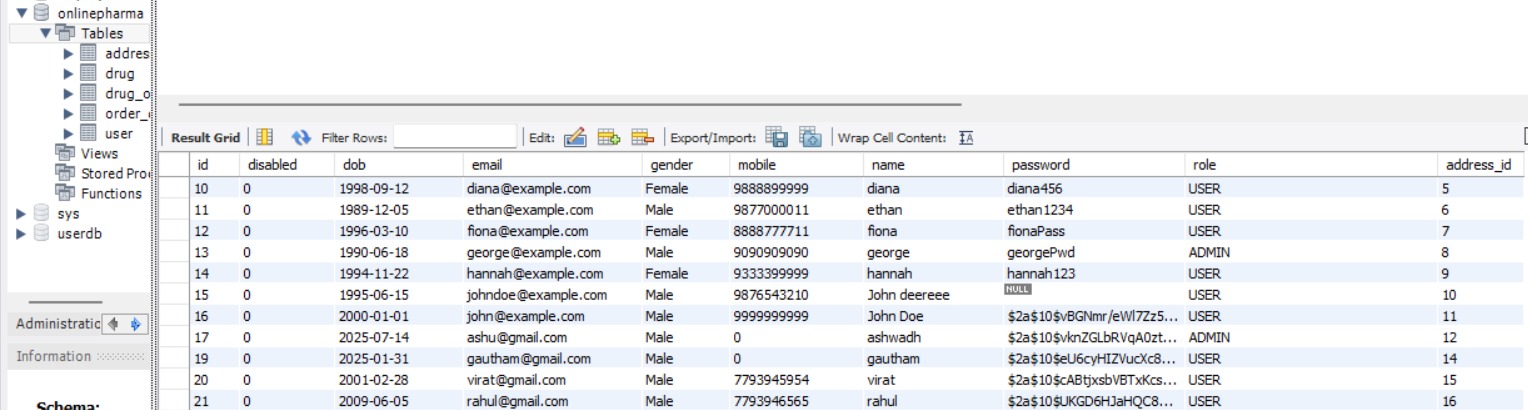
- User/Member Management
- Order & Cart Handling