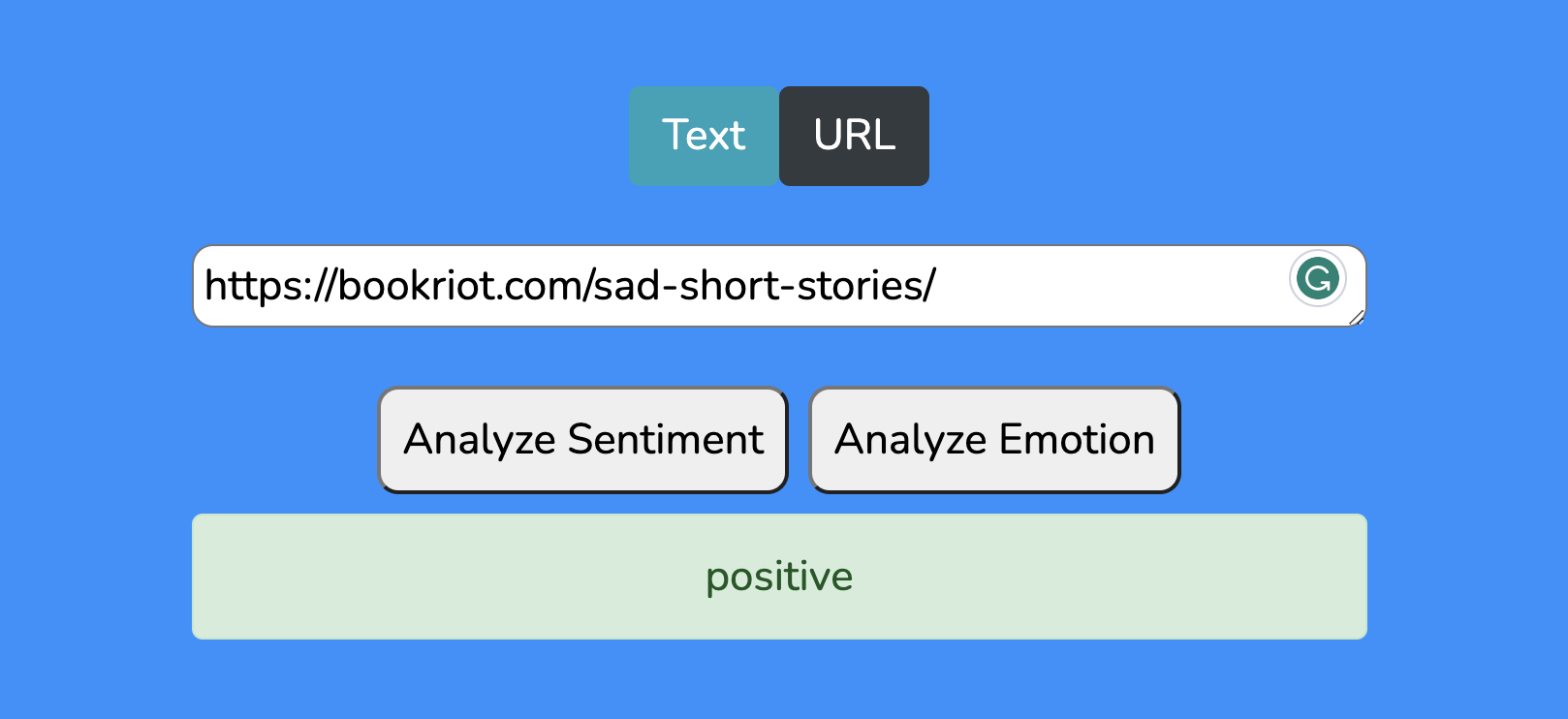
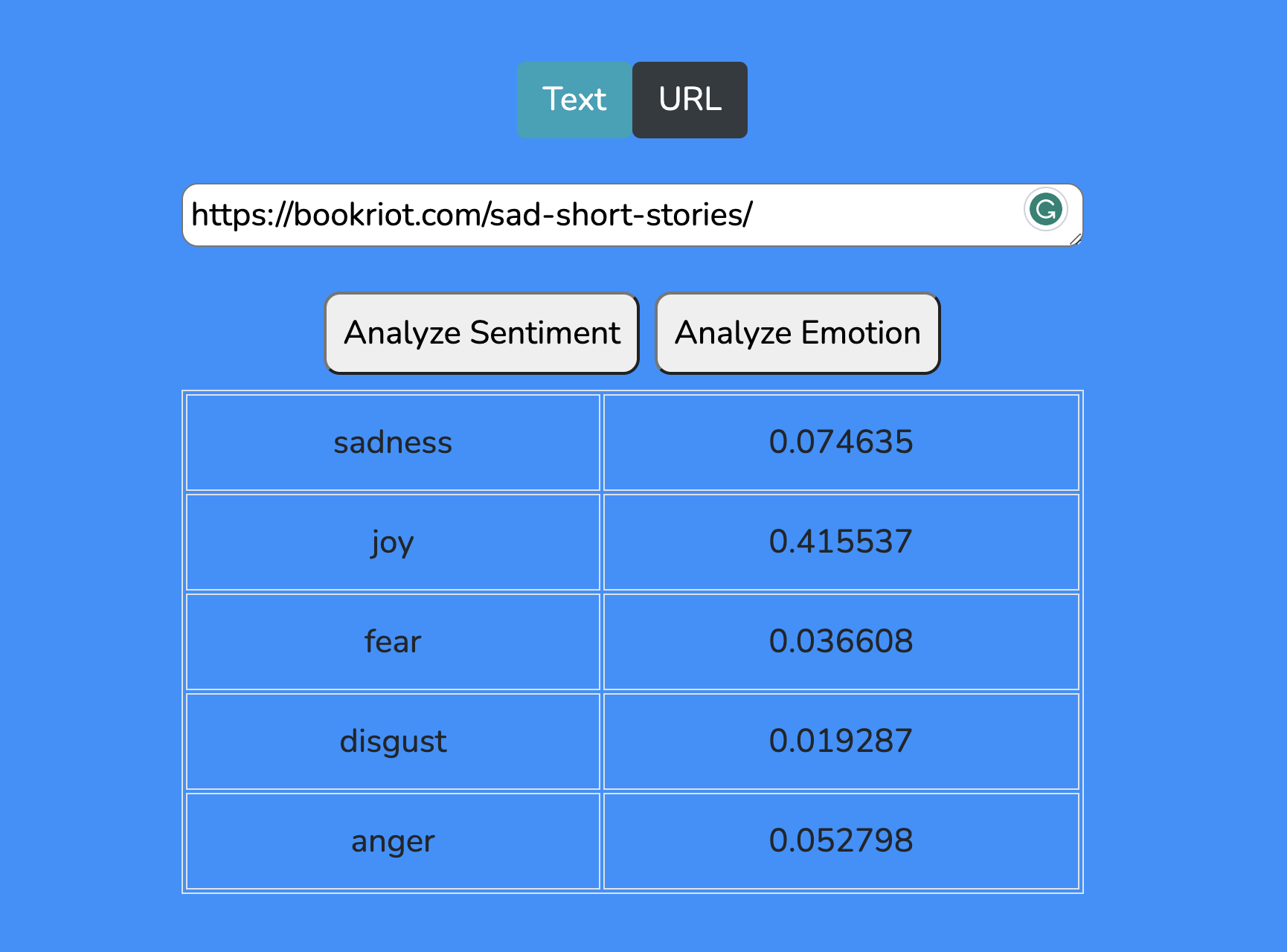
-
Run the following command to update npm version: npm install npm@latest -s
-
All packages are needed to be installed are listed in package.json. Run npm install -s, to install and save those packages: npm install -s
-
Install the ibm-watson package in your server side using the following command: npm install -s ibm-watson@6.1.1
-
Create Natural Language Understanding in IBM Cloud:
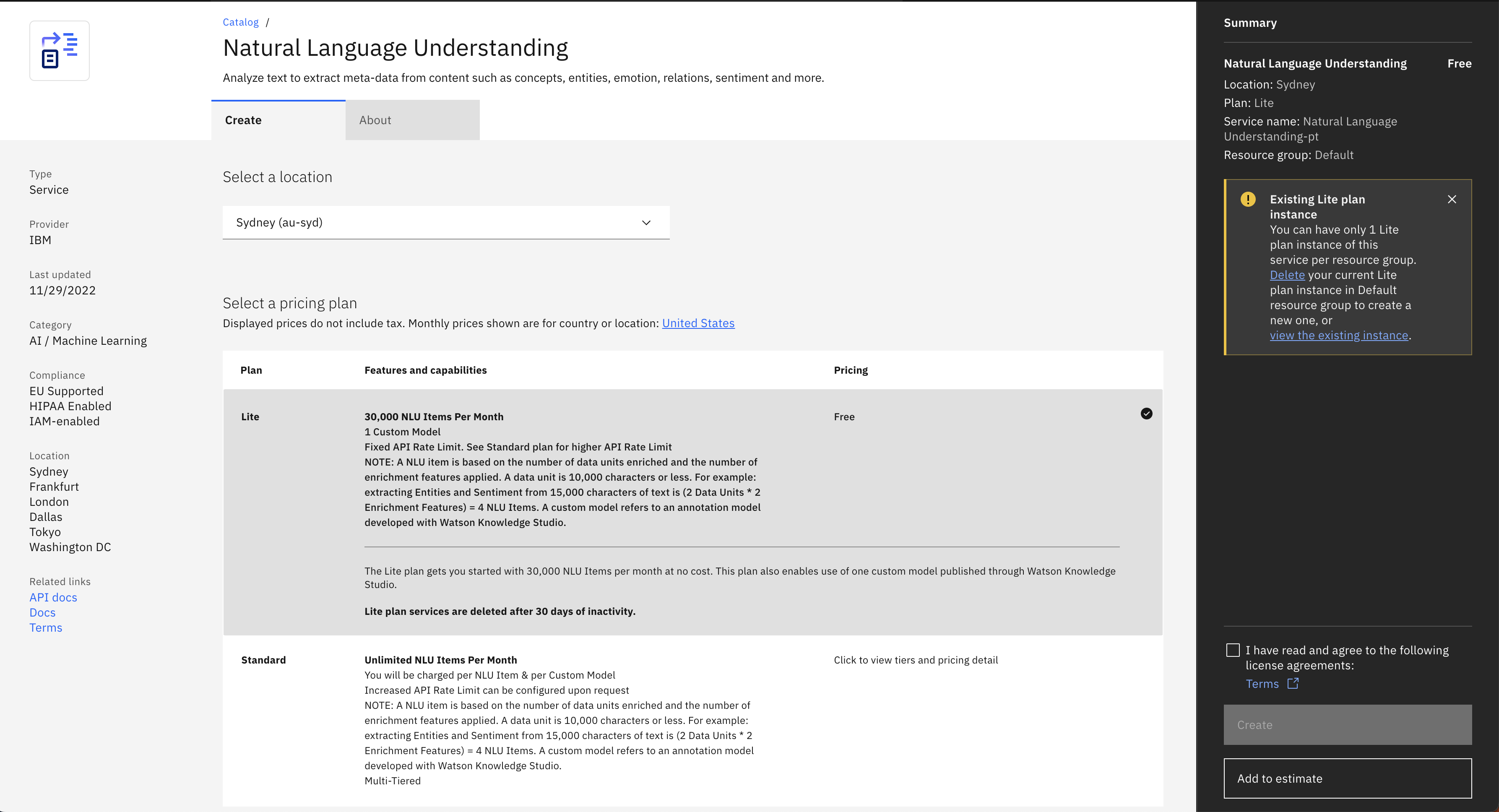
- Create new credentials in Natural Language Understanding
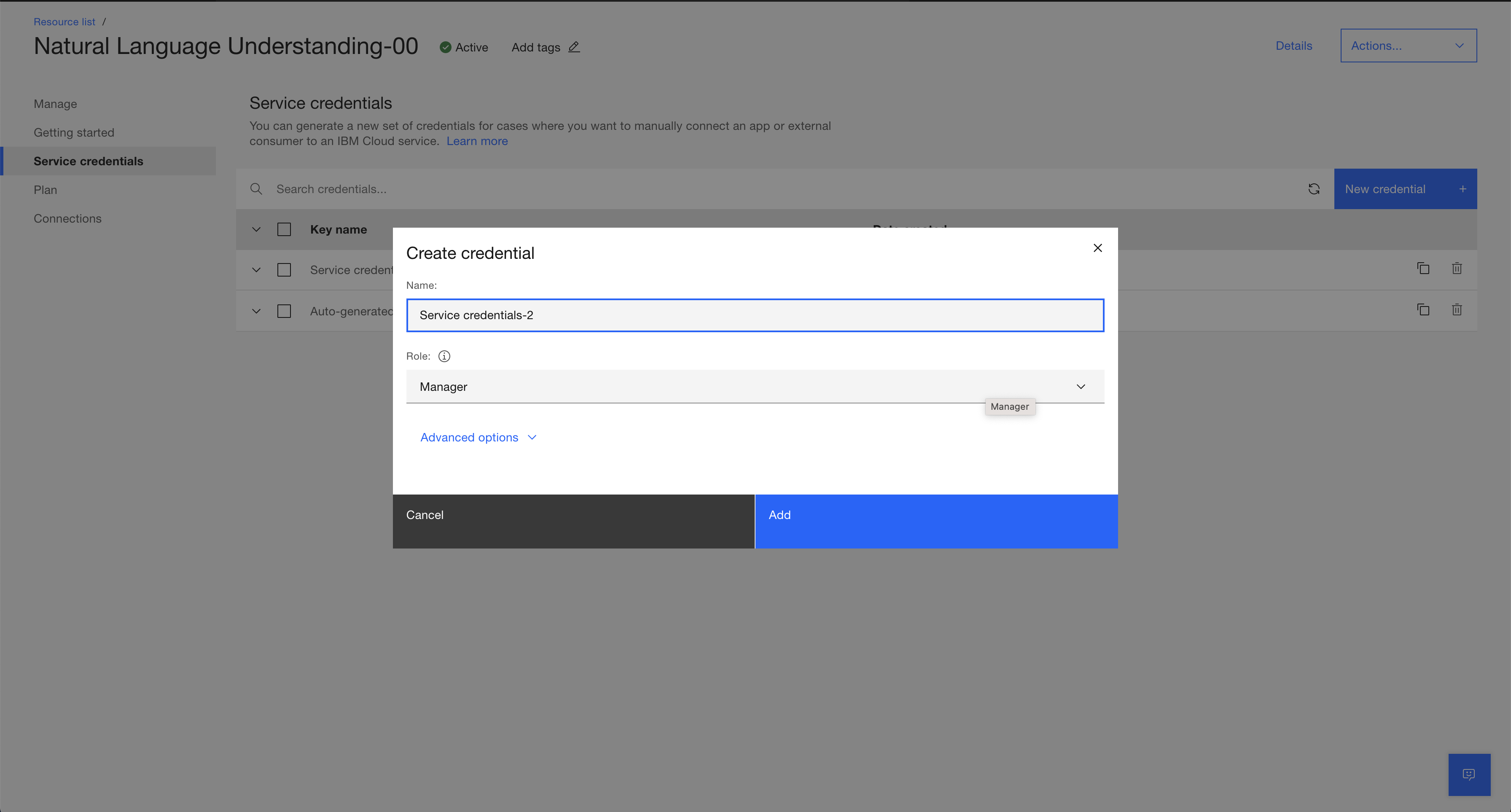
- Copy new credentials ( API key and URL )
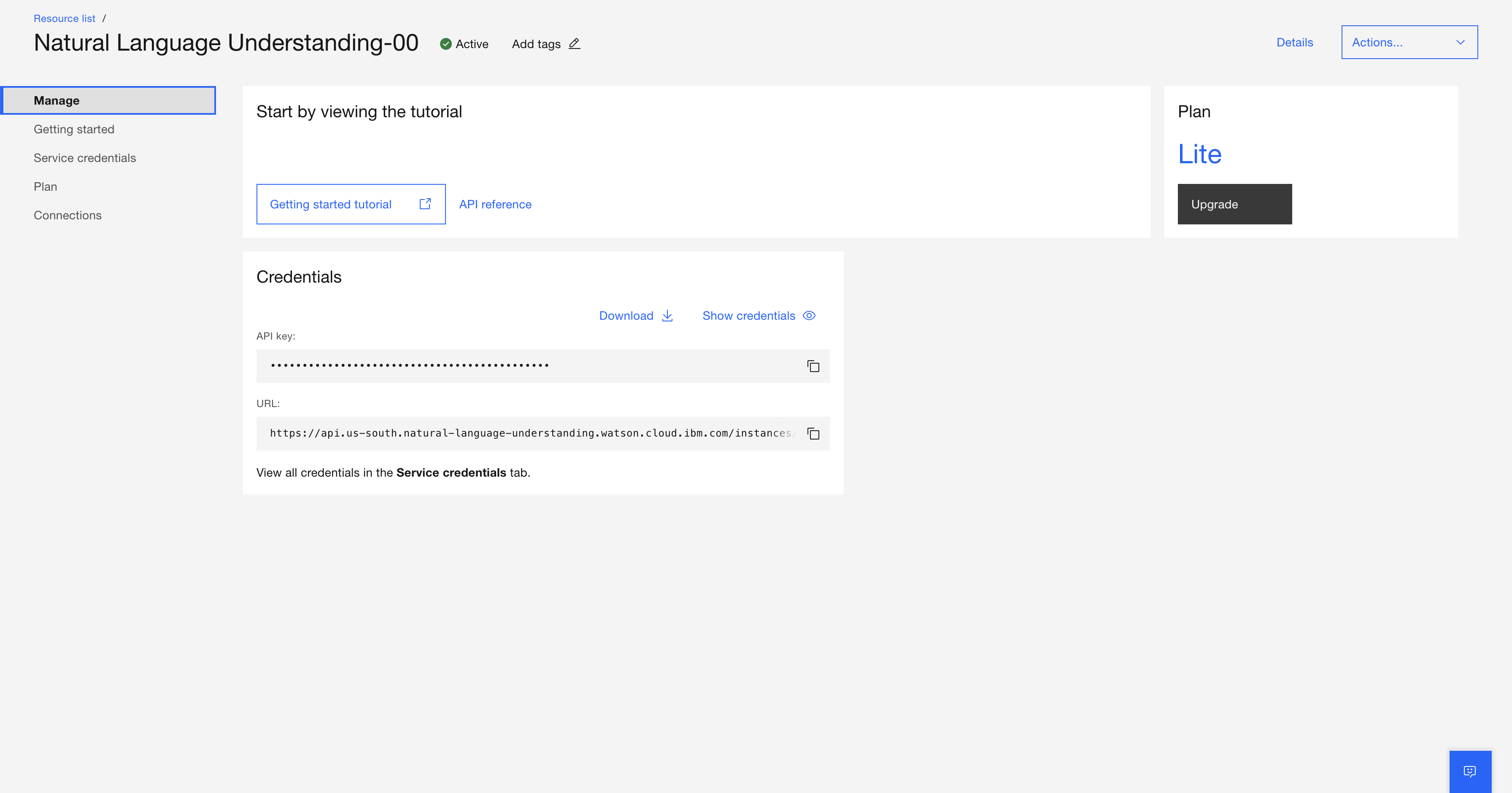
- Run npm run-script build. Please note this is customized in package.json to generate and copy the client code to the server.
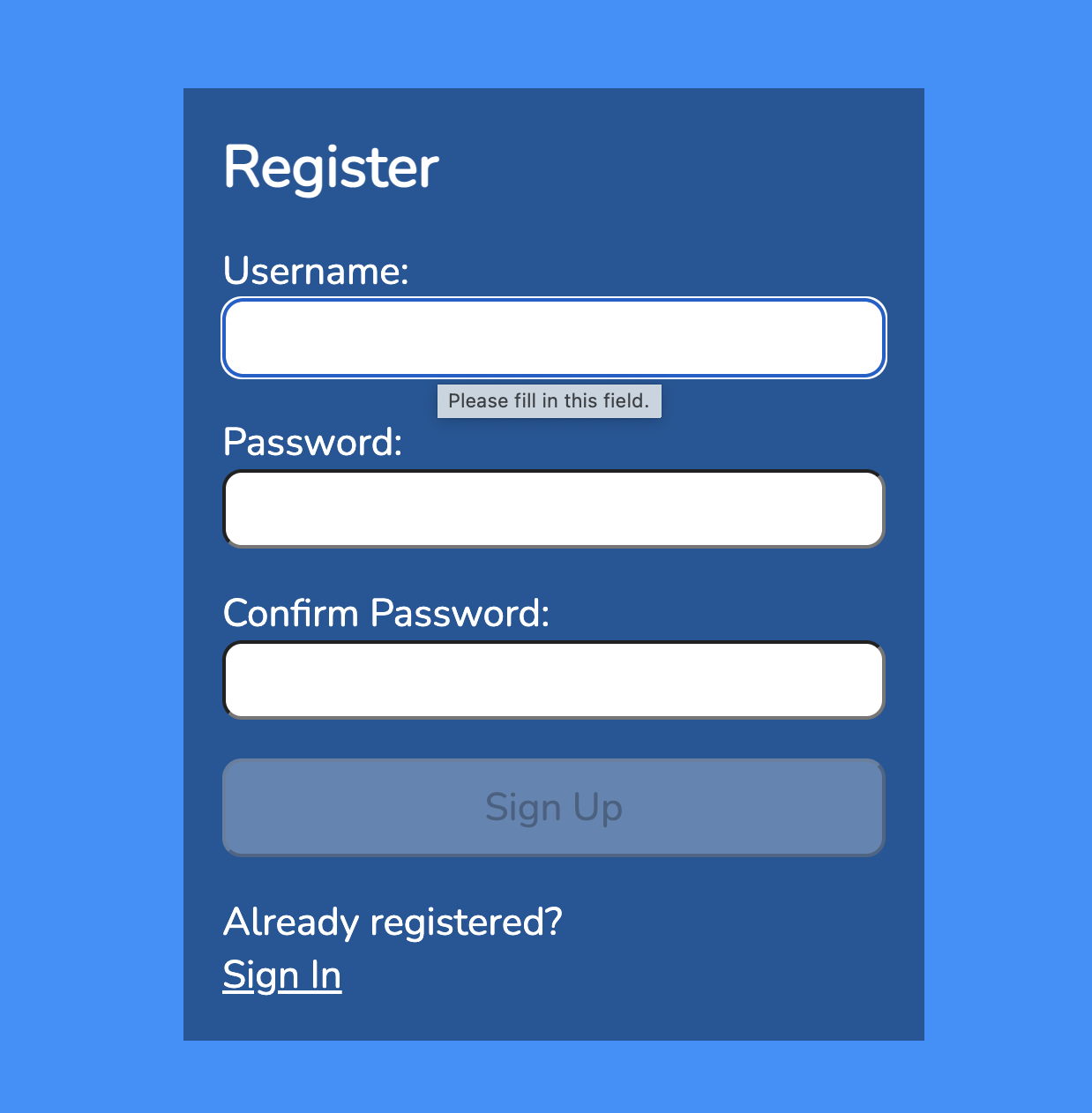
Create your first user and log in
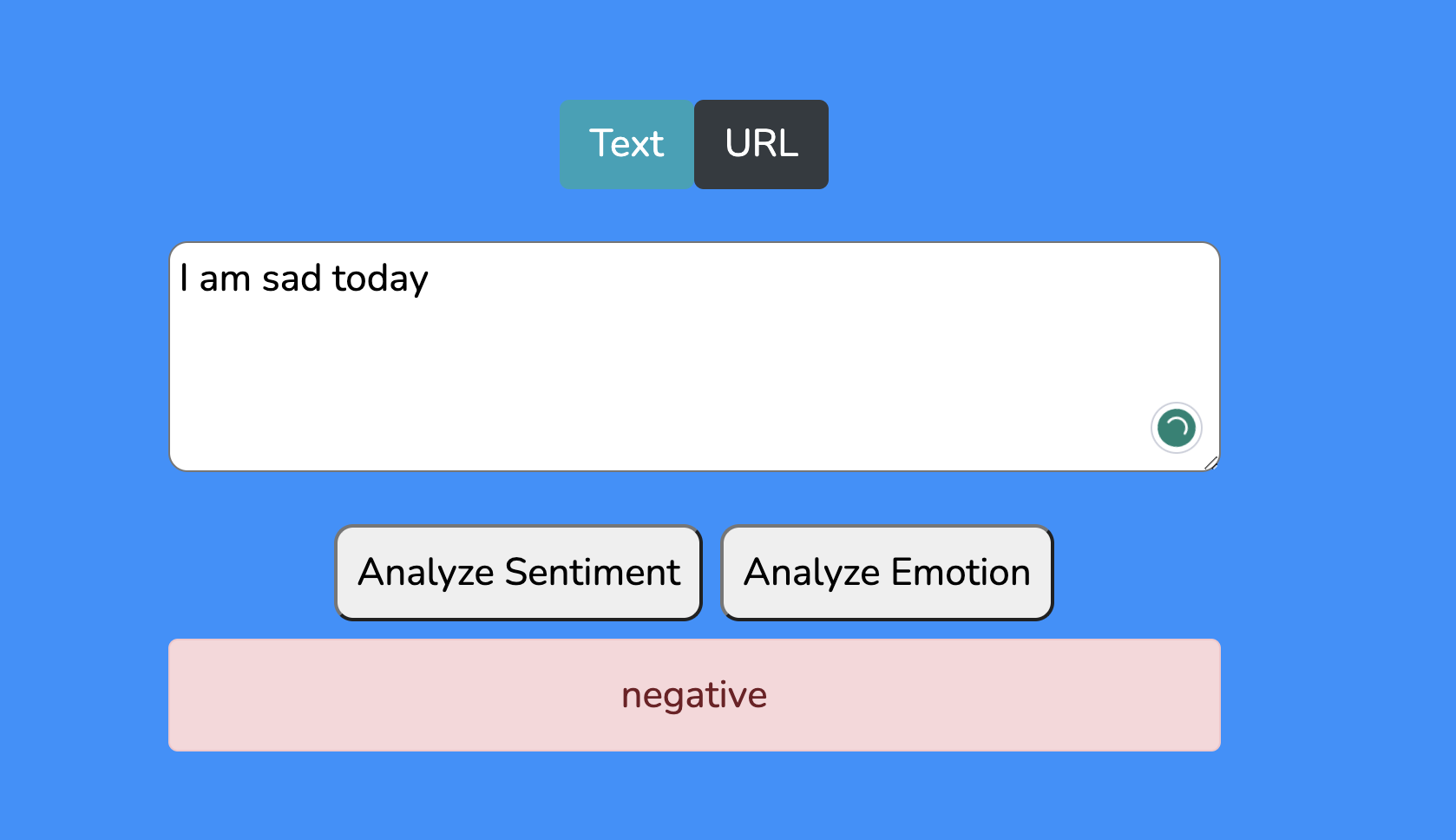
You can type your text inside input box and press 'Analyze sentiment' and you will see reaction like 'negative', 'positive' or 'neutral'
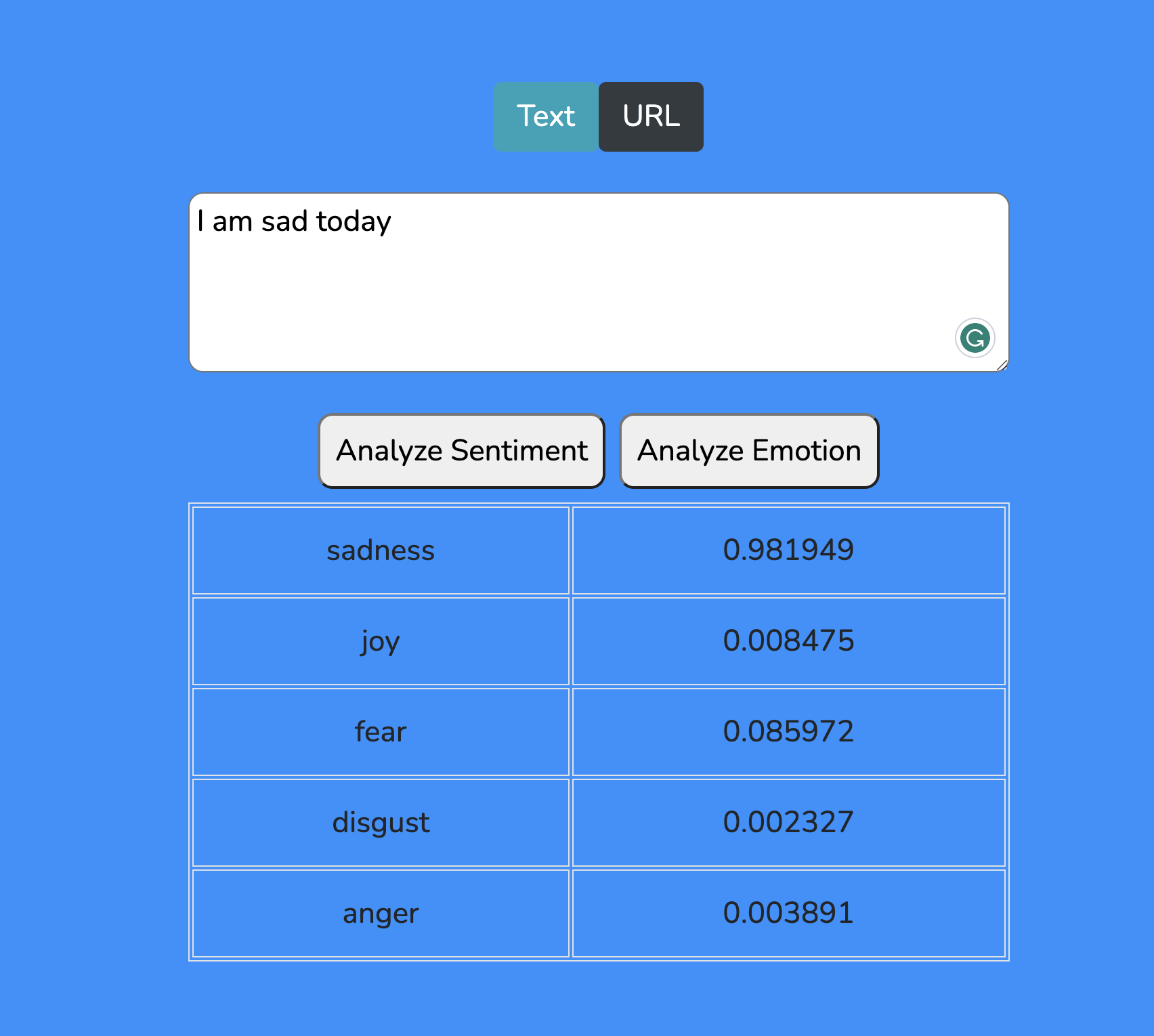
You can press 'Analyze emotions' and you'll get synonyms to the reaction
You can also put URL with adress to some article and Natural Language Understanding analyse it for you