Regression in TIF image loading #2149

Description

Prerequisites
- I have bought a Commercial License
- I have written a descriptive issue title
- I have verified that I am running the latest version of ImageSharp
- I have verified if the problem exist in both
DEBUGandRELEASEmode - I have searched open and closed issues to ensure it has not already been reported
ImageSharp version
3.0.0-alpha.0.19
Other ImageSharp packages and versions
2.1.2
Environment (Operating system, version and so on)
Windows 11 x64
.NET Framework version
6.0.5
Description
@brianpopow recently made a number of performance enhancements to TIF images, however, I believe he introduced a regression that occurs when processing certain tiff files.
Steps to Reproduce
Run this with ImageSharp 2.1.2 and the PNG file looks identical to the TIF.
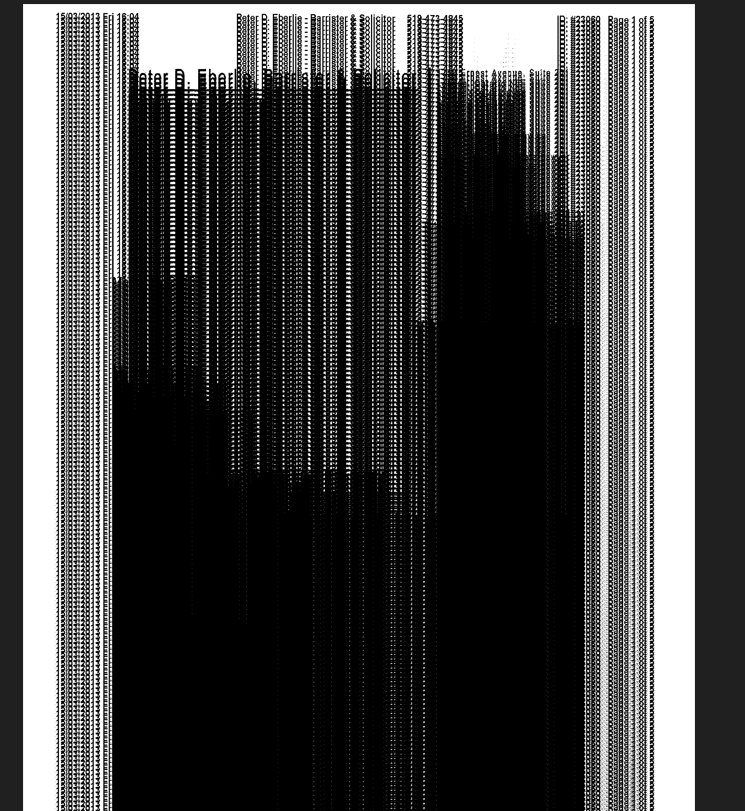
Run with the latest beta and the TIF shows duplicated, smudged content as shown here.
using SixLabors.ImageSharp;

namespace ConsoleApp59 {

    public static class Program {
        public static void Main(string[] args) {

            var FileIn = @"0009e03b.tif";

            var FileOut = @"OUTPUT.png";

            var Image = SixLabors.ImageSharp.Image.Load(FileIn);

            Image.SaveAsPng(FileOut);

        }

    }

}
Images
@brianpopow - I am not comfortable publicly sharing the source image at this time. Can you please email TV@MatterMovers.net and I will provide the image to you?