A real-time campus transportation management system that connects students with campus buggy drivers.
Campus Buggy Tracker is a web application that provides real-time tracking and management of campus transportation vehicles (buggies). The platform serves two primary user types:
- Students: Can view available buggies on campus, track their locations in real-time, and (in future releases) book rides
- Drivers: Can update their status (idle, running), share their location, and manage ride requests
The application uses real-time communication via WebSockets to ensure students always have the most up-to-date information about buggy availability and location.
- Real-time dashboard showing all available buggies on campus
- Live tracking of buggy locations on an interactive map
- User authentication and profile management
- Responsive design for mobile and desktop use
- Driver-specific login portal
- Status management (idle/running)
- Location sharing with GPS integration
- Real-time updates to the central server
- Ride booking functionality
- Estimated arrival times
- Route optimization
- In-app notifications
- Rating system for drivers
- Historical ride data and analytics
- Framework: React 18.3.1 with TypeScript
- Build Tool: Vite with SWC for React compilation
- Routing: React Router DOM 6.26.2
- UI Components: Shadcn/UI with Tailwind CSS
- State Management: React Query (TanStack Query)
- Form Handling: React Hook Form with Zod validation
- Maps: Google Maps JavaScript API
- Data Visualization: Recharts
- UI Components: Various Radix UI primitives, Lucide React icons
- Theme Management: next-themes
- Framework: Django with Django Rest Framework
- Real-time Communication: WebSockets
- Authentication: Django authentication system with JWT
- PostgreSQL
- Google Maps API for location services
- Google Gemini for chatbot assistance
- Node.js (v16 or higher)
- Python (v3.9 or higher)
- PostgreSQL
- Google Maps API key
# Clone the repository
git clone https://github.com/your-username/campus-buggy-tracker.git
cd campus-buggy-tracker/frontend

# Install dependencies
npm install

# Create .env file with your Google Maps API key
echo "VITE_GOOGLE_MAPS_API_KEY=your_api_key_here" > .env

# Start development server
npm run dev# Navigate to backend directory
cd ../backend
# Create and activate virtual environment
python -m venv venv
source venv/bin/activate # On Windows: venv\Scripts\activate
# Install dependencies
pip install -r requirements.txt
# Set up environment variables
cp .env.example .env
# Edit .env with your database credentials and secret key
# Run migrations
python manage.py migrate
# Start development server
python manage.py runserver- Login with your student credentials
- View the dashboard to see all available buggies
- Click on a buggy to see its details and track its location
- (Future feature) Book a ride by selecting a destination
- Login with your driver credentials
- Update your status (idle/running)
- Your location will be automatically shared while the app is open
- (Future feature) Accept or reject ride requests
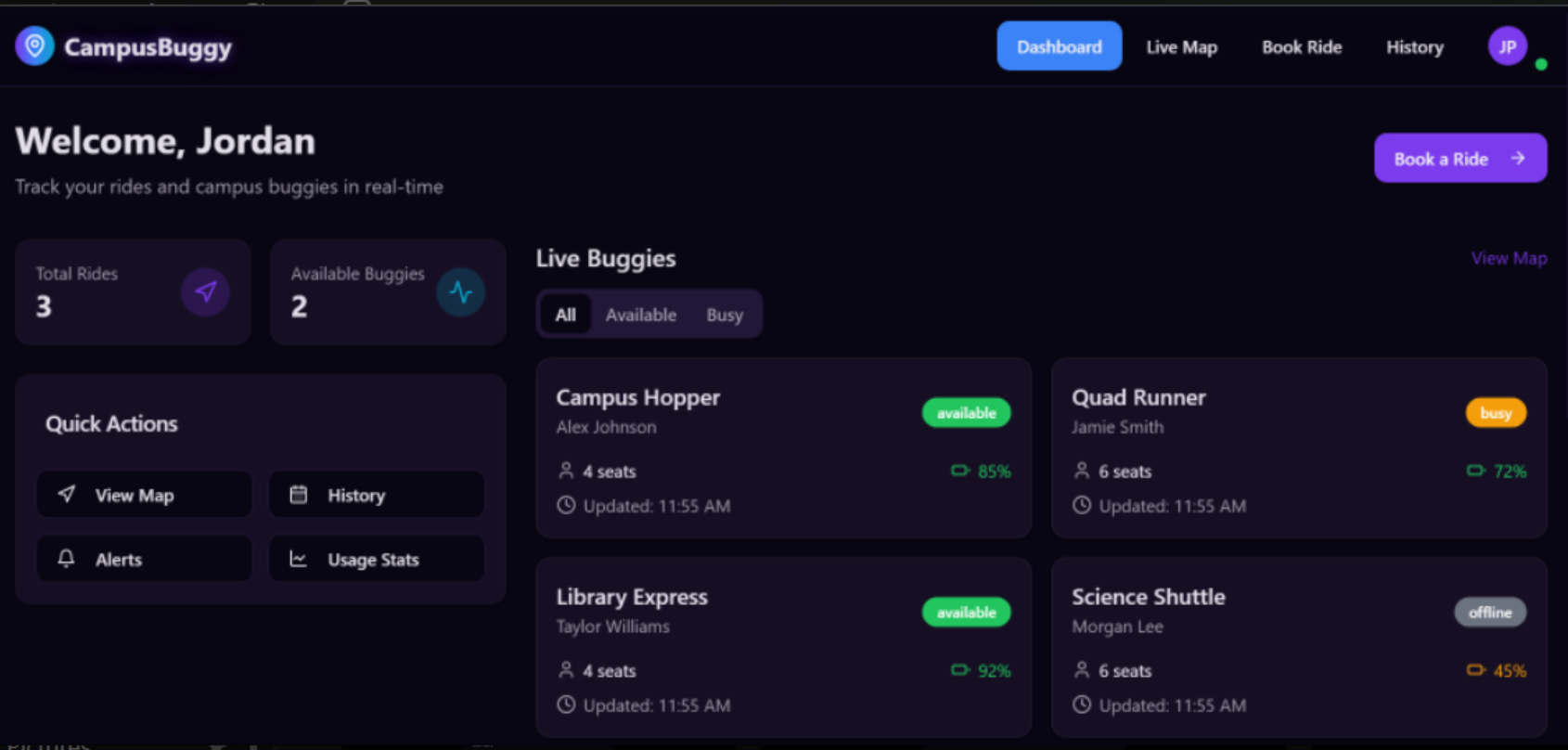
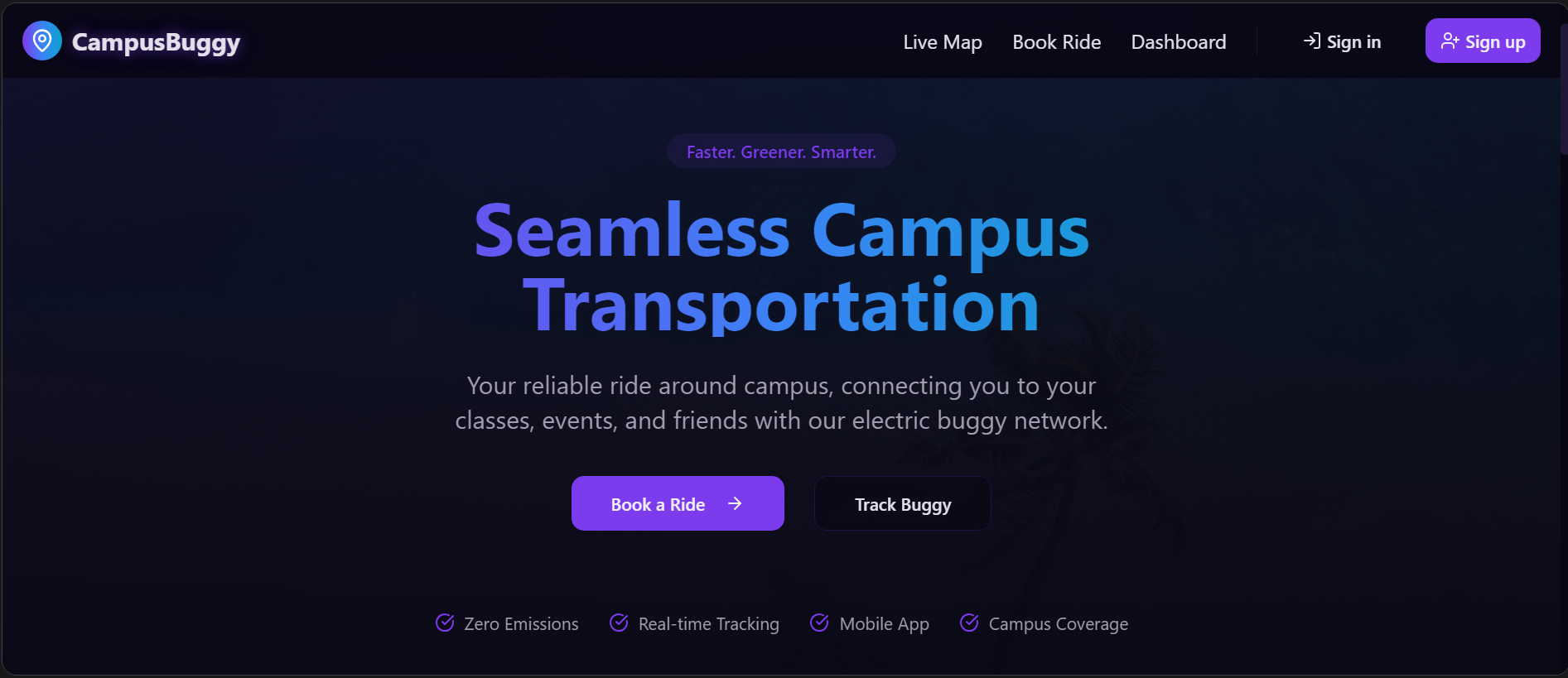
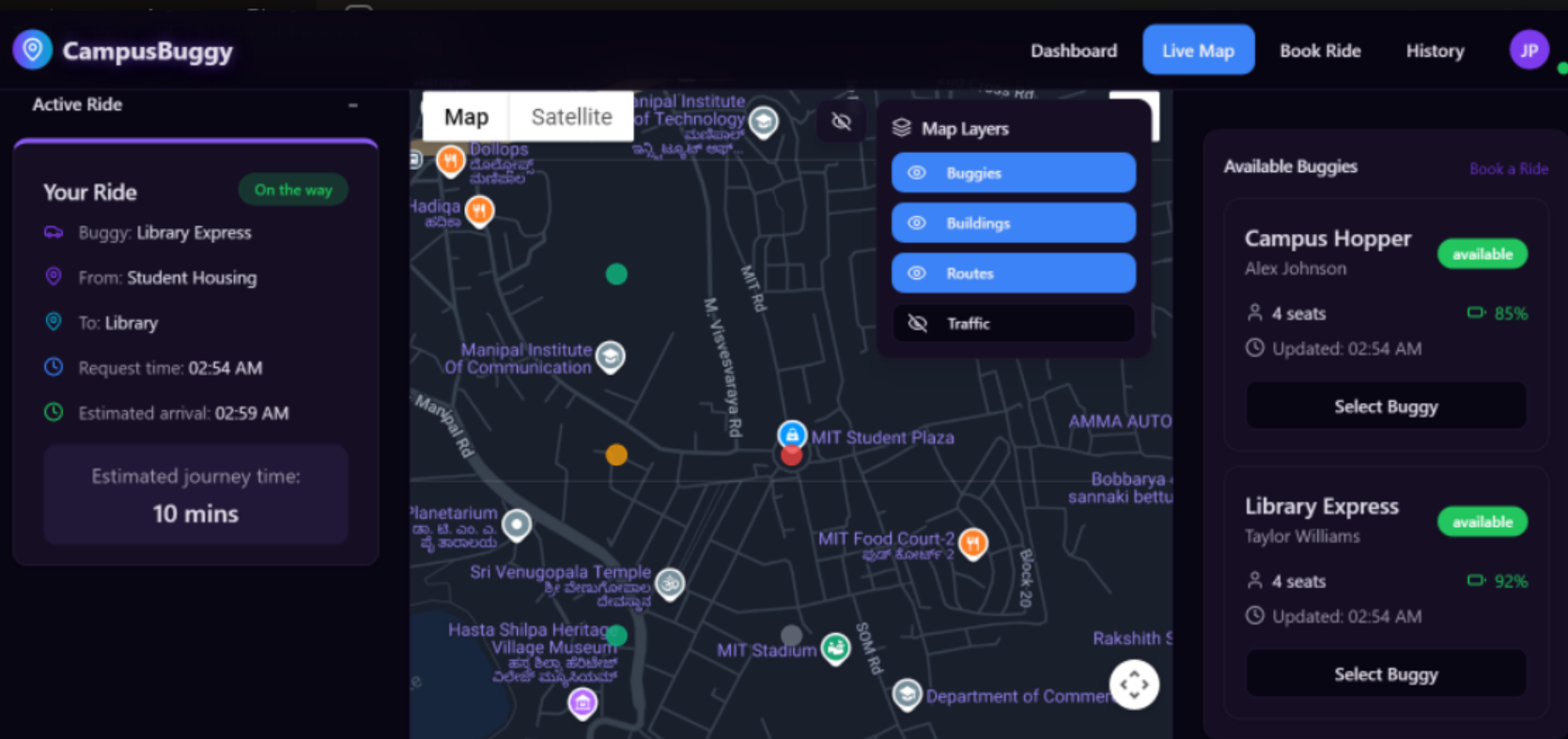
Click the image above to watch a walkthrough of the Campus Buggy Tracker application
- Fork the repository
- Create your feature branch:
git checkout -b feature/amazing-feature - Commit your changes:
git commit -m 'Add some amazing feature' - Push to the branch:
git push origin feature/amazing-feature - Open a Pull Request
This project is licensed under the MIT License - see the LICENSE file for details.
Project Maintainer - Aditya Agarwal
Project Link: https://github.com/adityagarwal15/BUGEASE
Built with ❤️ for improving campus transportation