Convert markdown-formatted documents to pdf files without ever leaving Atom.
Just focus the window containing your markdown file and use the convert command (Packages > Markdown PDF > Convert).
The output PDF will be styled similar to the markdown on github.com, as well as any user styles you have added.
It will appear in the same directory as the Markdown you are converting, with the same name and a .pdf extension.
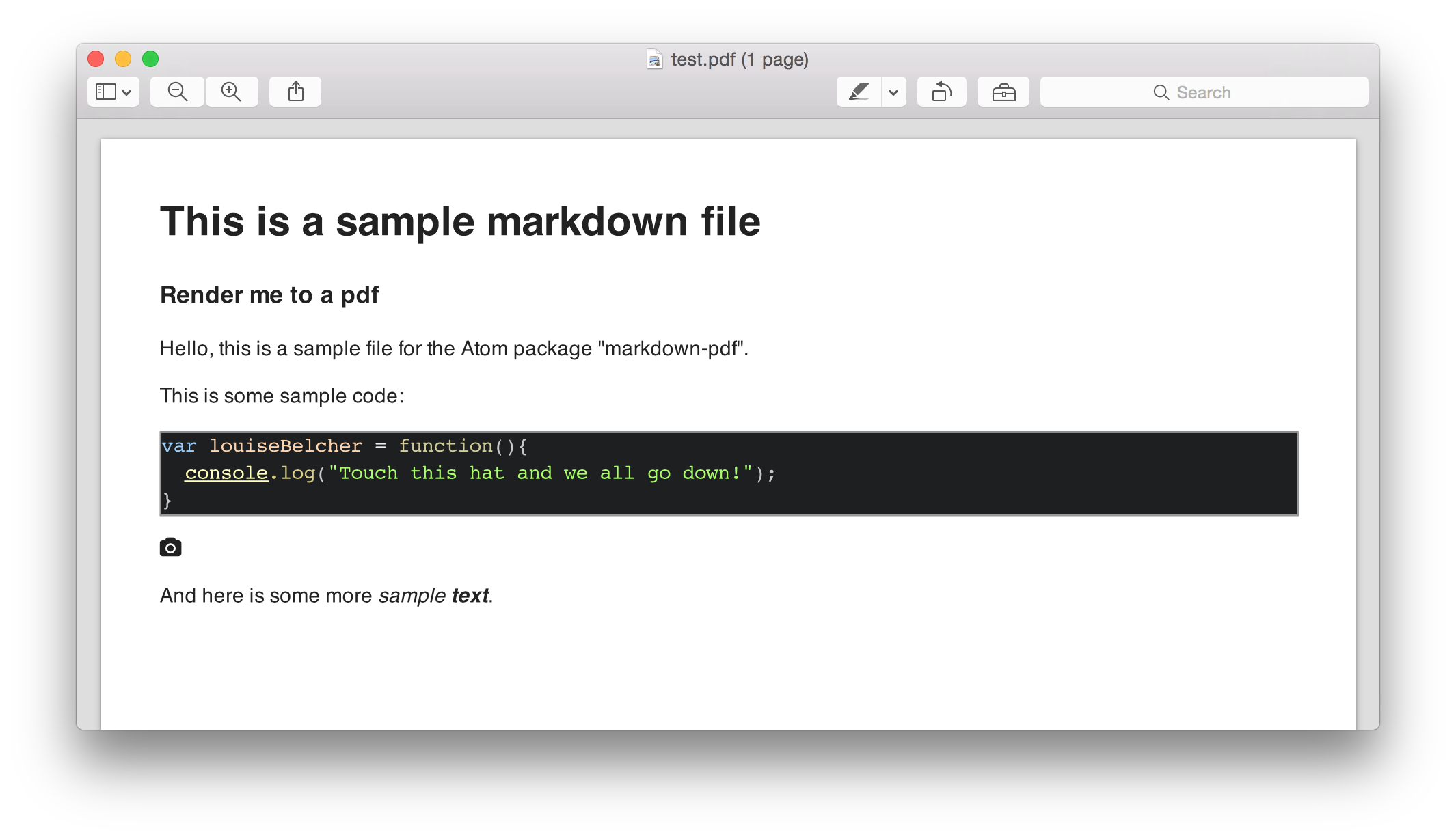
You can set parameters in the package's settings, such as page and border size.
Feel free to run apm star 'markdown-pdf' or give some feedback 😄
- @BlueHatbRit: for helping integrate the essential
mdpdfconverter module - @schmurphy: #11
- @NKMR6194: #51, #83
- @Nicnl: #28
- @brianchung808: #34
- @hdmi: #53
- @CumpsD: #59
- @pydolan: #72, #74
- @Galadirith: #88
If you're using Atom to develop Atom, you could use a devtools upgrade.