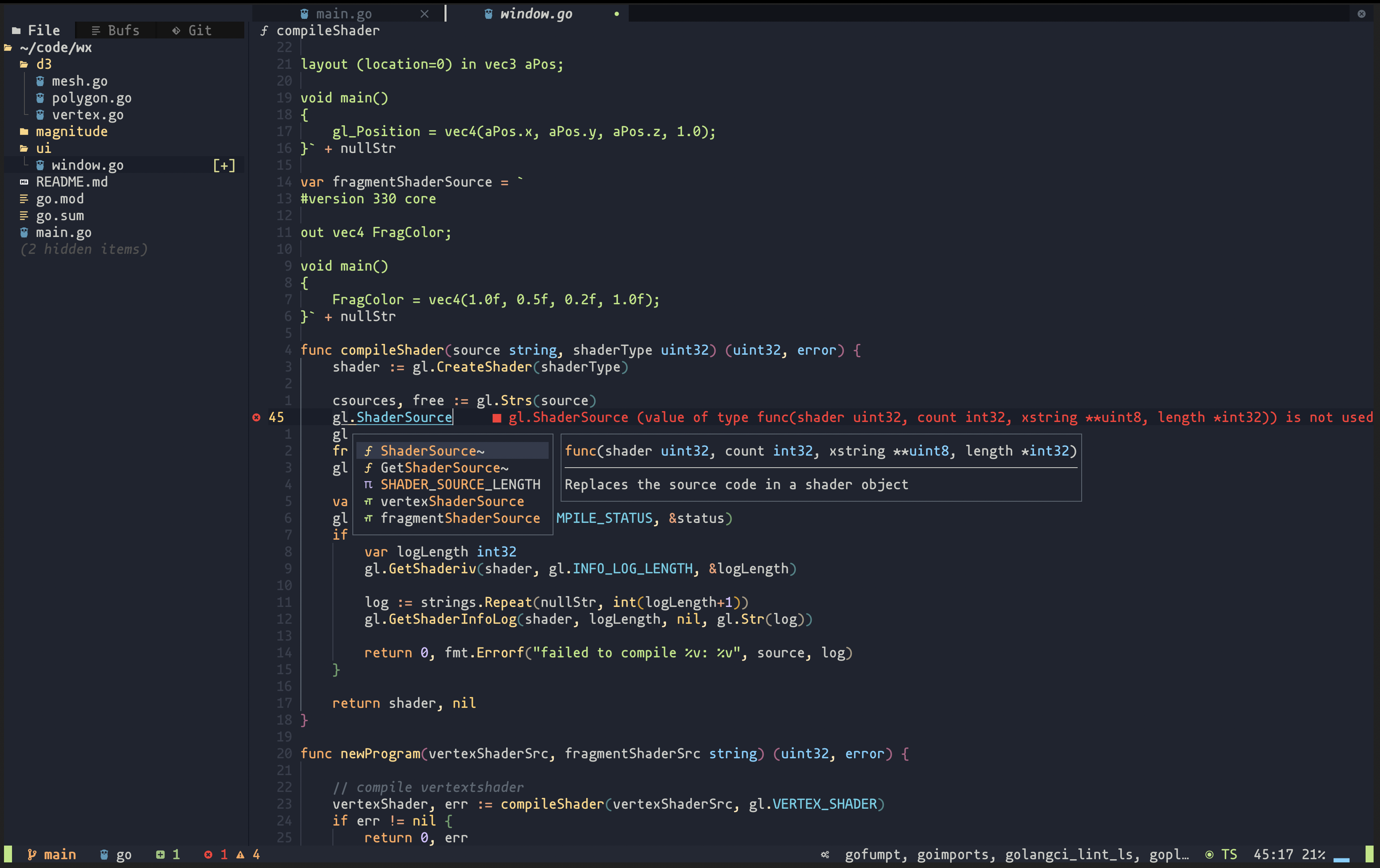
See Oni
AstroNvim variant for Mac OS X
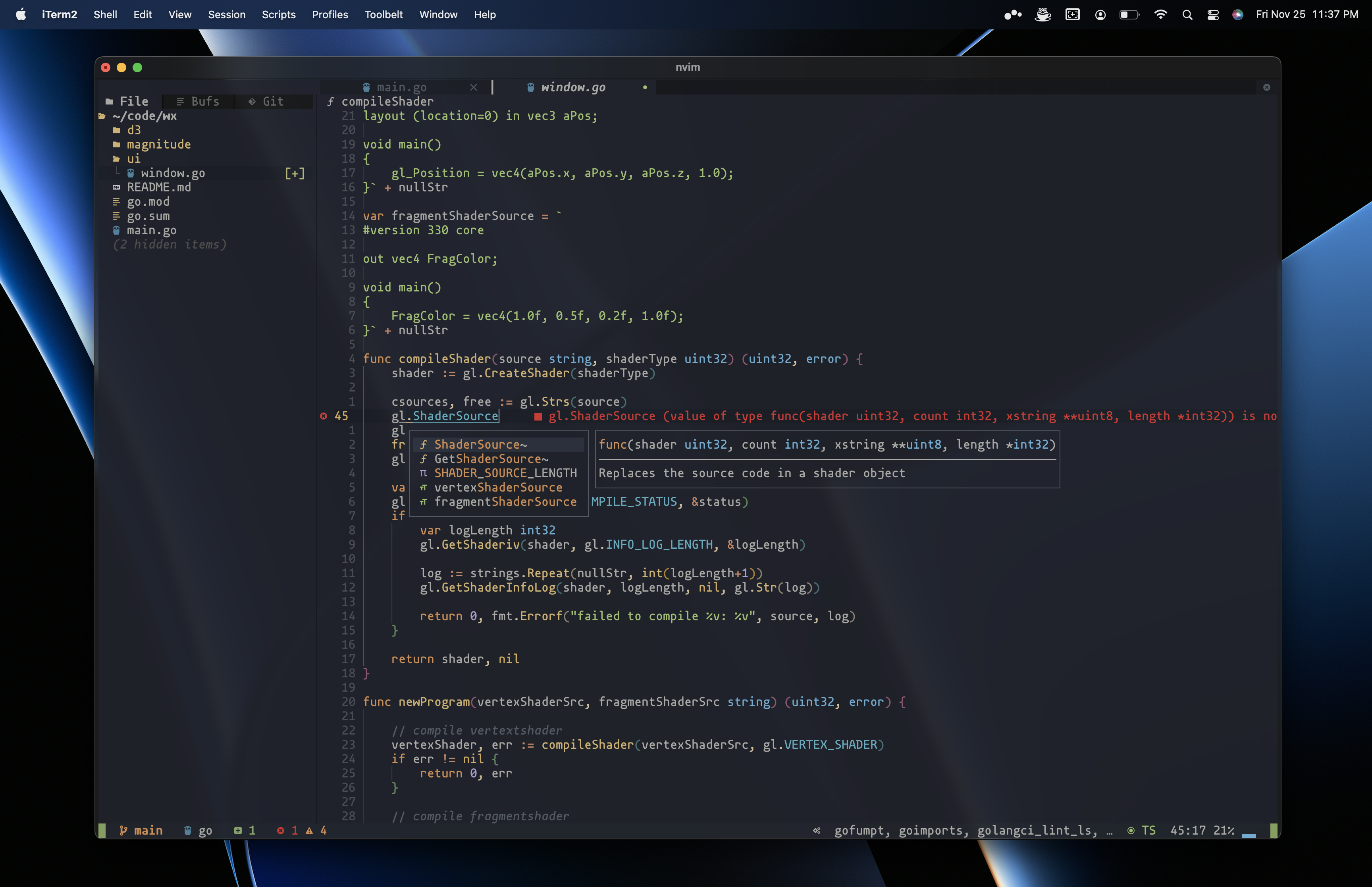
- Install neovim
/bin/bash -c "$(curl -fsSL https://raw.githubusercontent.com/josephbharrison/nvim/HEAD/install.sh)"-
Set preferred NerdFont in iTerm2
Preferences > Profile > Text > Font
-
(Optionally) Import iTerm2 profile
Preferences > Profile > Other Actions... > Import JSON Profiles...
nvim +TutorTo view 'lead' mappings, open nvim and press <Space>:

The
<Space>key is the default maplead, change with:vim.g.maplead = "<key>"
| Key Mapping | Description |
|---|---|
<Space> e |
Toggle explorer (tree view) |
<Space> ff |
Fuzzy finder (find/open file) |
<Shift> l |
Next buffer (tab) |
<Shift> h |
Prev buffer (tab) |
<Ctrl> l |
Next window, right |
<Ctrl> h |
Next window, left |
<Ctrl> j |
Next window, down |
<Ctrl> k |
Next window, up |
- Languages:
:LspInstall [language] - Linters:
:MasonInstall <linter> - Formatters:
:MasonInstall <formatter> - Fonts:
brew install --cask font-<font>-nerd-font
Update the user configuration file: ~/.config/nvim/lua/user/init.lua