A hybrid mobile/web app designed to allow peers to connect to each other directly using WebRTC, and exchange messages and files. The original intended use-case is similar to Microsoft Edge Drop, allowing a quick and easy way to pass links and files between devices, but it can be used as a conventional chat app as well.
The app is not currently in a production state. It is functional in a development environment, but has not yet been vetted for production. The app runs on Web and Android; there are no plans to develop or test iOS compatibility.
These instructions will be expanded once the app reaches a production version.
Important
This app does not include any security features or encryption, and has not been designed with security in mind. Do not use it to transmit sensitive information.
You can clone the project onto your workstation and run it using npm run scripts. Make sure to run npm install to download the dependencies first.
Warning
Commands must be run from the WSL Shell, and it is recommended to host the project directory on the WSL filesystem.
npm run mobile will start Metro, which can build and deploy a development version to a connected Android device over adb.
npm run web will start Webpack, which will serve the web version to localhost.
Due to security constraints, the app requires the use of a Signaling Server, which is included in the project directory. It can be started with node. In future, only connections involving the web version will require this; mobile-to-mobile connections should be possible without it.
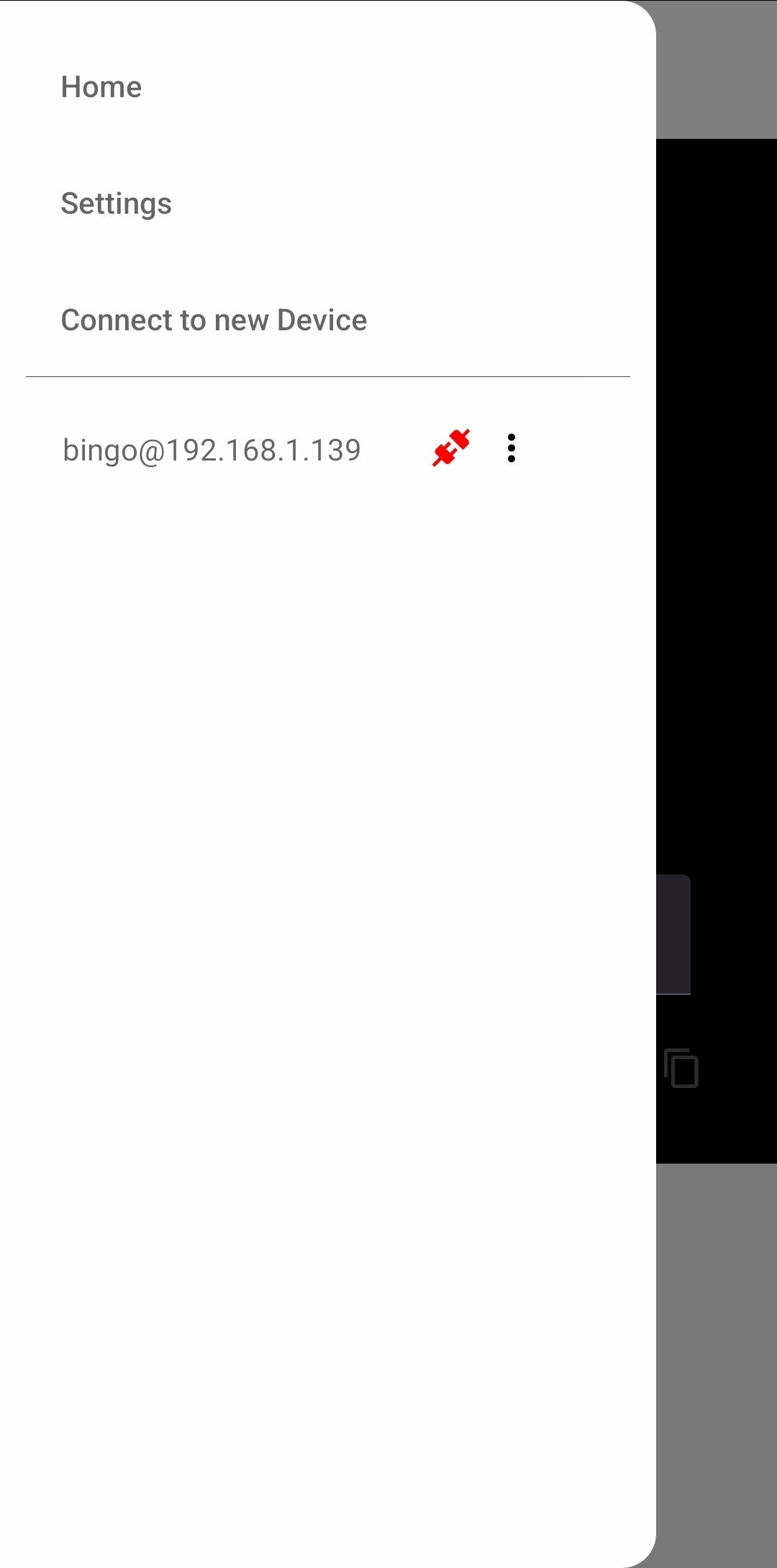
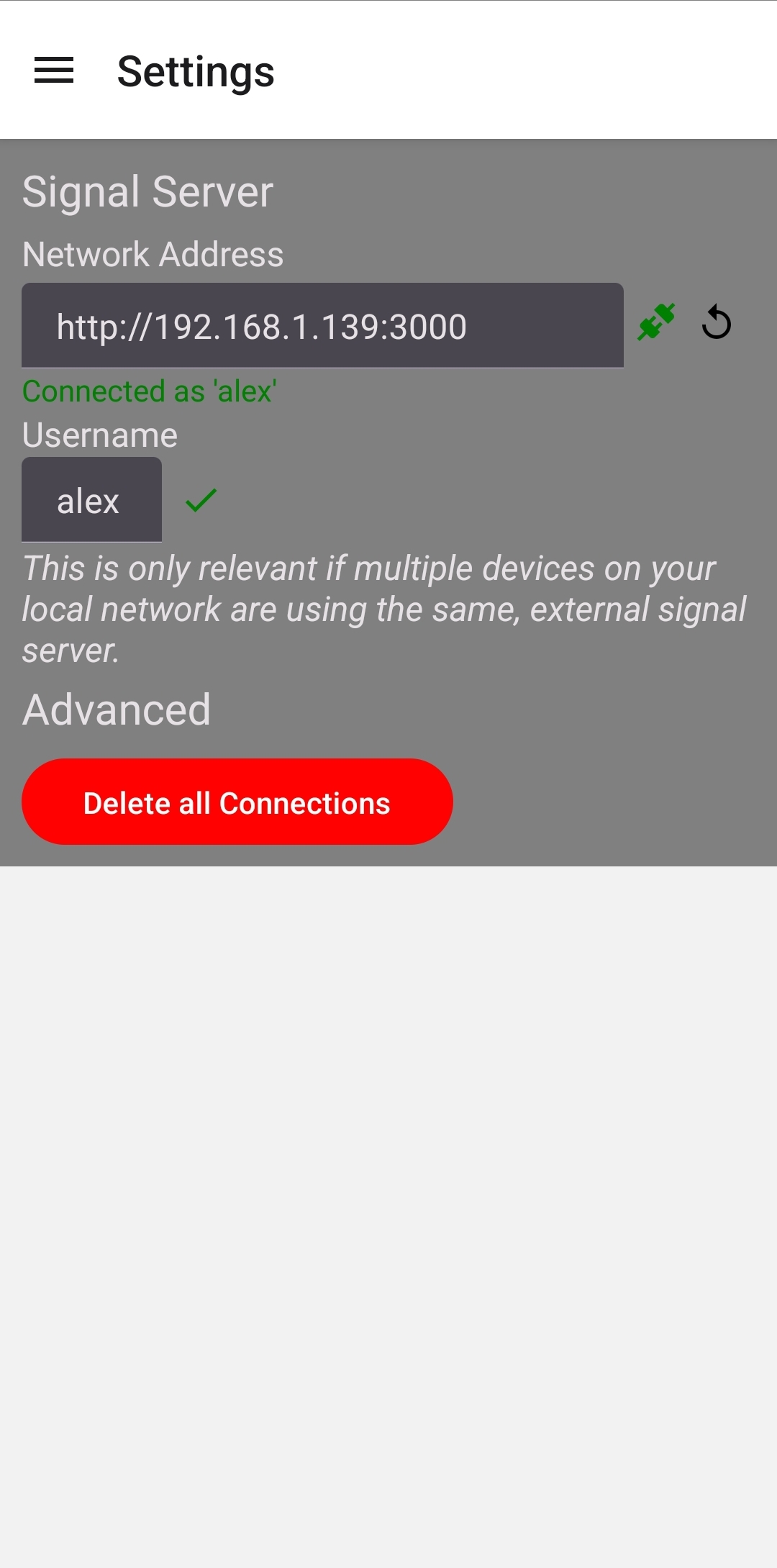
The app can be navigated using the Navigation Drawer on left side of the screen. In Settings, make sure you are connected to the Signal Server.
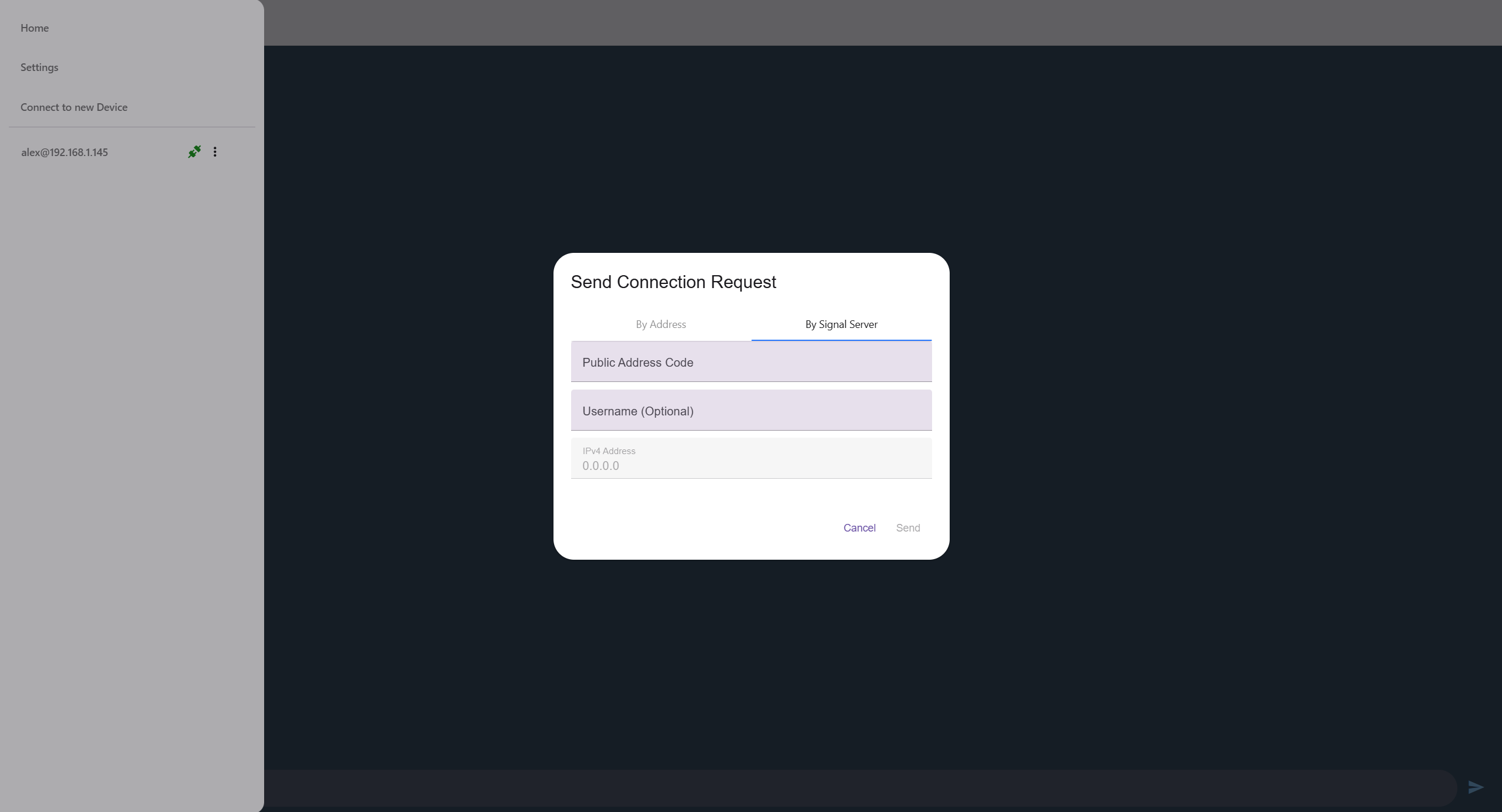
Use the 'Connect to new Device' dialog to send a connection request (make sure you use the 'By Signal Server' option). Your Home page will tell you your IP address, and the Code that corresponds to it. Enter the code for the other device's address, and press Send.
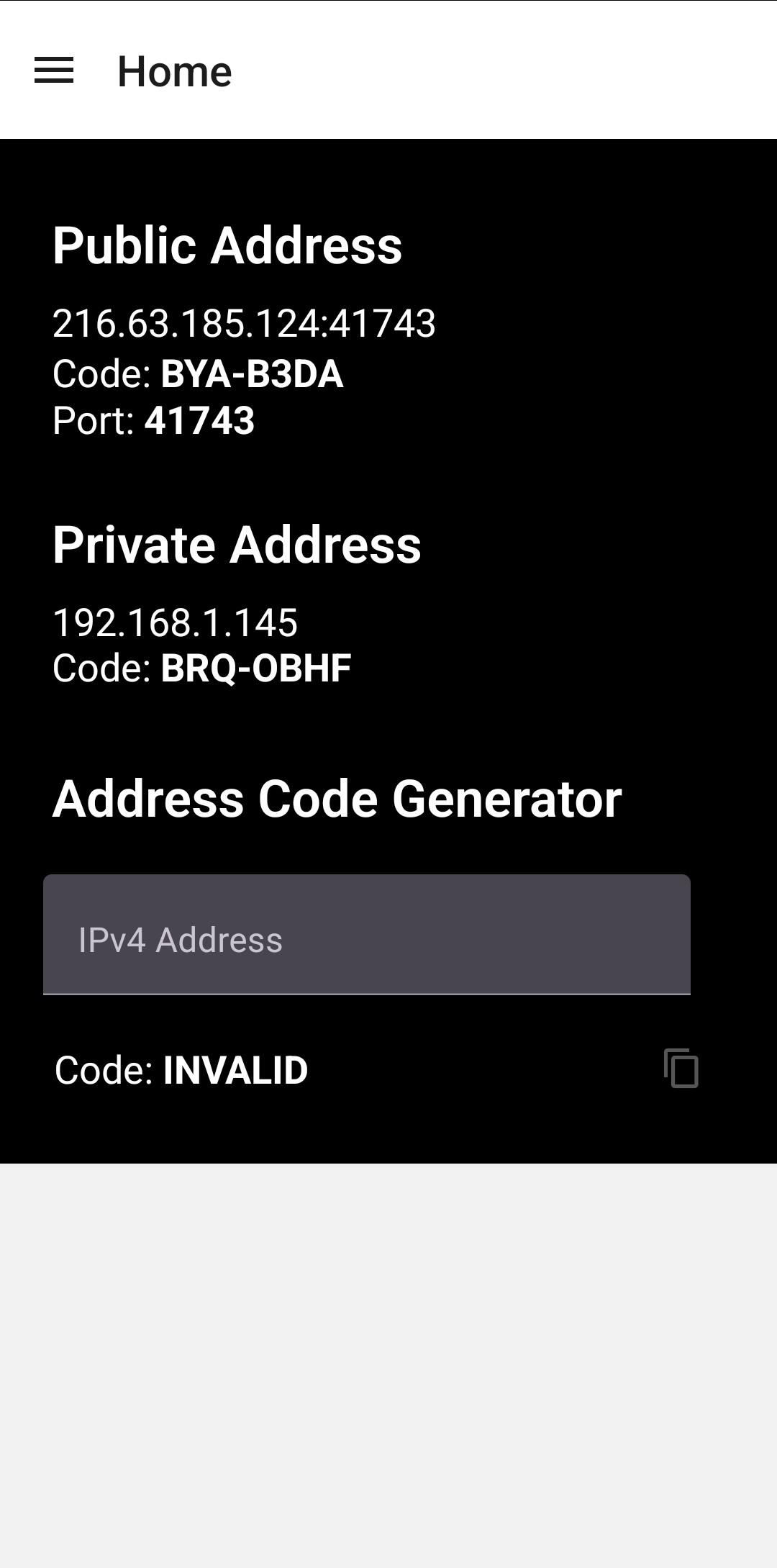
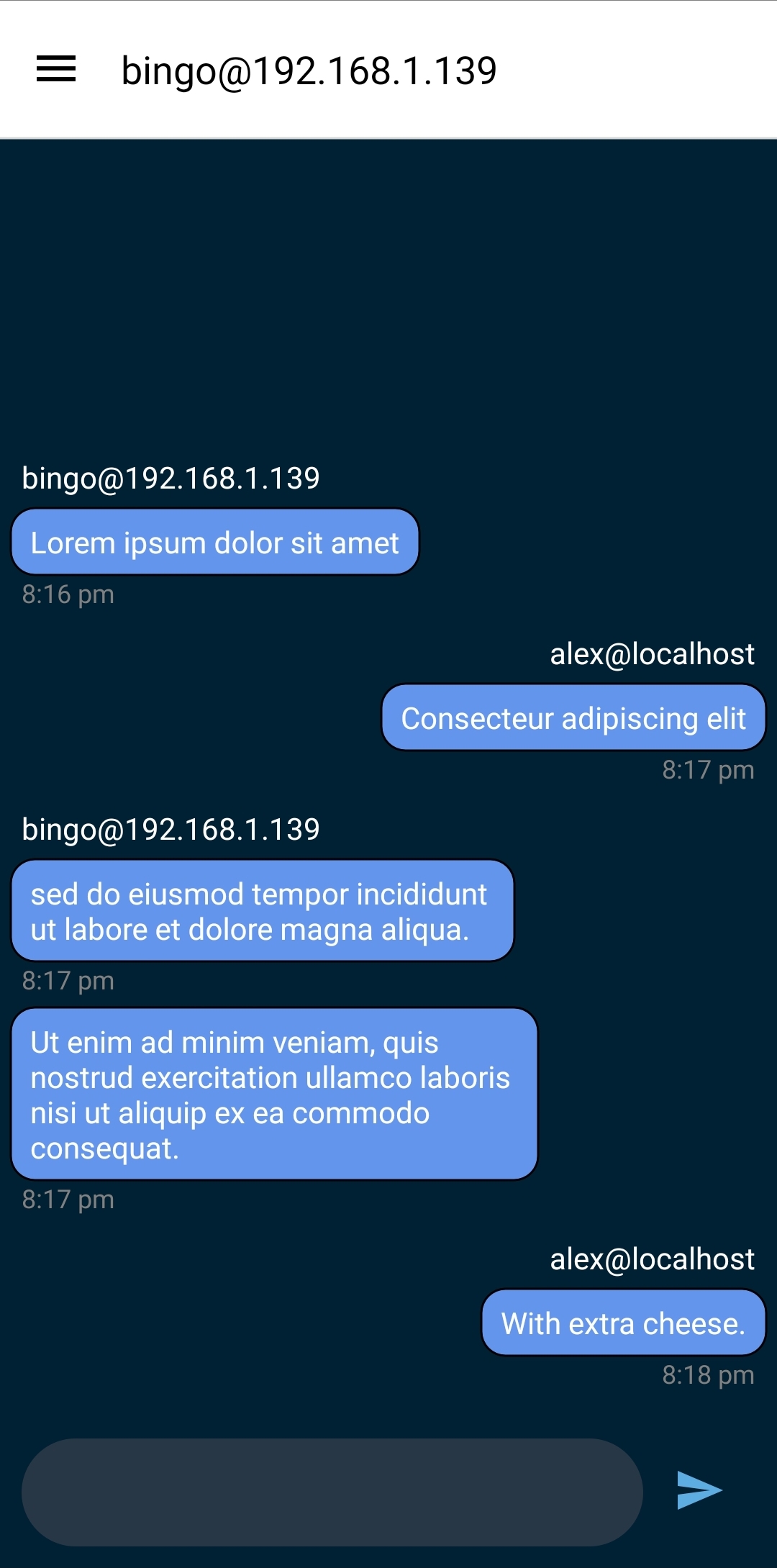
The request should appear on the other device. Once accepted, a connection will be established between the two devices, and a chat channel will be created. After the initial connection, either device can connect or disconnect the channel.
Tip
Press and hold to start selecting chat bubbles.
-
Detects IPv4 addresses and translates them into 7-digit alphanumeric codes for easier communication.
-
Connection request management system.
-
Username system to distinguish peers under the same public address.
-
Dynamic connection negotiation using ICE.
-
Clipboard Integration
-
Chat History Management
This is a hobby project with no development timetable, but at some point in the future:
-
Link Highlighting
-
Send Images and Files
-
Direct Connection (no Signal Server) for mobile-to-mobile connections
-
Security Overhaul (Encryption, Spoof Resistance)
-
QR Code Pairing
-
Multilateral Message Groups (Group chats)
I recommend the following development environment:
-
Windows Subsystem for Linux (WSL).
-
Text Editor and Terminals: VSCode
-
Android Device Bridge (adb)