
See the theme component discussion here on Discourse
Hello 👋 This theme component is created from https://meta.discourse.org/t/guest-gate-sign-up-popup-plugin/56625/. It can lock topics for anon visitors with a modal and force them to Sign Up or Login. The component can be use for like an alert modal to warn visitors to sign up but they can close it (for this leave uncheck the dismissable false setting). You can also change how many topic page view open the modal etc....
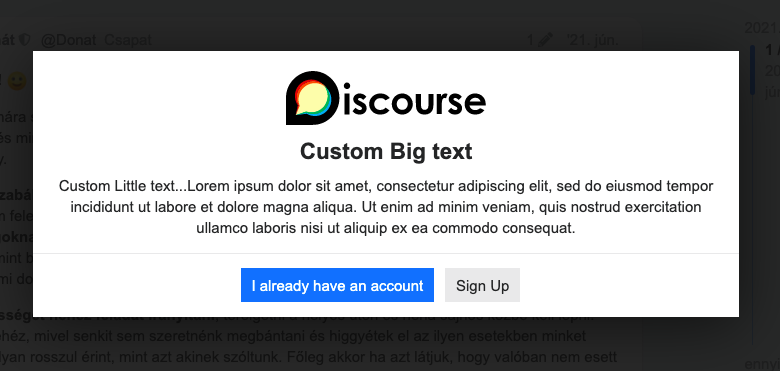
Tip: If you use the custom gate and want to hide the modal header just like on the image above. You have to delete the guest_gate.title field and hit a space. It will remove the modal title, so you can use a title below the image.
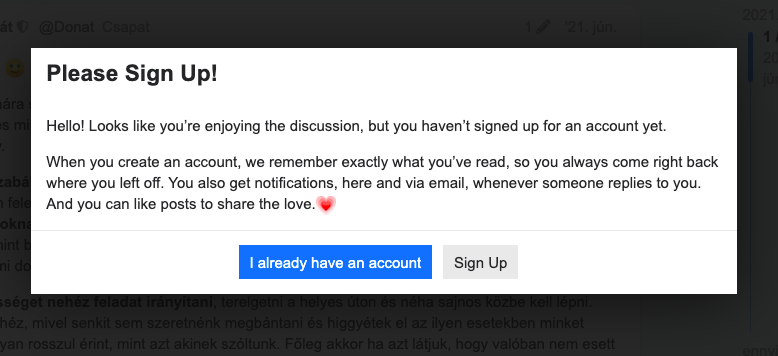
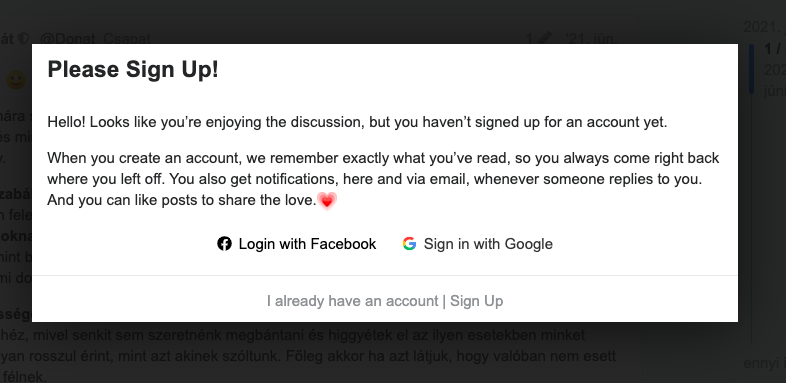
You have two main gate options:
-
Generic gate (default: it will use the Discourse Signup CTA text in modal) It uses these texts:
js.signup_cta.introandjs.signup_cta.value_prop -
Custom gate (you can customize the modal; add image, custom text and colors)
And there are lot of other settings
Guest Gate modal global settings
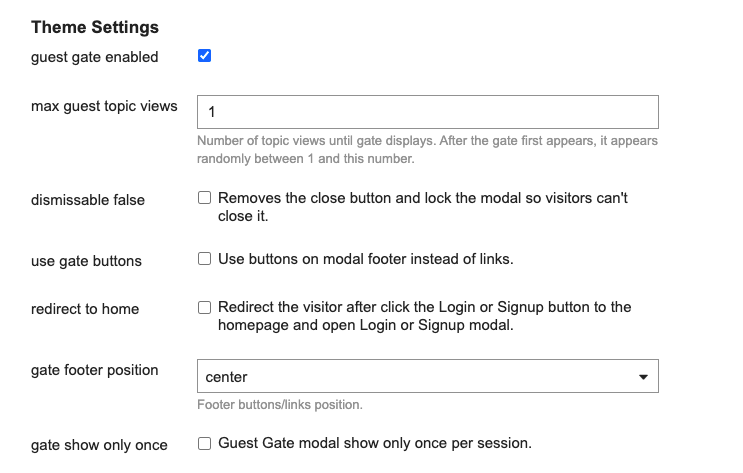
max guest topic viewsNumber of topic views until gate displays. After the gate first appears, it appears randomly between 1 and this number.dismissable falseRemoves the close button and lock the modal so visitors can't close it.use gate buttonsUse buttons on modal footer instead of links.redirect to homeRedirect the visitor after click the Login or Signup button to the homepage and open Login or Signup modal. Note: If you leave unchecked this than the visitor left on topic page after click the buttons and the Guest Gate modal changes with Login or Signup modal which is dismissable so the visitor can close it and read the topic.gate footer positionFooter buttons/links position.gate show only onceGuest Gate modal show only once per session.
Custom Gate settings
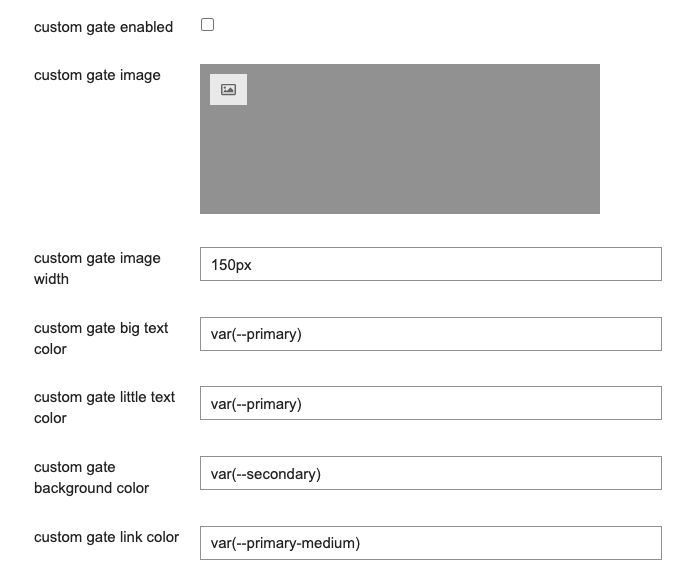
custom gate enabledEnable it if you want to customize the modal.custom gate imageUpload an image to top of the modal content.custom gate image widthThe uploaded image width. You can use px, % etc, e.g. 100% will add a full modal width (minus padding) image.custom gate big text colorBig text goes to below image. You can set the color of the text.custom gate little text colorLittle text goes to below big text. You can set the color of the text.custom gate background colorChange the modal background. You can set the background color of the modal.custom gate link colorChange the footer link color. It appears if theuse gate buttonssetting disable and you set up a custom gate.
Credit ❤️ Huge thanks to the plugin authors, maintainers and contributors: @vinothkannans, @jgujgu and @michaeld