DevCrate is an AI-powered bookmarking tool for developers. It automatically summarizes, tags, and organizes your saved URLs using Google Gemini — turning random links into a smart, searchable knowledge base.
🧠 Built to help developers never lose valuable resources again. Unlike traditional bookmark managers, DevCrate adds AI-generated context to every single link you save.
Live Demo: [https://devcrate-app.vercel.app]
DevCrate features a clean, responsive, and modern UI with full light and dark mode support.
| Dark Mode Dashboard | Light Mode Dashboard |
|---|---|
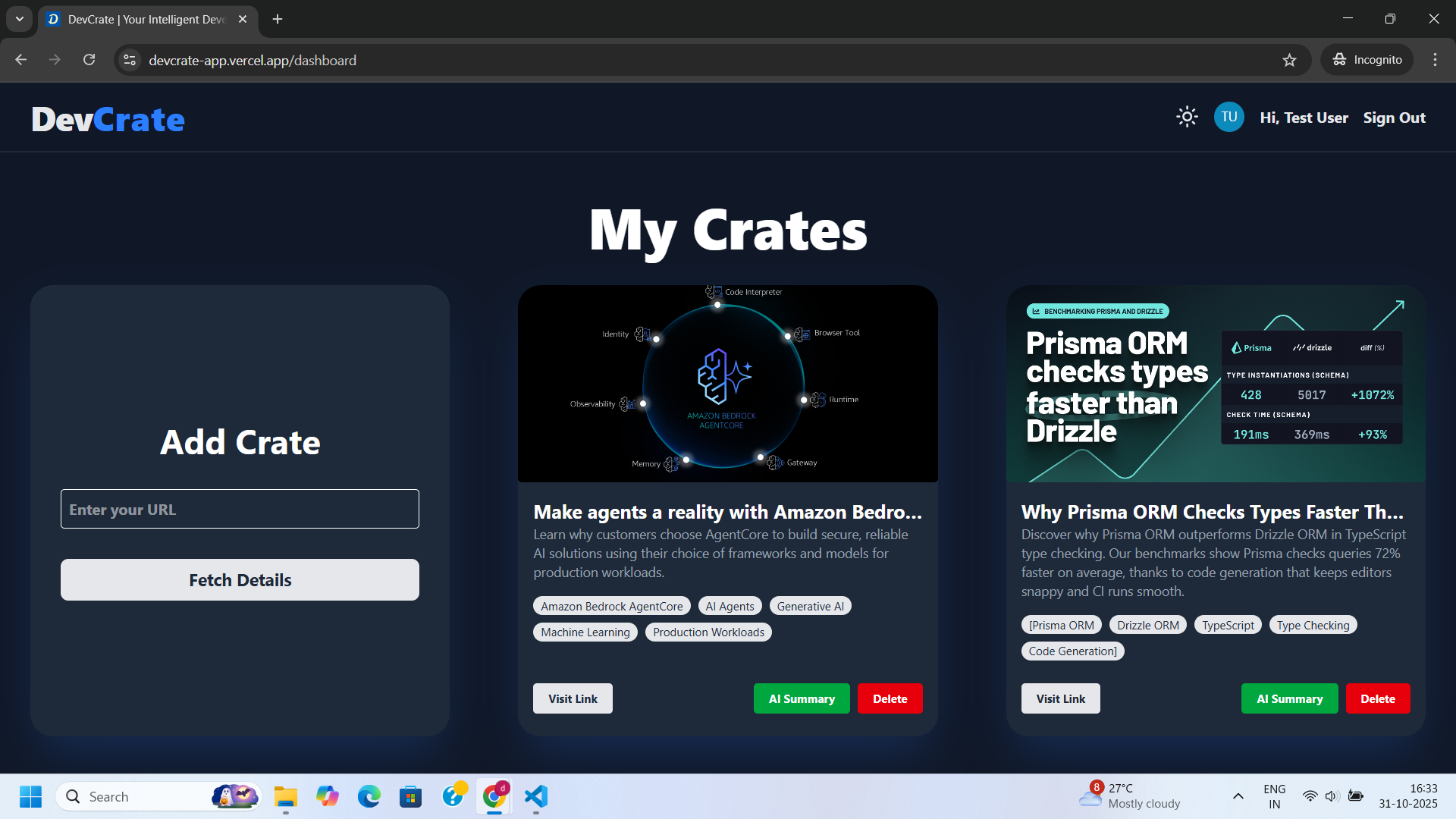 |
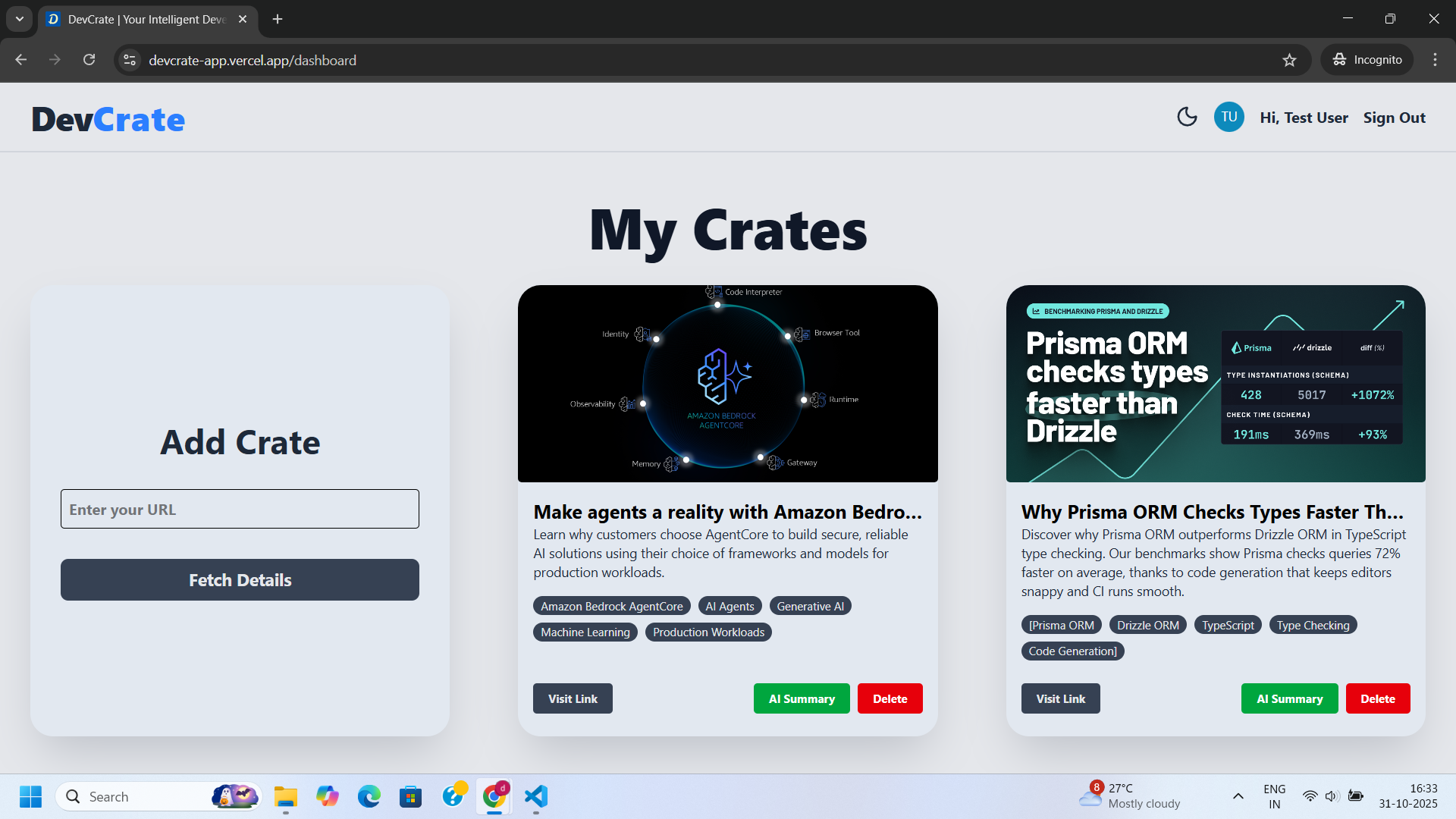 |
| Add Crate Modal | AI Summary Modal |
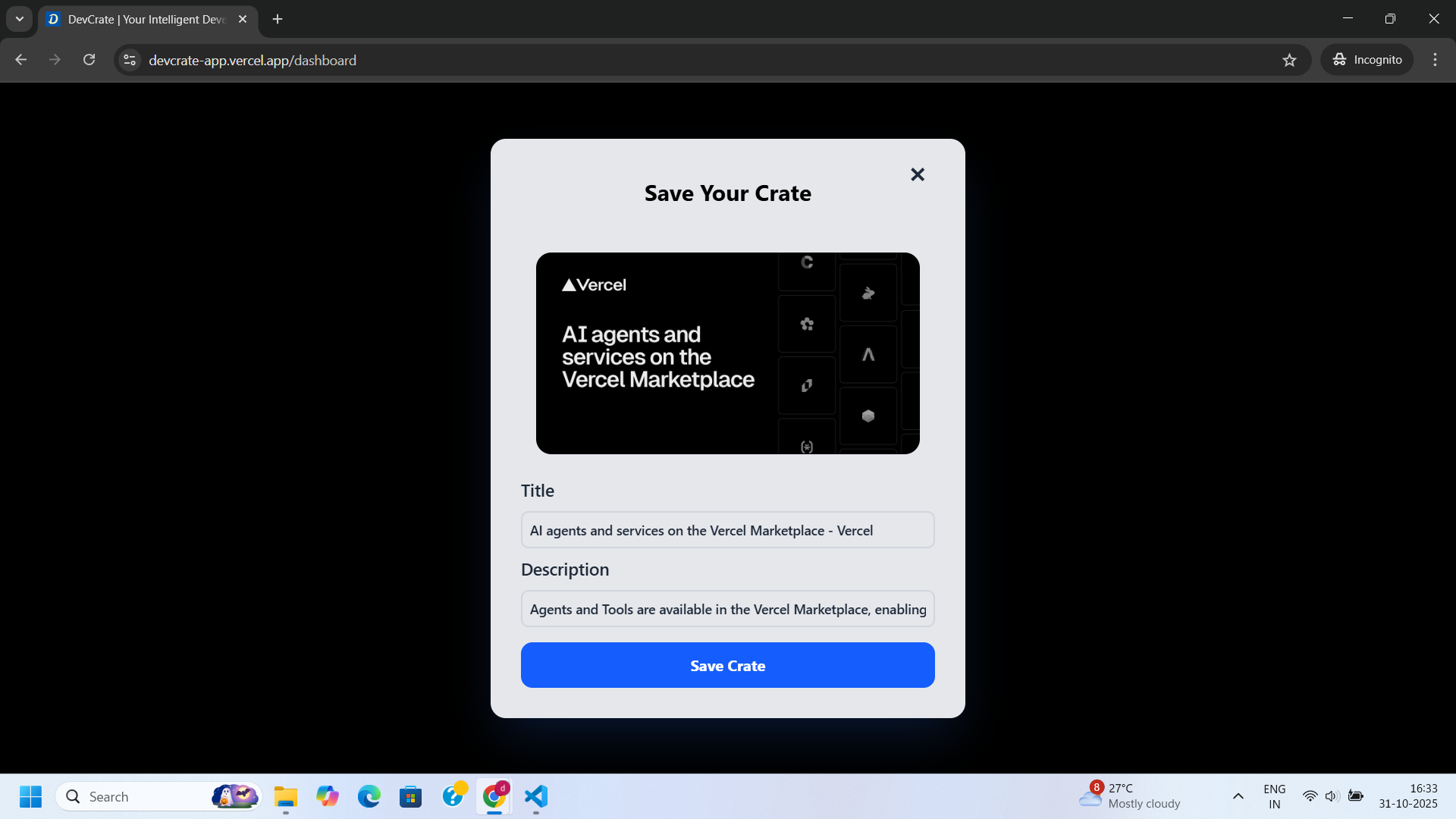 |
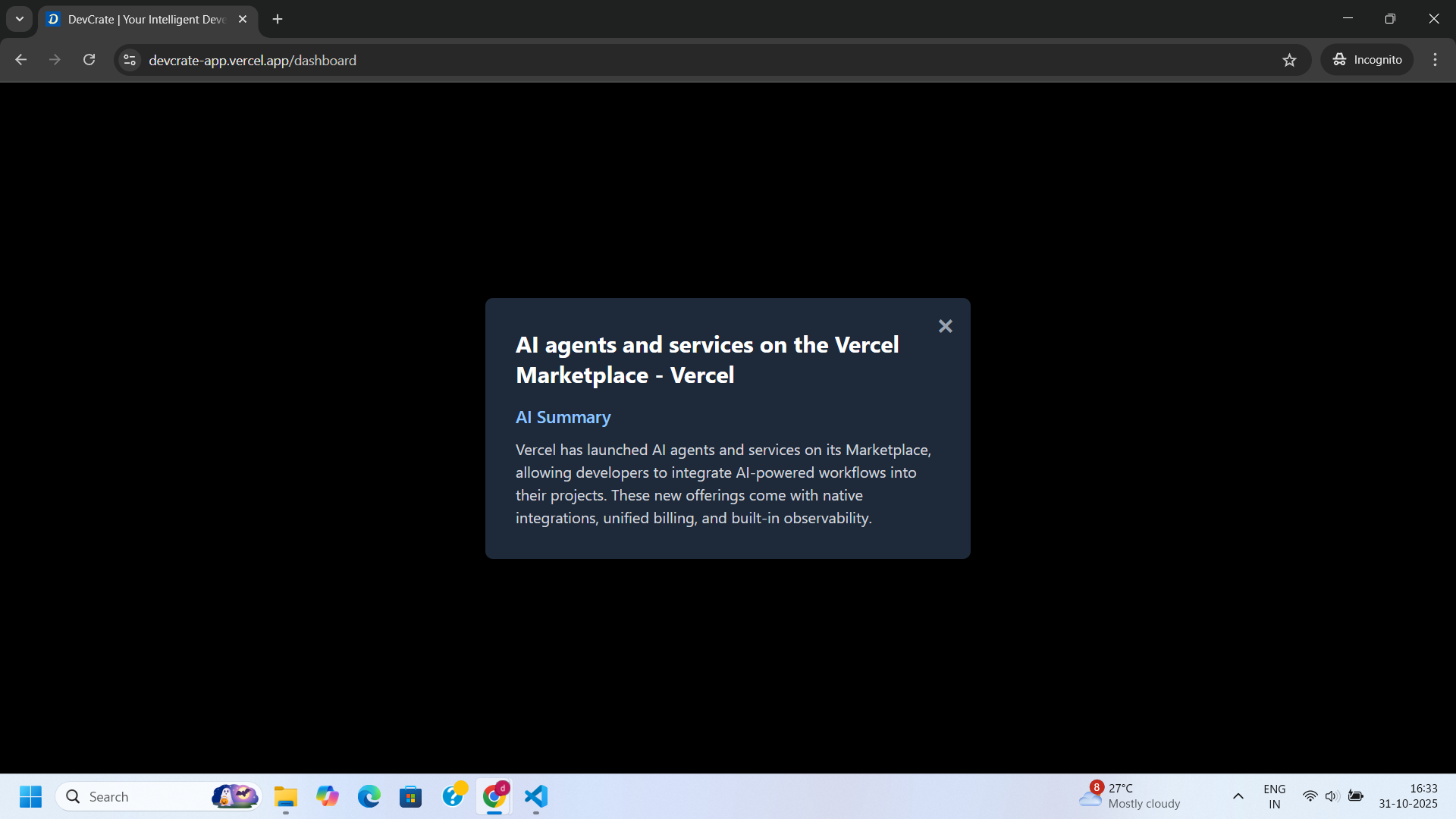 |
| Landing Page | Auth Page (Dark) |
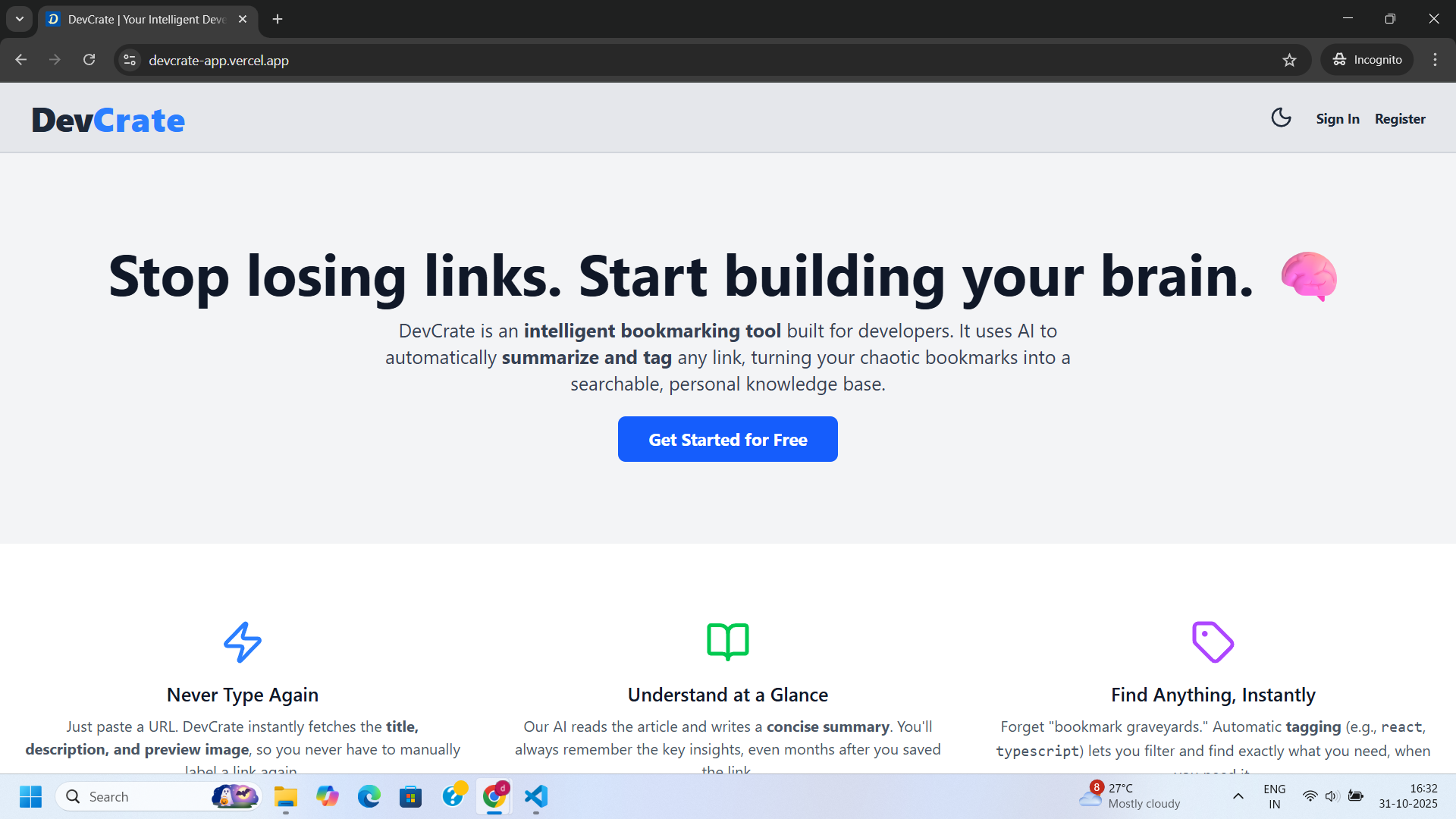 |
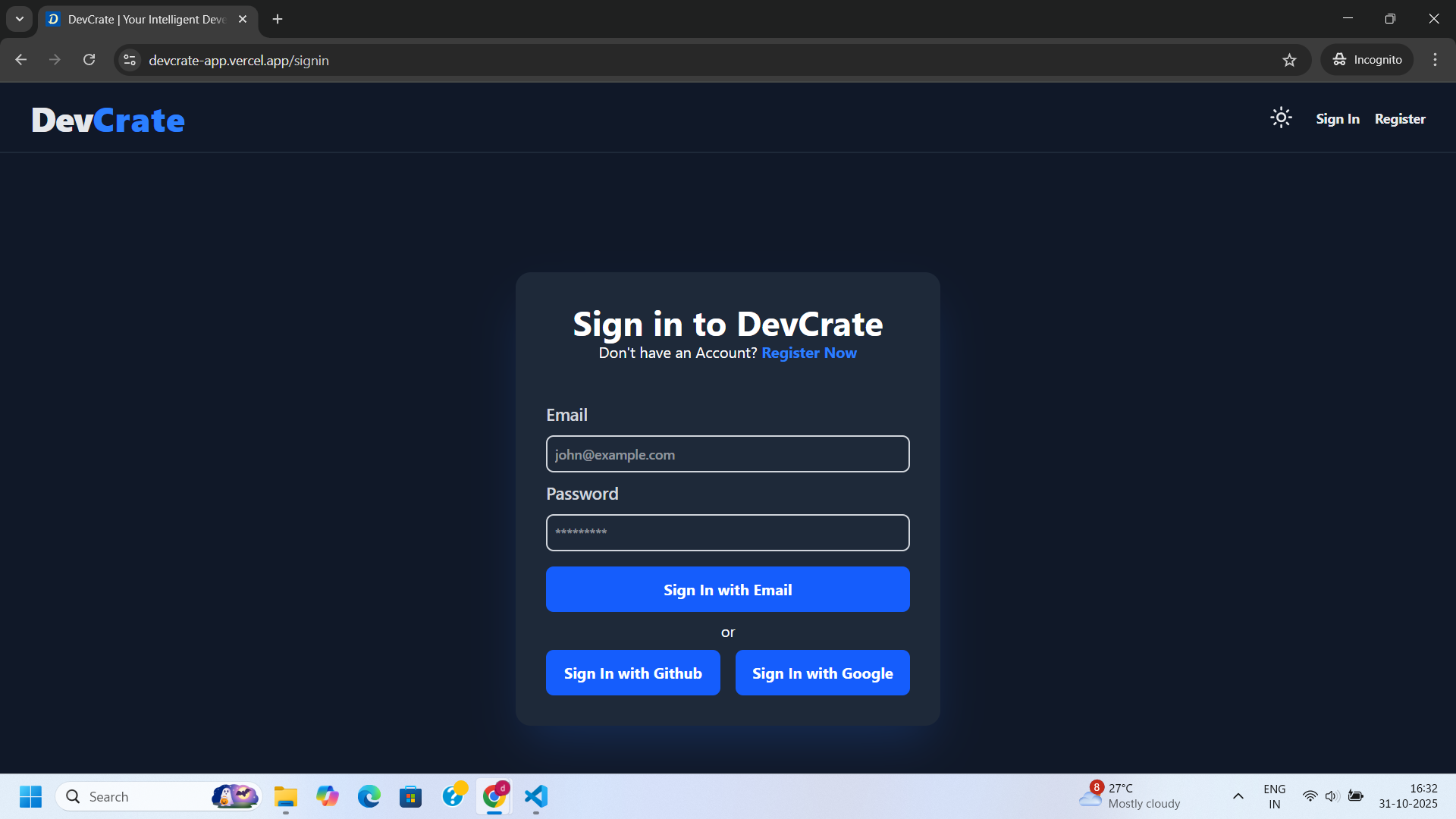 |
- Intelligent Content Scraping: Just paste a URL, and the app automatically fetches the title, description, and preview image using Axios and Cheerio.
- AI-Powered Summaries & Tags: Leverages the Google Gemini Pro API to generate a concise summary and a list of 3-5 relevant technical tags for every link.
- Full CRUD Functionality: A complete Create, Read, and Delete experience for all your saved crates, with a modal-based UI for adding new items.
- Secure Authentication: Full auth flow supporting both OAuth (Google, GitHub) and traditional Email/Password sign-in, built with NextAuth.js.
- Responsive UI with Dark/Light Mode: A clean, modern, and fully responsive interface built with Tailwind CSS, featuring a persistent, user-selectable theme.
- API-First Design: All functionality is handled through a secure backend API built with Next.js Route Handlers.
This project is a full-stack application built with a modern, type-safe stack.
| Category | Technology |
|---|---|
| Framework | Next.js 15 (App Router) |
| Language | TypeScript |
| Database | PostgreSQL |
| ORM | Prisma |
| Authentication | NextAuth.js (v4) |
| AI | Google Gemini Pro API (@google/generative-ai) |
| Web Scraping | Axios & Cheerio |
| Styling | Tailwind CSS |
| Deployment | Vercel |
Here's a high-level overview of the project's structure:
devcrate-app/
│
├── app/
│   ├── api/
│   │   ├── auth/
│   │   │   └── [...nextauth]/
│   │   │       └── route.ts          # NextAuth.js handler
│   │   ├── crates/
│   │   │   ├── [id]/
│   │   │   │   └── route.ts          # DELETE Crate API
│   │   │   └── route.ts              # GET & POST Crates API
│   │   ├── register/
│   │   │   └── route.ts              # User registration API
│   │   └── scrape/
│   │       └── route.ts              # Web scraping API
│   │
│   ├── dashboard/
│   │   └── page.tsx                  # Protected user dashboard
│   │
│   ├── register/
│   │   └── page.tsx                  # Custom registration page
│   │
│   ├── signin/
│   │   └── page.tsx                  # Custom sign-in page
│   │
│   ├── layout.tsx                    # Root layout (title, theme, providers)
│   └── page.tsx                      # Public landing page
│
├── components/                       # Reusable UI components
├── lib/                              # Helper singletons (Prisma, Gemini, AuthOptions)
├── prisma/                           # Prisma schema & migrations
├── public/                           # Static assets (icons, images, etc.)
└── README.md
- Node.js (v18 or later)
- A PostgreSQL database (local or cloud-hosted, e.g., Supabase)
- A Google AI Studio API Key
- GitHub & Google OAuth credentials
git clone https://github.com/om272004/devcrate-app.git
cd devcrate-appThis project has a dependency conflict between next@15 and next-auth@4. Use the --legacy-peer-deps flag to install.
npm install --legacy-peer-deps
Create a file named .env in the root of the project and add the following:
# Database (Get this from Supabase or your local instance)
DATABASE_URL="postgresql://YOUR_DB_USER:YOUR_DB_PASSWORD@HOST:PORT/DB_NAME"

# Auth
NEXTAUTH_SECRET="your_secret_key"

# OAuth Providers
GITHUB_CLIENT_ID="your_github_client_id"
GITHUB_CLIENT_SECRET="your_github_client_secret"

GOOGLE_CLIENT_ID="your_google_client_id"
GOOGLE_CLIENT_SECRET="your_google_client_secret"

# Google Gemini AI
GEMINI_API_KEY="your_gemini_api_key"
npx prisma db push
npm run dev
Open http://localhost:3000 in your browser!
This project has a solid foundation, but there's always more to build. Here are a few features I'm planning next:
- Search & Filter: Implement a search bar to filter crates by title, summary, and AI-generated tags.
- Crate Folders: Add the ability for users to create and manage folders to organize their crates.
- Edit Functionality: Allow users to edit a crate's details (title, description, tags) after it's been saved.
- Chrome Extension: Build a simple extension to save links to DevCrate in one click without leaving the page.