Skip to content

Conversation

@joeyklee
Copy link
Contributor

Hi @catarak - As the latest release of the generative-design project is out, I've updated the branch reference in the examples-gg-latest.js script to pull the sketches from master.

If/When you're ready, please pull in the changes and run the examples on server. Thank you! 🌈


Before your pull request is reviewed and merged, make sure you

  • there are no linting errors -- npm run lint
  • code is in uniquely-named feature branch, and has been rebased on top of latest master. If you're asked to make more changes make sure you rebase onto master then too!
  • pull request is descriptively named and links to an issue number, i.e. Fixes #123

Thank you!

@catarak
Copy link
Member

catarak commented Feb 20, 2018

yay! will deploy this and run this right now 🎉

@catarak catarak merged commit 2a92d87 into processing:master Feb 20, 2018
@catarak
Copy link
Member

catarak commented Feb 20, 2018

just ran it, let me know if there are any problems!

@joeyklee
Copy link
Contributor Author

Seems to be working great!

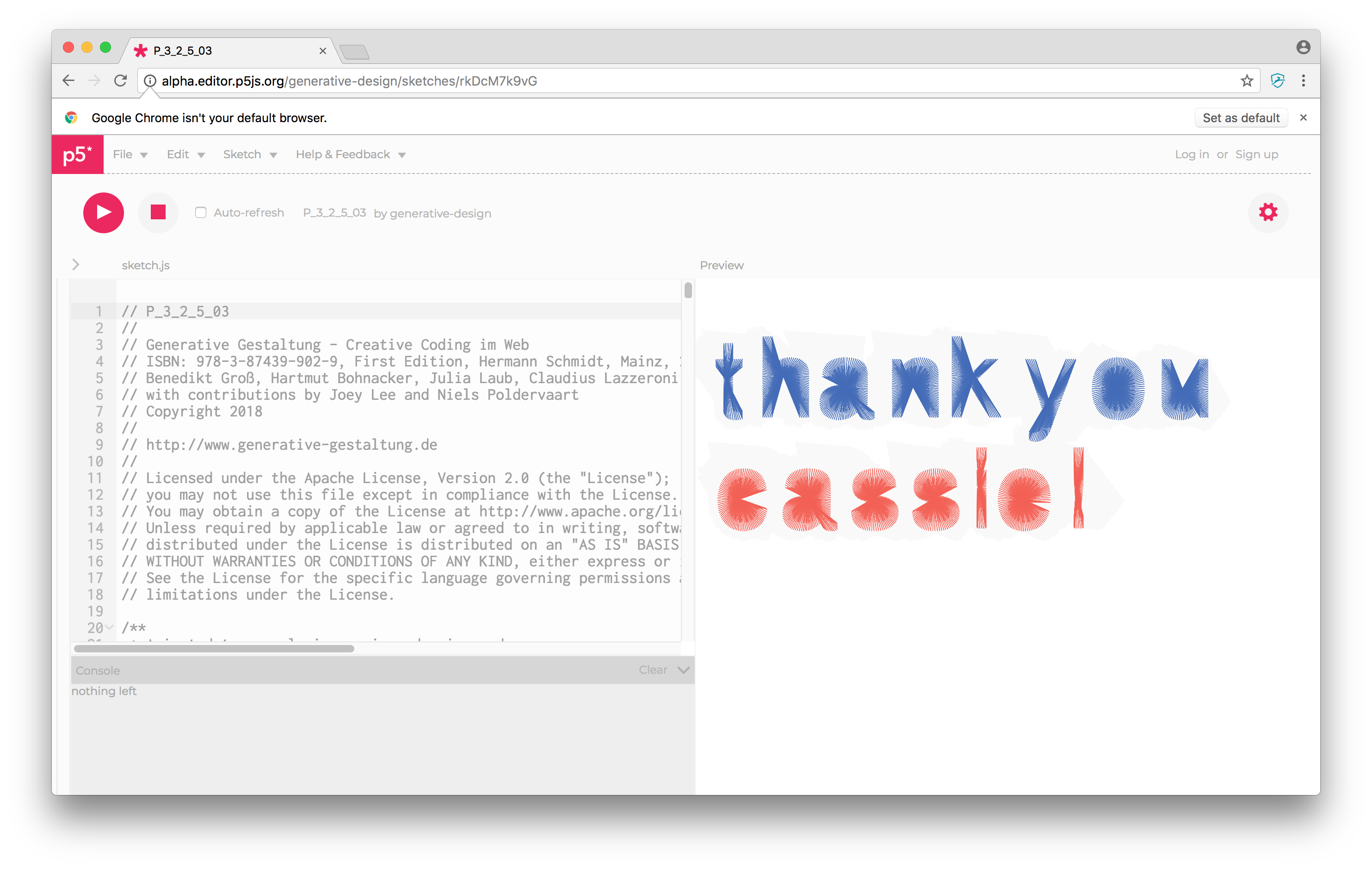
screen shot 2018-02-20 at 13 08 39

Though is the url feature using the sketch name working?
e.g.
http://alpha.editor.p5js.org/generative-design/sketches/P_3_2_5_03
vs.
http://alpha.editor.p5js.org/generative-design/sketches/rkDcM7k9vG

@catarak
Copy link
Member

catarak commented Feb 20, 2018

nope it is not working! i'll fix it 😄

@joeyklee
Copy link
Contributor Author

@catarak - thank you so much!

catarak added a commit that referenced this pull request Feb 20, 2018
@catarak
Copy link
Member

catarak commented Feb 20, 2018

should be fixed now!

@joeyklee
Copy link
Contributor Author

@catarak - Thanks for looking into this! So wonderful. Happy days!

@shiffman
Copy link
Member

yay, great work all!

@joeyklee
Copy link
Contributor Author

Hi @catarak! I've been doing a little house cleaning and looking to update the generative design sketches. A few things that I'm looking to do:

1. update the references for the libraries & dependencies

Just a note: It seems in firefox, if you try to use https://rawgit.com/ we get a CORS error for some js libraries. Using http://raw.githack.com/ seems to solve this for some reason for some of our .js files living in github.

2. Upload files

This is the major one which would be cool to chat with you about. Right now, files like images, svgs, and otf files are being referenced as a cdn.rawgit link, but in the p5 editor there's now a super duper file uploader.

Is there a way to programatically add files up? This would be great since right now, a good number of the generative design sketches would need to be manually updated w/ their respective data files like images, svgs, font files, etc (which is ok, but for long term maintenance it would be better to script it).

I've been noting my findings here as well:
generative-design/Code-Package-p5.js#169 (comment)

Thank you for your thoughts!!

@catarak
Copy link
Member

catarak commented Sep 24, 2018

To address your points:

  1. I would just make a PR that changes these URLs, and then I can re-run the fetch script.
  2. There's no way to programmatically upload the files. IMO I think it's best to link from the files on GitHub, so that if you want to make changes to the examples, you won't have to destroy all of the examples (incl deleting all of the assets on S3) and then reupload all of the assets to S3, which may or may not have changed.

@catarak
Copy link
Member

catarak commented Sep 24, 2018

Also, I guess this means that the p5.js examples with assets aren't working on Firefox??? Going to look into this.

UPDATE: They are working for me on Firefix (tested mp3s, jpgs, mp4s). I wonder what's different?

@joeyklee
Copy link
Contributor Author

To address your points:

1. I would just make a PR that changes these URLs, and then I can re-run the fetch script.

2. There's no way to programmatically upload the files. IMO I think it's best to link from the files on GitHub, so that if you want to make changes to the examples, you won't have to destroy all of the examples (incl deleting all of the assets on S3) and then reupload all of the assets to S3, which may or may not have changed.
  • On point 1: Yep! I will do it that way.
  • On point 2: Also agreed this is the best way to go. I'll figure out a good way to link the assets in the fetch examples script.

On FF vs Chrome issues (I hope I didn't give you a heart attack!) :

There's some funky stuff that occurs with some sketches b/w firefox and chrome. For the most part, things seem to be working, but occasionally there are some differences.

This example works in Chrome, but in Firefox, the canvas gets stuck atloading...
https://editor.p5js.org/generative-design/sketches/BJJg-J5qvaf

  • I've tried uploading the module_1.svg using the fancy drag an drop feature and that seems to allow us to grab those files without a problem.

Same situation for this example:
https://editor.p5js.org/generative-design/sketches/rJtl-J9qPpG

@catarak
Copy link
Member

catarak commented Sep 24, 2018

Huh, for me, both of those sketches work...

@joeyklee
Copy link
Contributor Author

joeyklee commented Sep 24, 2018

@catarak omg. Privacy Badger badger'd it's way into my life and was hating on me real hard. Whew! This is why building software with friends == better :)
Thank you thank you!

I'll make a note to disable potential extensions that might zap sketch in case others run into the same issue.

@catarak
Copy link
Member

catarak commented Sep 24, 2018

ahhhh glad you figured it out!

Sign up for free to join this conversation on GitHub. Already have an account? Sign in to comment

Labels

None yet

Projects

None yet

Development

Successfully merging this pull request may close these issues.

3 participants