Window size too small for steps slider in Images dashboard #3540

Description

When adding a succession of images to the same handle (but with different step ID), a slider appears that enables convenient navigation of those steps.
The problem is that the slider makes the div overflow. This means that irrespective of the size of the actual image, the slider induces the appearance of a horizontal scroll bar at the bottom of the div:
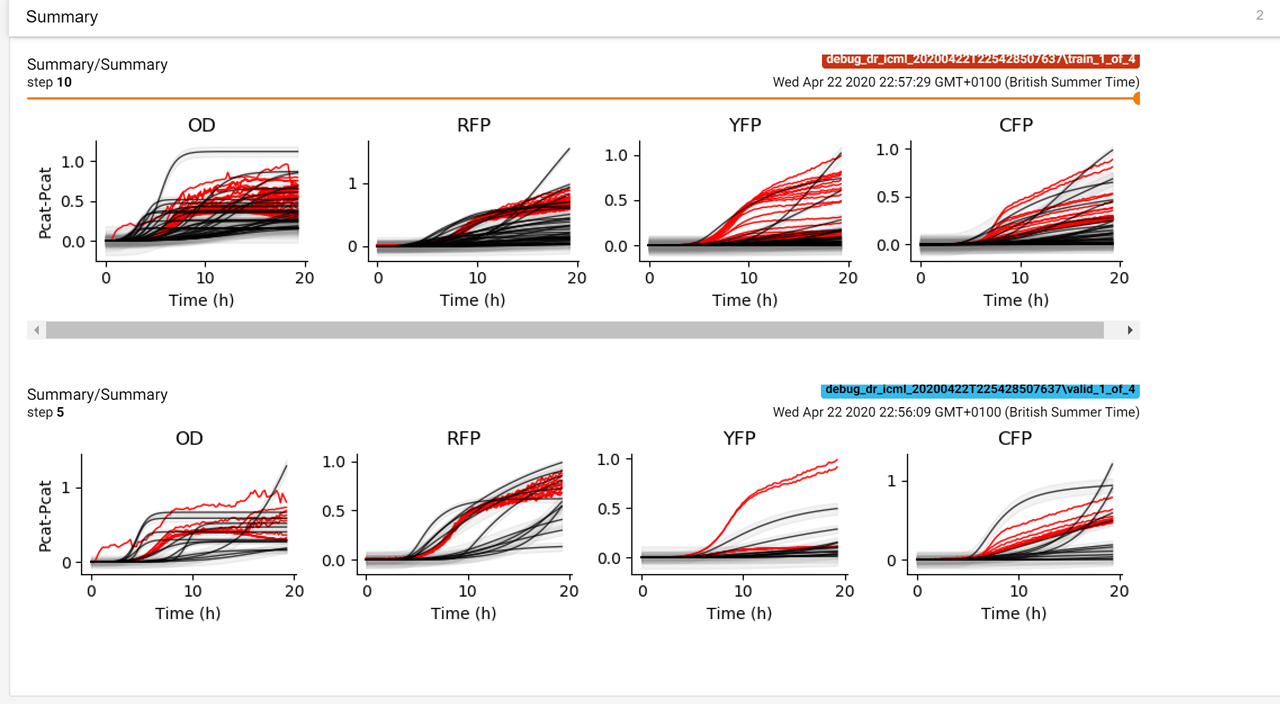
In this example, the top image has received an update at step 10 (with slider), while the bottom image only has the first update at step 5 (no slider).
Before v1.14.0, this wasn't a problem (here are the same event files loaded with v1.13.1):
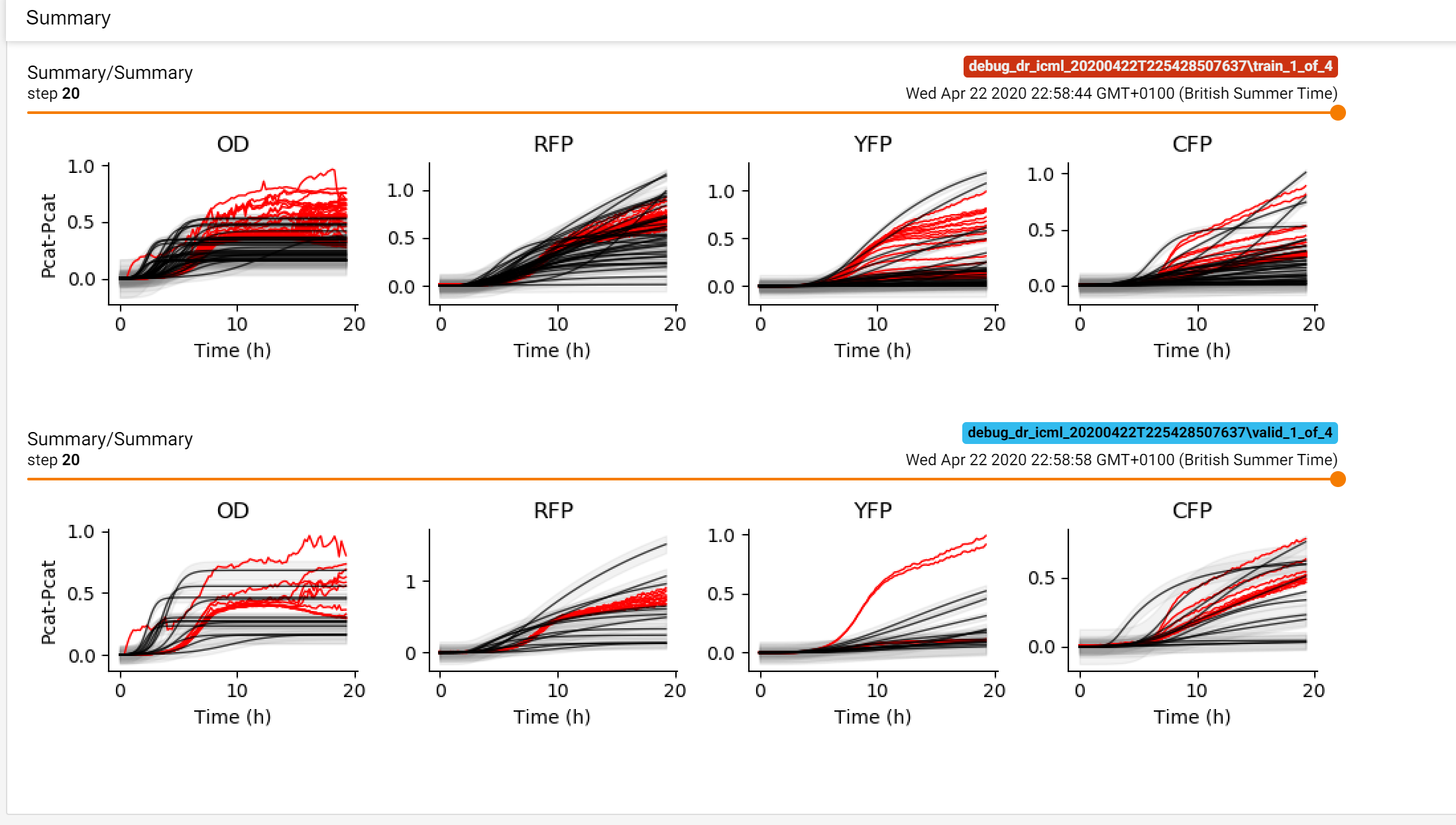
My theory is that this is a side-effect of using the overflow-x setting, which was introduced as part of pull request #2164.
I suspect the solution would be to enable a margin somewhere. There appears to be some logic to determine an appropriate margin for the slider on lines 148 onwards of tensorboard/plugins/image/tf_image_dashboard/tf-image-loader.html
Perhaps this logic is not correct? I'm not a UI person, so I don't know how best to fix this. Frustratingly, I cannot just use 1.13.1, because I'm now using PyTorch, which requires 1.14.0 onwards to communicate with Tensorboard.