Notifications dropdown logic #1969

Description

@vic-topcoder @gondzo
Notifications dropdown especially for mobile currently have quite intricate logic, not sure if it still desired behavior.
-
First, we show not more than
5notifications per source in the desktop dropdown, and the same approach I use for the mobile dropdown. And we don't show view older notifications for sources, only one global button Read all notifications.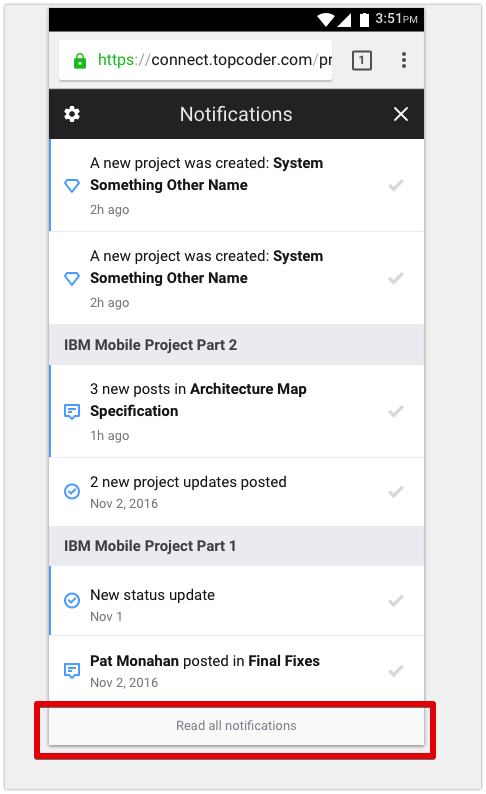
-
When user presses Read all notifications button. We show user
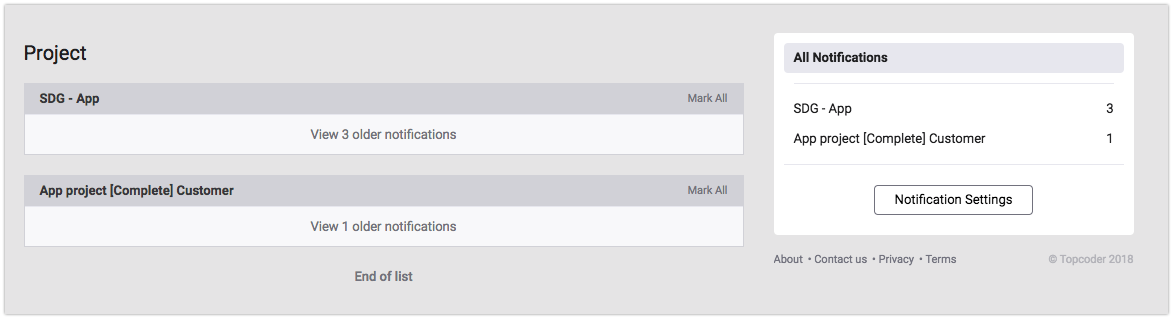
allnotifications per source, but not old. And if some source has old notifications button to view old notification for source appears.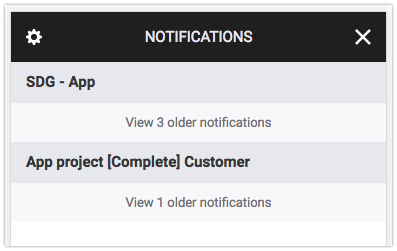
-
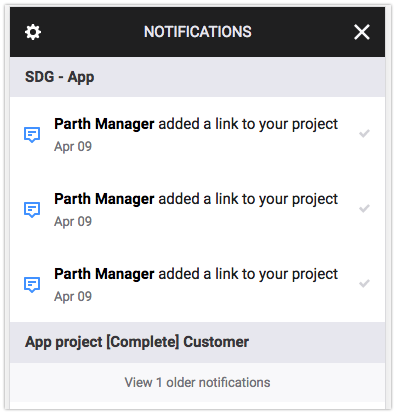
Finally user can press view older notifications button, to see old notifications for particular source.
-
Currently OLD notifications are filtered not by time (like not older than 2 days), but just not more 10 per source. So first 10 messages per source are treated as new, and the rest is old. I've fixed it to use date instead, is that correct?
-
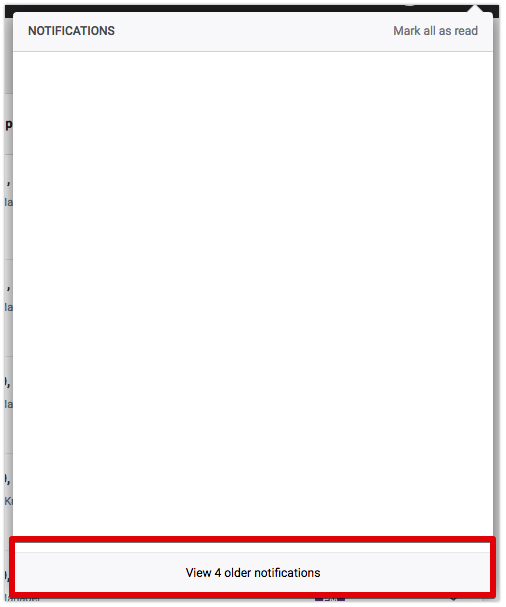
As we don't show old notifications in dropdowns by default there could be situataion, when all notifications are old but we have some unread. So we don't show "Empty" message, but also don't have notifications to show. Only show "View older button". How the best to deal with it?
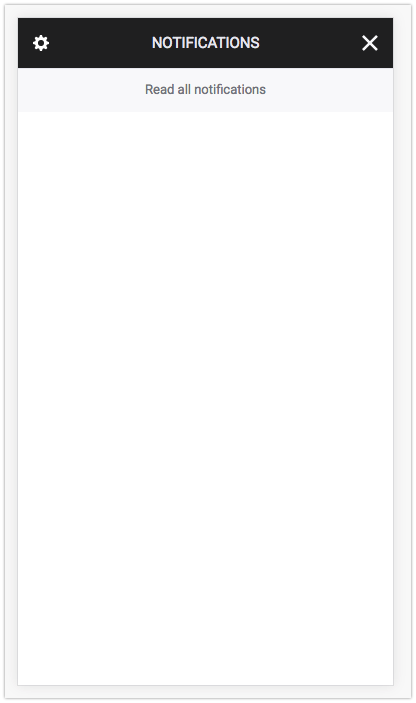
In mobile dropdown we can press Read all notifications and will see the next:
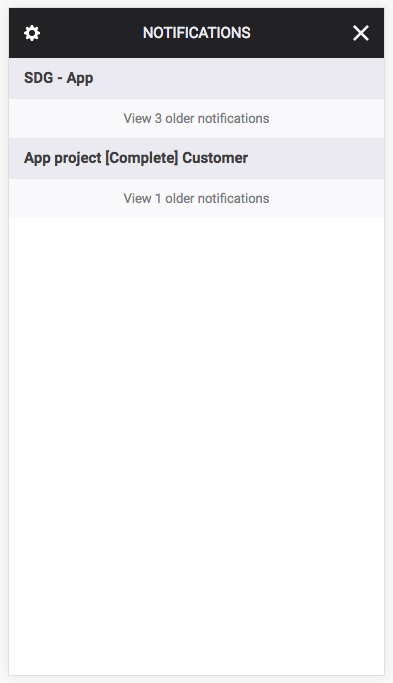
-
In mobile dropdown there is the button Read all notifications. When user press it and we show to the user all notifications. How long this decision should stand? Until page reload, page change (no real reload), dropdown open/close.
-
Realated question for View older notifications. When user press it, how long we have to show them opened?
For example on notifications page, we show notifications which user already opened, until user reloads page in the browser