My project link on mobile #1972

Description

@vic-topcoder @gondzo
There is My projects link on mobile:
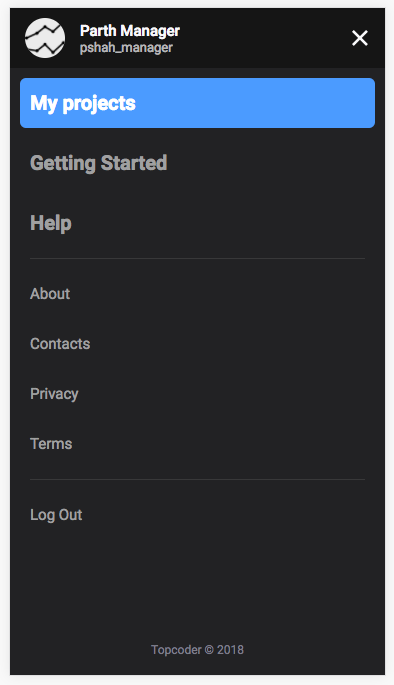
Where should it lead to? Should it behave like an ordinal link or like a switch, similar to desktop:

For now I just make it an ordinal link which leads to All Projects which belongs to the current user: /projects?memberOnly=true&sort=updatedAt%20desc.
Though there is some unclear behavior appears.
- If user clicks this link on mobile, then we go to URL
/projects?memberOnly=true&sort=updatedAt%20descwith parammemberOnly=true - now user doesn't have a way, to remove this param. If use continue applying any other filters, they will be always added to
memberOnly=true, so filter by My Projects will always stand
Two ways of solving which comes to my head also have some downsides:
- Make My projects link work not like link, but like a switch in mobile menu, so we can toggle it, though by design it's not intuitive
- Try to remove this param
memberOnly=trueon mobile device if other filters are apllied, but this behavor will be different from desktop experience than. As on desktop when we apply other filters ther are combined with My projects.