Error is shown on My Projects toggle #271

Description

Reported URL
URL where the issue occured, if applicable
https://connect.topcoder-dev.com/projects?memberOnly=true&sort=updatedAt%20desc&status=cancelled
Reproduction Steps
- Login to application using pshah_manager / topcoder123
- Select "Cancelled" filter to filter the projects
- Now enable My Projects toggle to show only my projects
- Switch to Card view
- Now disable My Projects toggle
Expected Result
All the canceled projects should be shown in Card view
Actual Result
Something went wrong error is shown
Screenshots
Paste screenshots here.
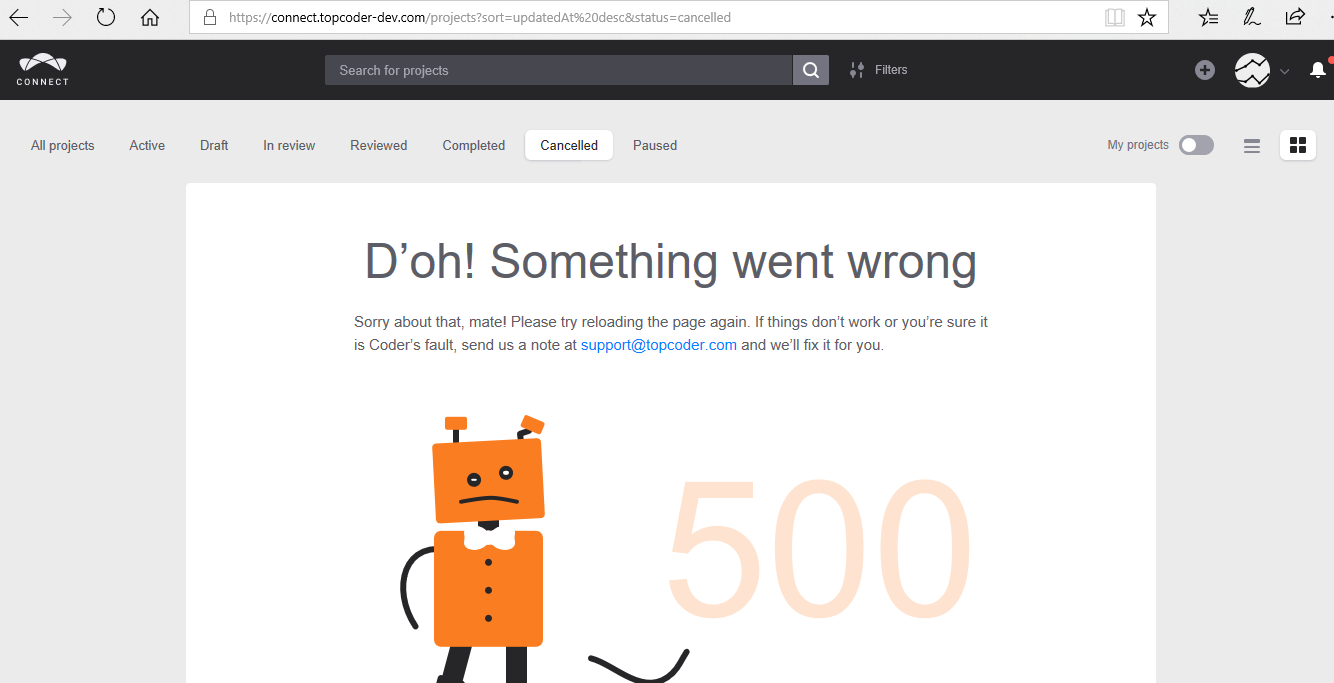
https://youtu.be/hgba0yrjX-w
Issue Information
Frequency:Always
Device: Desktop
OS: Windows 10
Browser: Edge