
Java Imports is a vscode extension that makes it easy to import java classes and packages. It also offer other basic completions.
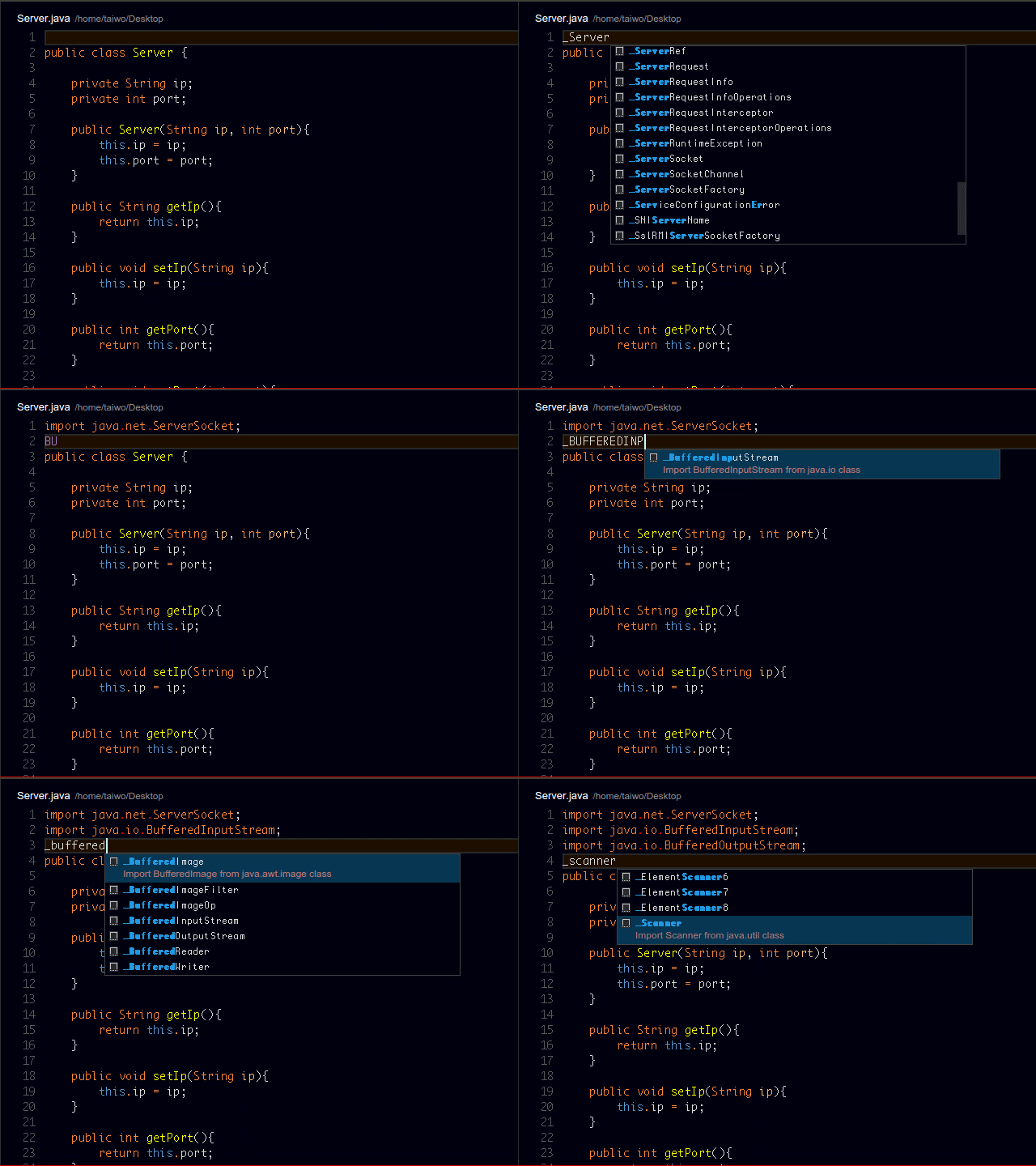
Run vscode and on a java file, type _ followed by the package/class you want to import and press tab or enter on selection.
For basic completions, use:
class--> To trigger a class definition statementmain--> To auto-complete main methodmethodto trigger a normal method with return capabilitypeorserr--> To trigger error printing to the consoleplorsout--> To trigger printing to the consoletry--> To trigger a try/catch clausevoid--> To trigger a void method declaration

Open vscode. Press F1, search "ext install" followed by extension name, in this case: "ext install Java Imports" without the ">".
Or if you prefer ">ext install", hit enter, search "Java Imports".
Feel free to contribute to the extension. Fork it on github
Read LICENSE on the github repository
I'd first like to say a very big thank you to God my creator. Without him, this wouldn't be possible.