[APM] Transaction duration chart always shows duration in ms #42002


Description

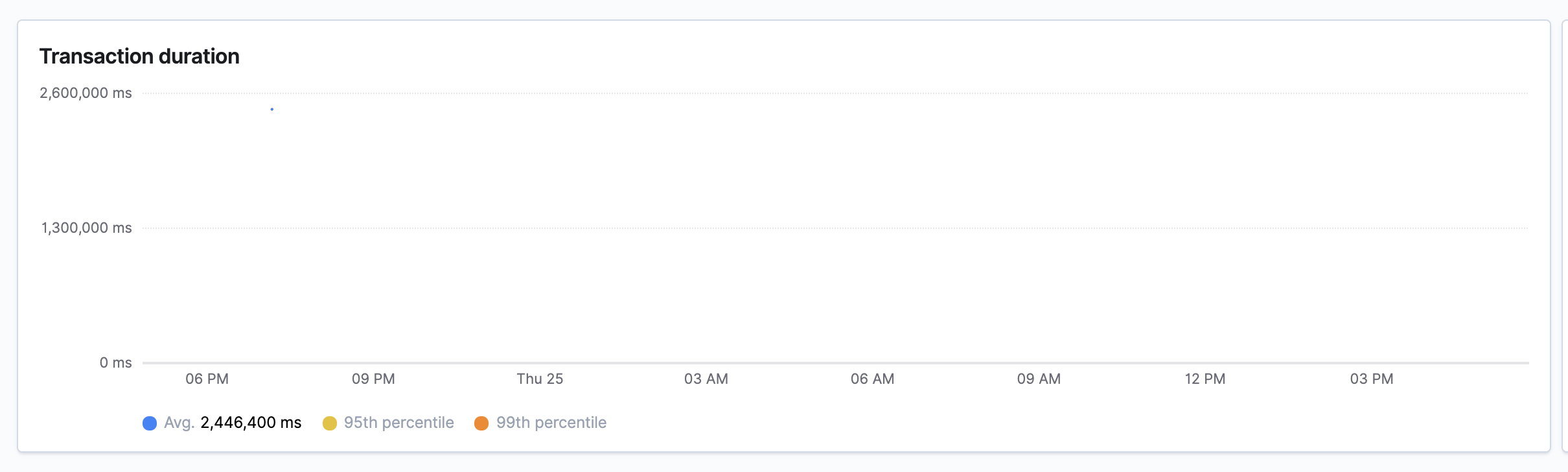
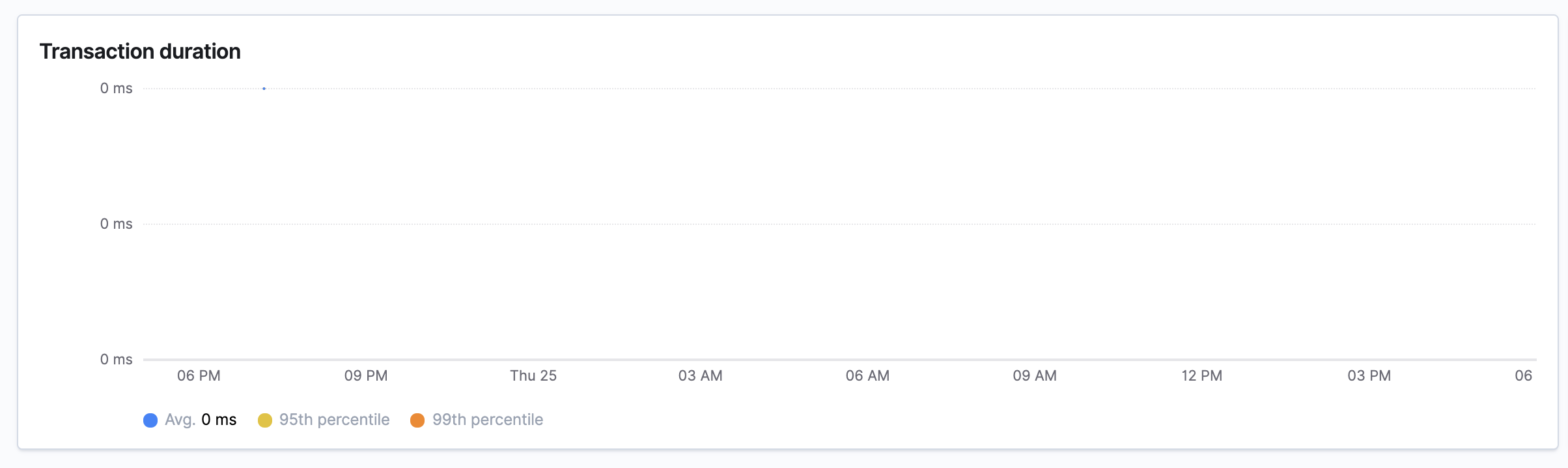
The transaction duration chart used to convert the duration to the appropriate unit (microsecond, millisecond, second) depending on the value. That no longer happens, so the chart is very hard to read for very high and very small values
Very high value which should be converted to minutes
Very small value that should be converted to microseconds
One way to fix this (and there may well be other better ways)
getResponseTimeTickFormatter is hardcoded to use asMillis:
Instead it should use a dynamic time formatter. This time formatted can be retrieved with getTimeFormatter:
On the surface the following seems like the easiest solution:
  // ❗don't do this
  public getResponseTimeTickFormatter = (t: number) => {
    // This will get a new formatter for each tick. So the tick marks could change units from tick to tick. We want the same unit for all ticks.
    return asTime(t);
  };
A better solution is therefore:
  const maxY = getMaxY(this.props.responseTimeSeries);
  const formatter  = getTimeFormatter(maxY);
  ...

  public getResponseTimeTickFormatter = (t: number) => {
    return formatter(t);
  };
Note #41640 is adding support for displaying high durations in minutes or hours but did not cause this neither is fixing it.