Dedicated serial console page #1384
Conversation


|
The latest updates on your projects. Learn more about Vercel for Git ↗︎
|

| </Badge> | ||
| ) | ||
|
|
||
| export type SerialConsoleState = 'connecting' | 'connected' | 'disconnected' |
There was a problem hiding this comment.
Temporary — not sure how web sockets will work with the API, so I took a stab at some potential states
app/components/Terminal.tsx
Outdated
| <div className="absolute right-0 top-0 space-y-2"> | ||
| <button | ||
| onClick={() => { | ||
| term && term.scrollToTop() |
There was a problem hiding this comment.
As a bonus would be nice to disable these if you're at the top or bottom respectively, but not super important, might not be worth adding the ref to figure out if you're at the top or bottom of the scrollable element

There was a problem hiding this comment.
The real problem is that scrolling does not trigger a render, so if you clicked scroll to bottom and disabled the button, when you scroll up there's nothing telling it to check the scroll position again and re-render to re-enable the button. I messed around with looking at the internal scroll state, but it's the same problem. Changes to the state don't trigger renders in this component. In general, that's exactly what we want, even though it's inconvenient here.
There was a problem hiding this comment.
Hmm, it's not essential. I can do some more digging on the internal state.
app/components/serial-console.css
Outdated
| @@ -0,0 +1,7 @@ | |||
| main { | |||
| @apply h-full; | |||
There was a problem hiding this comment.
This is an example of a constrained layout that fills the screen and is internally scrollable but does not scroll the overall layout. We use h-full to make sure the terminal fills all available space even when it's not overflowing.
| useEffect(() => { | ||
| setTimeout(() => { | ||
| setIsLoaded(true) | ||
| }, 3000) | ||
| }, []) |
There was a problem hiding this comment.
Temporary — wanted a more realistic indication of load time.
| return | ||
| } | ||
|
|
||
| setSkeletonCount(Math.floor(skeletonEl.current.offsetHeight / 24) + 1) |
There was a problem hiding this comment.
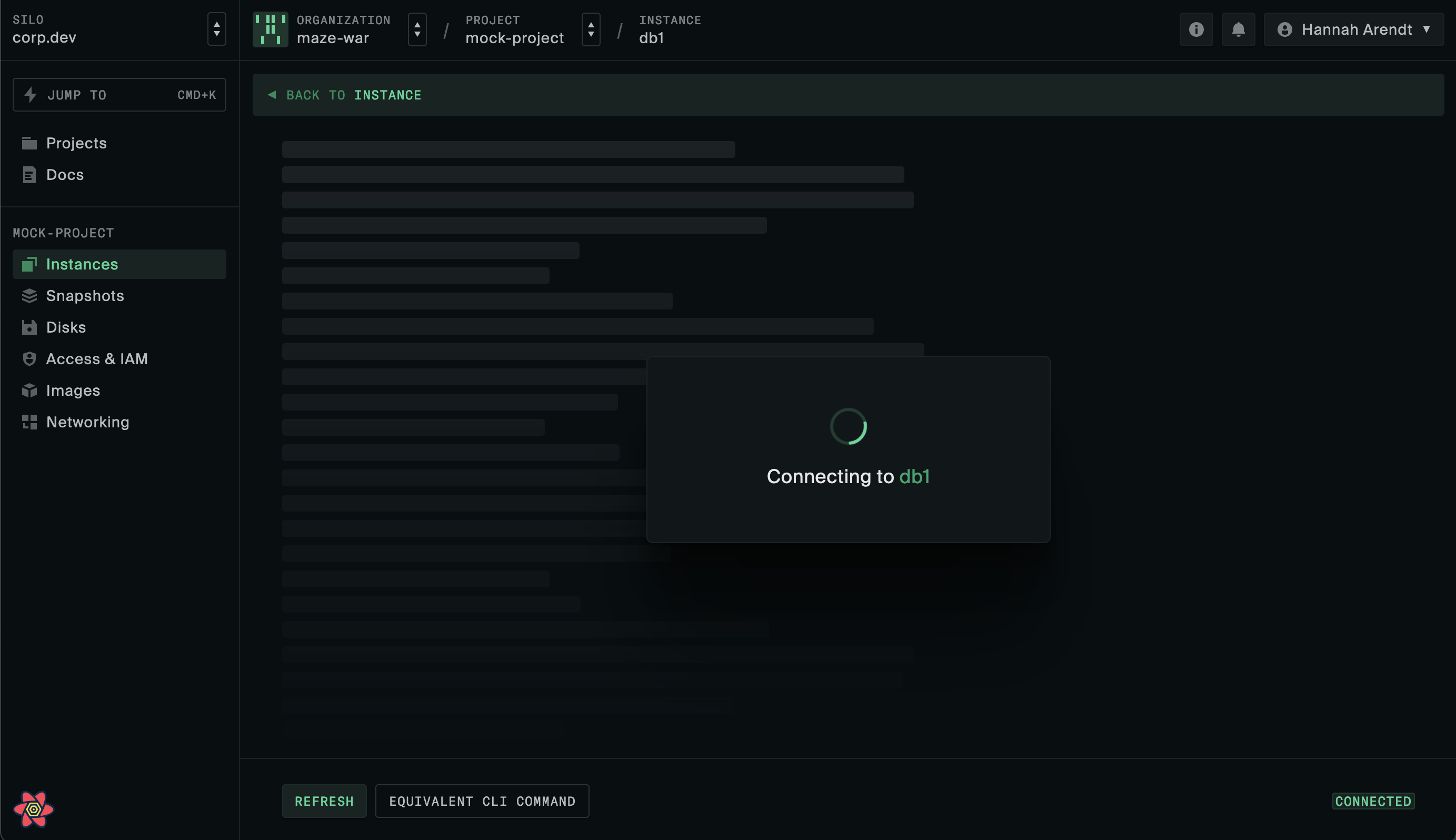
This checks how large the terminal wrapper element is and counts multiples of 24px within that — we can use this to determine how many of the placeholder line blocks we need to fill the space.
It's weird but it works...
I did consider using a repeating SVG but we'll run into issues making it responsive since you can't have it fit the window without stretching it and distorting the rounded corners.
| width: `${Math.sin(Math.sin(i)) * 20 + 40}%`, | ||
| }} /* this is silly deterministic way to get random looking lengths */ |
There was a problem hiding this comment.
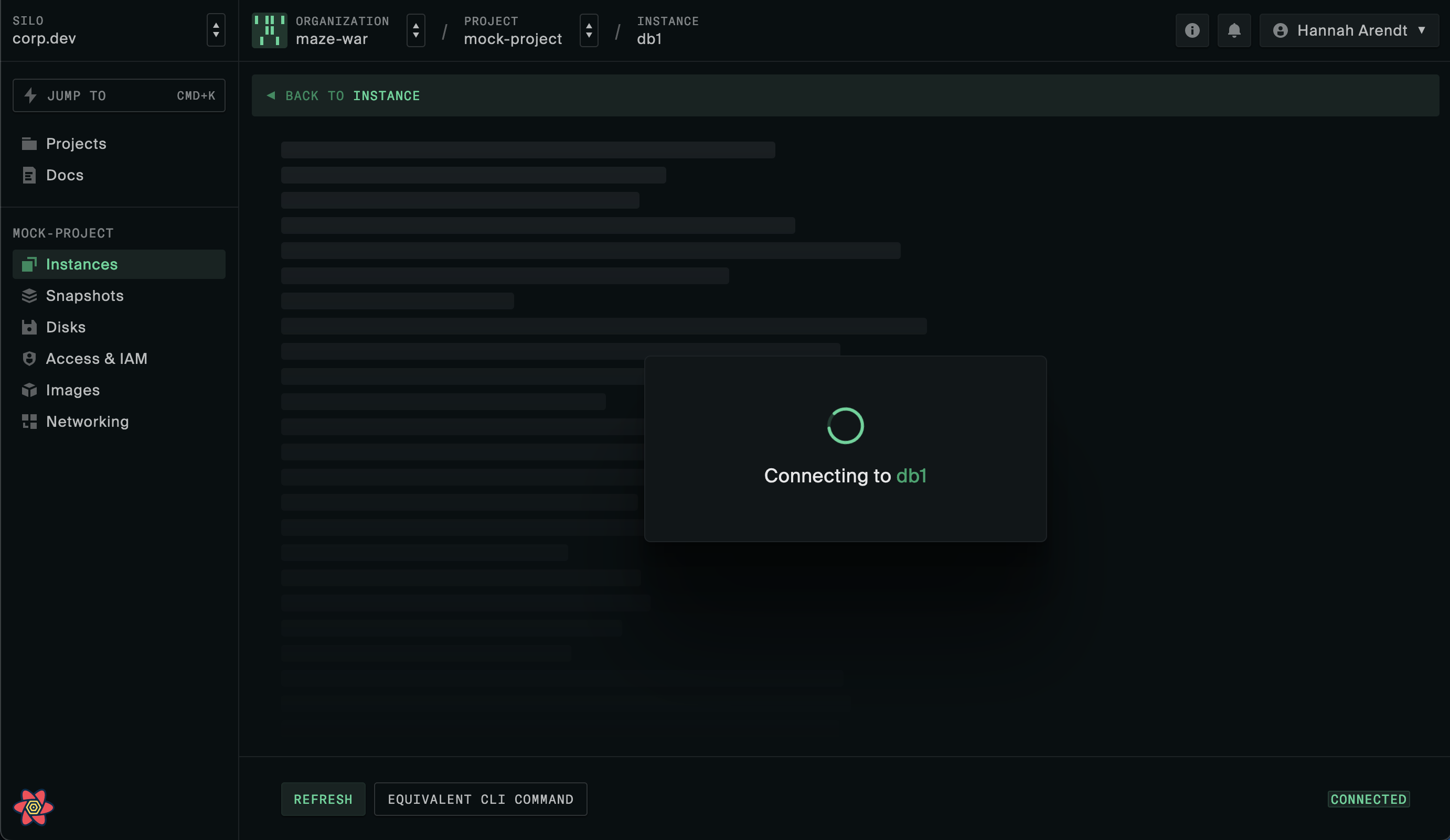
I wanted the text-like line lengths. If we use Math.random() here it'd change every render. Maybe we could use a useCallback but by using the index plus a nested sine function we get natural-ish looking line lengths that are the same every render.
There was a problem hiding this comment.
I think this produces a great result. If you want random that doesn't change on every render, you could do this at top level in the file so it runs only once per pageload.
const rands = new Array(200).fill(0).map(() => Math.random())then this will produce a similar range to what you had.
width: `${rands[i] * 40 + 20}%`But I don't think it looks better. It looks messy.
Random
Sine formula
There was a problem hiding this comment.
Well all generative code is sine waves, why break the mould.
|
|
||
| .btn-ghost { | ||
| @apply border text-secondary border-default hover:bg-hover disabled:bg-transparent; | ||
| @apply border text-secondary border-default hover:bg-hover disabled:bg-transparent disabled:text-disabled; |
There was a problem hiding this comment.
Realised we were missing a disabled style for the ghost button variant.

app/components/serial-console.css
Outdated
|
|
||
| #content-pane > div.pb-8 { | ||
| @apply pb-0; | ||
| } |
There was a problem hiding this comment.
lmao I cannot abide this
There was a problem hiding this comment.
Oh this also doesn't work — these aren't CSS modules so they don't disappear when you're on another page. This overrides that padding everywhere, forever. I'll figure out a better way to do it that only applies to this page.
There was a problem hiding this comment.
Oof, is there a way to override a parent layout in react router?
Edit: just realised you fixed this

There was a problem hiding this comment.
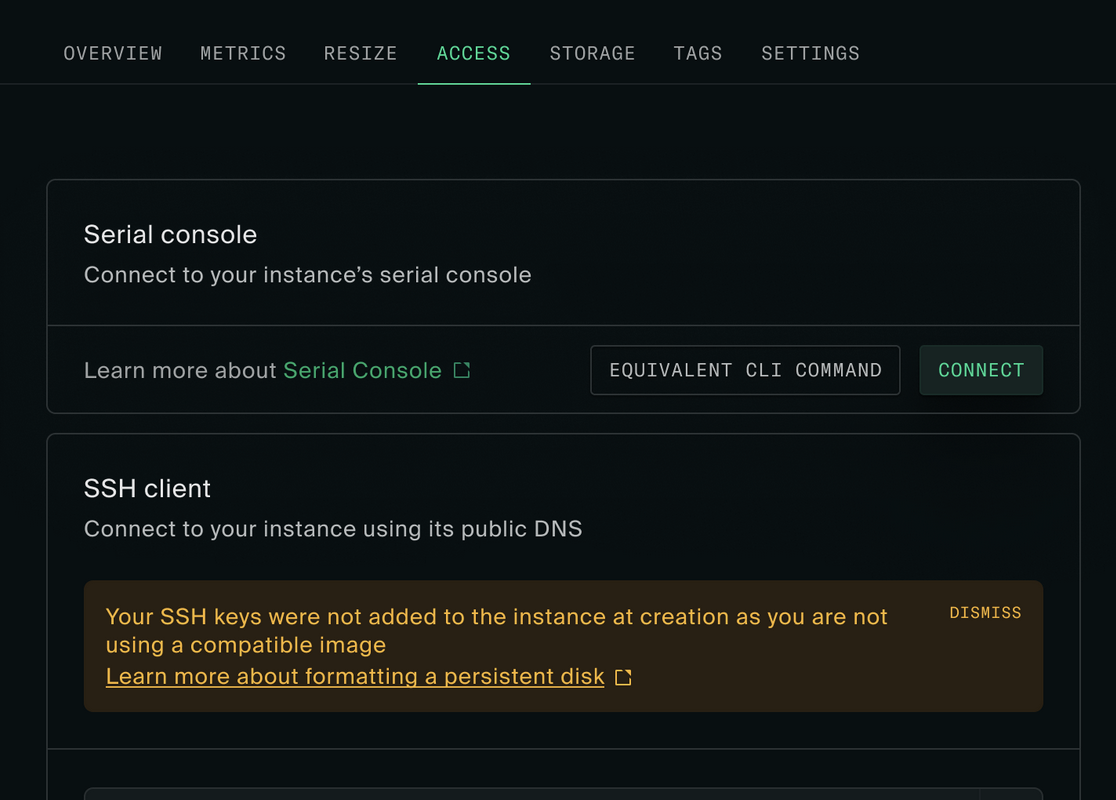
I think this looks great, don't see a reason not to make it the real serial console page already. Only thing missing is that the button to bring it up is too hidden, assuming we're taking it out of the tab bar and it's buried in the More menu in the corner.
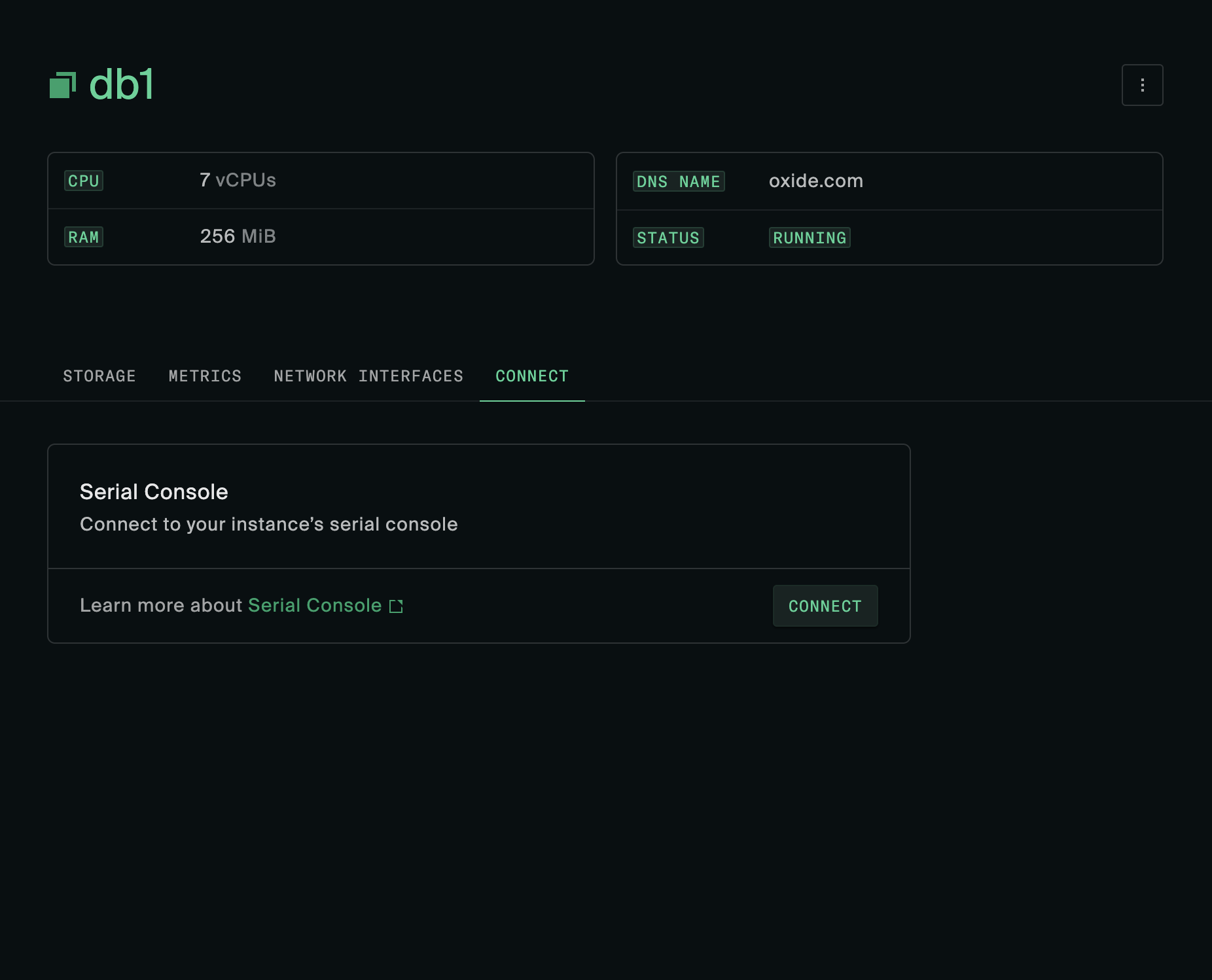
Edit: I see you have a big button for it in the Access tab. Might as well add that already. I don't love the name Access. We have been using that for roles and permissions related stuff, and it's not where I would intuitively look for the serial console. Maybe Connect?.
…nes in to begin with
 david-crespo
force-pushed
the
dedicated-serial-console
branch
from
david-crespo
force-pushed
the
dedicated-serial-console
branch
from
b6bfd10 to
fd16b6d
Compare
| </Route> | ||
| </Route> | ||
| </Route> | ||
|
|
david-crespo
force-pushed
the
dedicated-serial-console
branch
from
5935f28 to
e2f495e
Compare

Yep, will work through your comments and add the connect tab |
|
Connect tab is now added:
|
| <SettingsGroup | ||
| title="Serial Console" | ||
| docs={{ text: 'Serial Console', link: '/' }} | ||
| cta={{ link: pb.serialConsole({ organization, project, instance }), text: 'Connect' }} |
There was a problem hiding this comment.
We could use /serial-console here but the path builder feels neater like you have in the instance actions dropdown?
| </div> | ||
| <div className="flex items-center justify-between border-t px-6 py-3 border-default"> | ||
| <div className="text-tertiary"> | ||
| {docs && ( |
There was a problem hiding this comment.
This conditional is inside the div so that when it's not there the button is still right aligned
| )} | ||
| </div> | ||
|
|
||
| <Wrap when={cta.link} with={<Link to={cta.link} />}> |
There was a problem hiding this comment.
Is this bad? I suppose a better option might be to swap the button for a link, but that would require a bigger rework to the button component.
There was a problem hiding this comment.
this is why we have buttonStyle
david-crespo
force-pushed
the
dedicated-serial-console
branch
from
b4bb010 to
3edef70
Compare


Starting the blockout of this — can leave this until the prerequisite work can be done to hook this up with the socketised serial console.
Closes #1314